

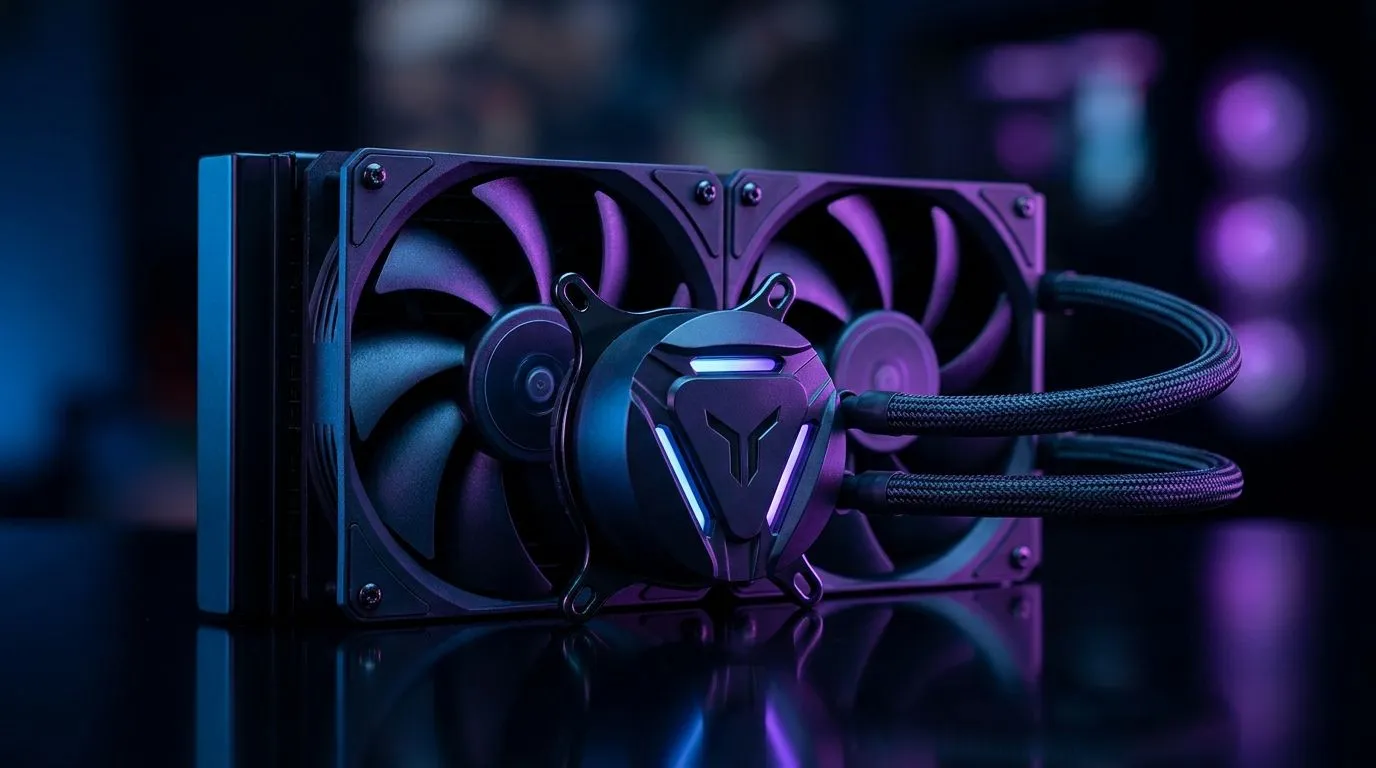
AIO Cooler Socket Support Guide for AM5, AM4, LGA1700: Get Cooling Right the First Time 🔧
South African gamers and builders… you know the pain. You buy a great AIO, it looks perfect in the cart, then you realise the mounting isn’t compatible. Suddenly you’re stuck with returns, downtime, and a rig that runs hotter than it should.
This AIO Cooler Socket Support Guide for AM5, AM4, LGA1700 helps you match the right cooler to your platform before you bolt anything down. We’ll cover what to check, common traps, and how to choose a size that actually fits your case. ⚡
Quick Compatibility Check: AM5 vs AM4 vs LGA1700 (What To Verify) ✨
Before you look at radiator sizes and RGB… verify the most important thing: the AIO’s mounting hardware for your CPU socket.
AM5 (AMD Ryzen 7000 and newer)
If your CPU is on AM5, you need an AIO that supports the AM5 bracket/mounting system. In practice, this is about the cooler listing showing AM5 support (and including the correct hardware).
AM4 (AMD Ryzen 5000 and older)
AM4 uses a different mounting standard than AM5. An AIO that supports AM4 typically will not be a “universal fit” for AM5 without the correct kit.
LGA1700 (Intel 12th/13th/14th Gen-era boards)
LGA1700 is Intel’s current mainstream socket family for a lot of gaming builds. Again, you want the listing to explicitly support LGA1700.
Productivity Pro Tip ⚡
On your build day, dry-fit the bracket to your motherboard first (no paste yet). Place the AIO pump block over the mounting holes and confirm alignment before you tighten anything. It takes 5 minutes and can save you from a whole afternoon of rework. Also, snap a quick photo of the bracket orientation for reassembly.
Use Evetech’s Cooler Filters to Match Socket + Size Fast 🚀
Instead of scrolling through dozens of coolers, use Evetech’s product filters to narrow to the exact cooler type and radiator size you want. This makes it much easier to find AIO models that align with your platform needs.
If you’re browsing liquid options, start with Evetech’s broader selection here:
If you specifically want Liquid Coolers (AIO), use this filtered page:
And if you already have a preference for brand, you can narrow even further. For example, Corsair AIO models:
Or Deepcool options:
Radiator Size Matters: 240mm vs 360mm (Especially in SA Case Builds) 🔧
Socket compatibility is step one. Step two is physical fit. Radiator size affects mounting positions and airflow, and your case can be the deciding factor.
Here are two common starting points when you’re shopping:
Which one should you choose?
- 240mm is often a sweet spot for many mid-tower cases and mainstream gaming builds.
- 360mm can be a better fit when you want more radiator surface area... as long as your case supports the mounting.
If you’re unsure, check your case manual for supported radiator mounting locations (front, top, and sometimes side). This is one of those details people only notice after the brackets arrive.
Installation Tips That Prevent the Most Common AIO Mistakes 👀
Even with perfect socket support, AIO installs can go sideways. Here’s what to double-check.
1) Pump orientation
Make sure the pump/block is mounted correctly according to the cooler’s instructions. For many AIOs, you want the pump oriented so it can operate as designed. If the manufacturer specifies an orientation, follow it.
2) Don’t crank the screws
Tighten evenly. Uneven pressure can cause poor contact. You’re aiming for firm, consistent mounting, not war-grade torque.
3) Cable routing for clean airflow
Route AIO cables so they don’t block radiator fans. In most cases, you’ll want tidy runs that keep the front-to-back airflow path clear.
4) Fan direction and radiator placement
If your radiator is mounted as intake (front), set fans to pull air through the radiator. If it’s mounted as exhaust (top), configure fans to push air out. Either way, choose the direction that matches your case setup.
AIO Cooler Socket Support Guide for AM5, AM4, LGA1700: Your Fast Decision Checklist ✅
Before you click “buy”, confirm these three things:
- Socket support listed: AM5, AM4, or LGA1700… for your exact CPU.
- Radiator size fits your case: 240mm or 360mm, based on supported mounting.
- You have the right mounting hardware: correct bracket system, and no missing pieces.
That’s how you avoid the “why is it not lining up?” moment. 🔥
Ready to Find Your Perfect Match? The Mac vs Windows debate is complex, but for maximum power, choice, and value in South Africa, Windows is hard to beat. Explore our massive range of laptop specials and find the perfect machine to conquer your world.











