

ZAR Budget for Upgrading to an Ultrawide 34-Inch Monitor
Build a smart ZAR budget for upgrading to an ultrawide 34-inch display plus a heavy-duty arm—covering monitor, arm, mounting, cables, and setup costs 💸🖥️
Read moreSearching for the best monitor for RTX 4060 or RX 7600? 🖥️ Unlock high FPS and stunning visuals without breaking the bank. We test top 1080p and 1440p panels perfect for your new budget GPU upgrade. 🚀
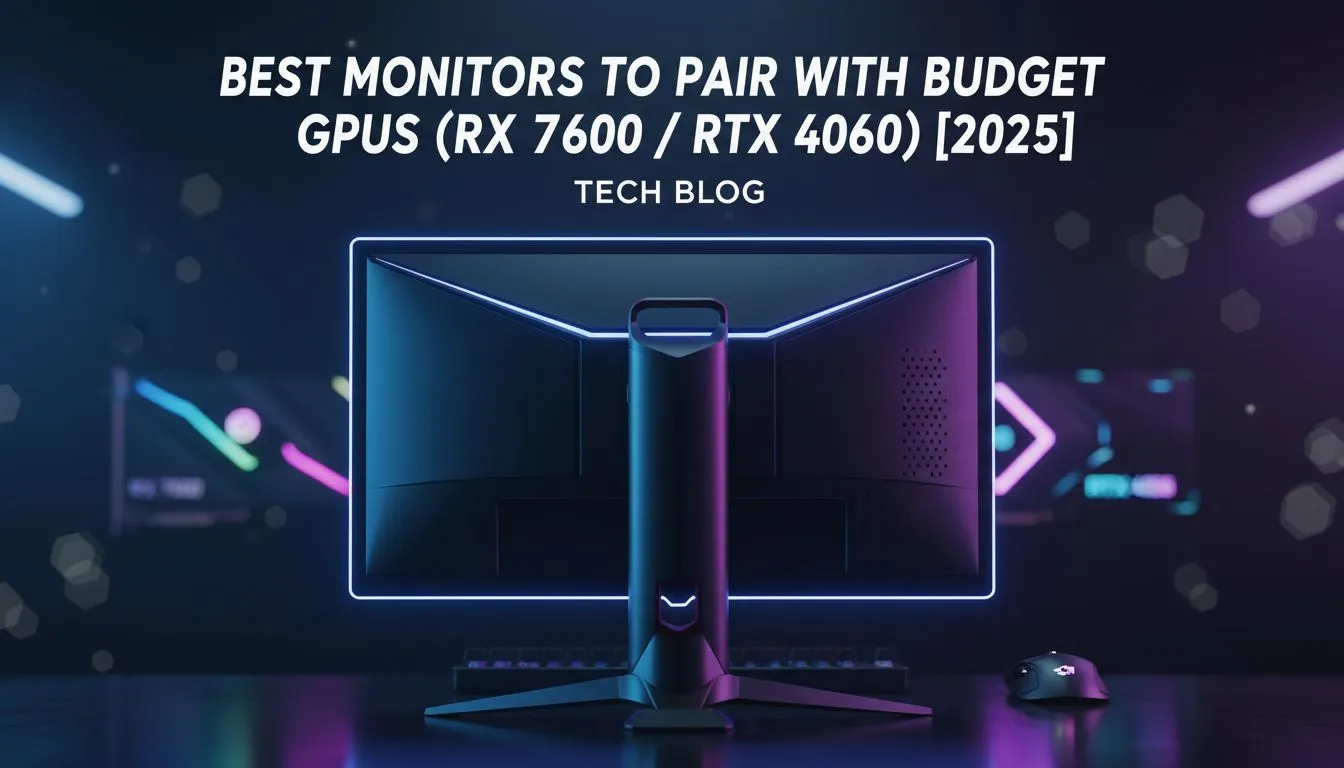
So, you’ve bagged yourself a shiny new NVIDIA RTX 4060 or AMD RX 7600. Lekker! You’ve made a brilliant choice for powerful, efficient gaming. But hold on… plugging that beast into an old 60Hz screen is like owning a supercar and never leaving first gear. To truly unlock its potential, you need the best monitor for your RTX 4060 or RX 7600, and we’re here to help you find the perfect match.
Think of your graphics card and monitor as a team. Your RTX 4060 or RX 7600 can pump out well over 100 frames per second (FPS) in most modern titles at 1080p. If your monitor can only display 60 of those frames (a 60Hz refresh rate), you're literally throwing away performance you paid for.
The goal is to find a screen that can keep up, making your gameplay feel incredibly smooth and responsive. Upgrading your display is one of the most noticeable improvements you can make to your entire setup. Don't let your GPU's hard work go to waste; browse our full catalogue of PC monitors to see the difference a modern display can make.
Choosing the best monitor for an RTX 4060 or RX 7600 comes down to balancing three key specifications: resolution, refresh rate, and adaptive sync technology. Getting this combo right is crucial for a flawless gaming experience.
This is your first major decision. Both GPUs are fantastic, but they excel in slightly different areas.
The refresh rate, measured in Hertz (Hz), is how many times your screen updates per second. For these GPUs, 144Hz is the minimum you should consider. It provides a massive leap in smoothness over older 60Hz panels. If you're serious about esports, looking at 165Hz or even 240Hz monitors from brands like Dahua can provide an even greater advantage.
Always use a DisplayPort cable to connect your gaming monitor to your graphics card. While HDMI is fine, DisplayPort generally supports higher refresh rates at higher resolutions and is the best way to ensure you get access to all your monitor's features, like G-Sync or FreeSync Premium.
Ever seen a weird horizontal line cut across your screen during fast motion? That's screen tearing. It happens when your GPU's frame rate doesn't match your monitor's refresh rate. Adaptive Sync solves this. ✨
Thankfully, many modern screens, including some great options from HP, feature a general Adaptive Sync technology that works well with both NVIDIA and AMD cards, giving you maximum flexibility.
Ready to Find Your Perfect Match? Your RTX 4060 or RX 7600 is waiting for a screen that can keep up. Don't let your GPU's power go to waste. Explore our massive range of PC monitors and find the perfect display to conquer your world.
Yes, the RTX 4060 can handle 1440p gaming, especially with DLSS 3 enabled, though it offers the highest frame rates natively on 1080p screens.
For the RX 7600, a 1080p monitor is ideal for maximizing ultra settings and high FPS, though it acts as a capable entry-level 1440p card.
A 144Hz or 165Hz refresh rate is the sweet spot for budget GPUs like the RTX 4060, ensuring smooth motion without overspending on Hz you can't reach.
While native G-Sync is great, most FreeSync monitors are now G-Sync Compatible, allowing you to use variable refresh rates with your Nvidia GPU.
A 24-inch screen is standard for 1080p clarity, while 27-inch models are the sweet spot for 1440p gaming monitors.
Yes, IPS panels generally offer better colors and viewing angles for immersive gaming, while TN panels are faster for competitive eSports.
Build a smart ZAR budget for upgrading to an ultrawide 34-inch display plus a heavy-duty arm—covering monitor, arm, mounting, cables, and setup costs 💸🖥️
Read more
Gas spring monitor arms on a gaming desk budget in South Africa: fit options, mounting tips, and ZAR-friendly picks that boost comfort and setup ergonomics 🎮🛠️.
Read more
Choosing a 49-inch ultrawide curved monitor stand? Compare gas spring monitor arm vs fixed stand for stability, desk space, and comfort. ✅🖥️ Get the right setup fast.
Read more
Every spec on PCIe 5.0 explained in plain English. What matters for gaming and creator work in 2026, what's marketing fluff, and how each number translates to real-world performance.

A head-to-head look at WiFi 7: real-world performance, ZAR pricing and which option delivers better value for SA builders. The clear answer — no fluff.

Everything you need to set up and tune PCIe 5.0 properly: the prep work, the settings that actually matter, and the mistakes to skip. Written for SA builders in 2026.

Everything you need to set up and tune X870E Motherboard properly: the prep work, the settings that actually matter, and the mistakes to skip. Written for SA builders in 2026.

Wondering what a 512GB SSD capacity really holds? This guide breaks down how many games, photos, and documents fit on 512GB, with real-world ranges 📦💾

Every spec on vrm explained in plain English. What matters for gaming and creator work in 2026, what's marketing fluff, and how each number translates to real-world performance.

Every spec on motherboard explained in plain English. What matters for gaming and creator work in 2026, what's marketing fluff, and how each number translates to real-world performance.

Premium vs Midrange Motherboards in South Africa: real-world performance, SA pricing, power draw and which one delivers better value for your build for SA buyers. The clear answer — without the fluff.
Wondering what a 512GB SSD capacity really holds? This guide breaks down how many games, photos, and documents fit on 512GB, with real-world ranges 📦💾
Every spec on PCIe 5.0 explained in plain English. What matters for gaming and creator work in 2026, what's marketing fluff, and how each number translates to real-world performance.
A head-to-head look at WiFi 7: real-world performance, ZAR pricing and which option delivers better value for SA builders. The clear answer — no fluff.

Every spec on USB4 explained in plain English. What matters for gaming and creator work in 2026, what's marketing fluff, and how each number translates to real-world performance.