


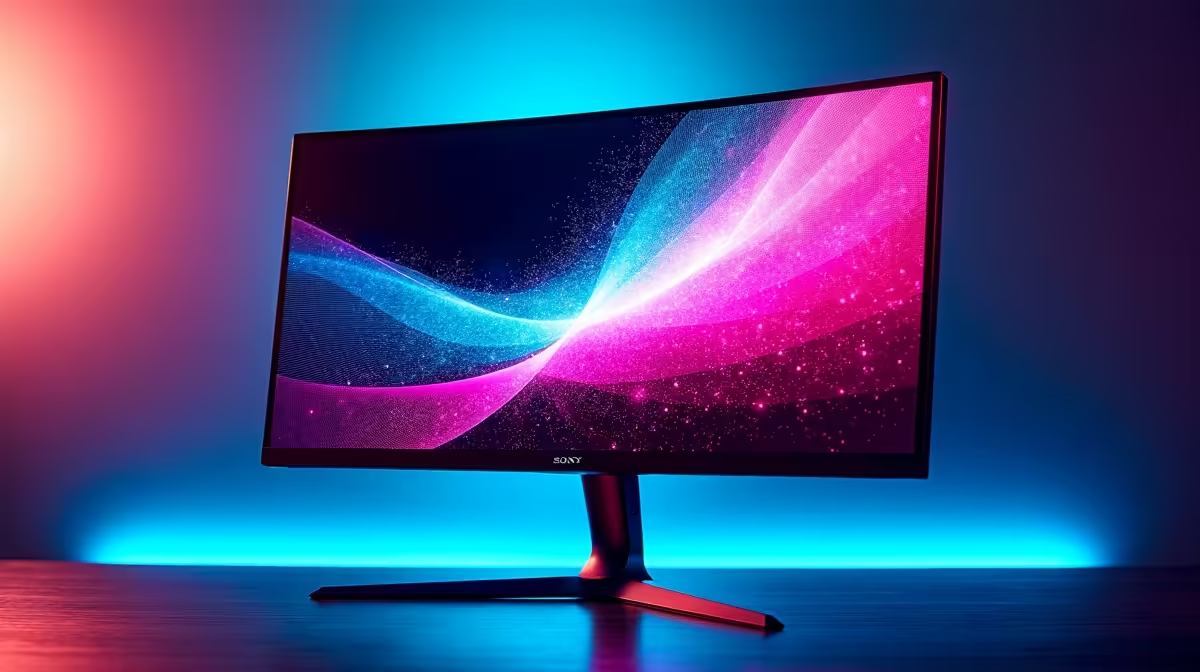
The hype is real. After more than a decade of waiting, the GTA VI trailer dropped and the 2026 launch date is officially circled on every gamer's calendar in South Africa. While you're saving up for the game itself, have you considered your screen? The neon-soaked streets of Vice City deserve more than a blurry, lagging display. Choosing one of the best monitors for GTA VI now is the smartest move you can make for your future setup.
Why Your Monitor is Crucial for the GTA VI Experience
Think of it this way… you wouldn't put cheap tyres on a supercar. Your monitor is where your powerful GPU's hard work comes to life. A subpar screen will bottleneck your entire system, leaving you with screen tearing, ghosting, and washed-out colours. 🌴
To truly experience the detail Rockstar is packing into the state of Leonida, you need a display that can keep up. The best monitors for GTA VI will deliver breathtaking immersion, crystal-clear details from a distance, and the fluid motion needed for high-speed chases. It’s not just about pretty visuals; it's about a smoother, more responsive gaming experience.
Key Features in a Monitor for GTA VI
Navigating monitor specs can feel like a mission in itself. Let's break down what truly matters for finding the perfect screen for GTA VI's launch.
Resolution: The 1440p Sweet Spot
While 4K offers incredible detail, it demands a beast of a graphics card to run smoothly at high frame rates. For most South African gamers, 1440p (QHD) is the perfect middle ground. It provides a massive leap in clarity over 1080p without requiring a top-tier GPU that costs a fortune. You get sharp, detailed images and can still push for those buttery-smooth frame rates.
Refresh Rate: Smoothness is Non-Negotiable
A 60Hz monitor is a thing of the past for serious gaming. A higher refresh rate (measured in Hertz or Hz) means the image on your screen updates more frequently per second, resulting in visibly smoother motion. For a fast-paced open-world game like GTA VI, a monitor with at least 144Hz is essential. It makes everything from driving to aiming feel incredibly fluid and responsive. Luckily, high-refresh-rate PC monitors are more affordable than ever.
Adaptive Sync: Your Ticket to Tear-Free Gaming
Ever seen a weird horizontal line cut across your screen during fast action? That's screen tearing. It happens when your monitor's refresh rate is out of sync with your GPU's frame output. Adaptive Sync technology solves this.
- For AMD users: Look for monitors with AMD FreeSync.
- For NVIDIA users: NVIDIA G-Sync is your go-to.
- General: Many displays also support the VESA standard of Adaptive Sync, which works with modern cards from both brands.
This tech synchronises your monitor and GPU, eliminating tearing and stutter for a perfectly smooth picture. It's a must-have for any good GTA VI display.
Quick Check for G-Sync Compatibility ⚡
Many FreeSync monitors are also "G-Sync Compatible". To check and enable it, make sure you have a modern NVIDIA GPU and are connected via DisplayPort. Then, open the NVIDIA Control Panel, navigate to "Set up G-SYNC", tick the "Enable G-SYNC, G-SYNC Compatible" box, and select your monitor. Apply the settings, and you're good to go!
Our Top Monitor Picks for Your Vice City Setup
Getting a head start on your upgrade means you can snag great deals and avoid the pre-launch price hikes. Here are some brand categories to keep an eye on as you search for the best monitor for GTA VI.
The High-Performance Heroes 🚀
For gamers who prioritise refresh rate and response times above all else, certain brands consistently deliver. Exploring the range of performance-focused AOC screens is a great place to start. They often pack high-end gaming features into panels that won't completely break the bank, offering a fantastic balance for competitive and immersive gameplay.
The Budget-Conscious Bruisers 💰
You don't need to spend R20,000 to get a fantastic gaming experience. If you're looking for maximum bang-for-your-buck, check out some of the great value Dahua monitors. These displays often surprise with solid specs like 1440p resolution and 165Hz refresh rates at price points that are tough to beat here in SA.
The Versatile All-Rounders ✨
Maybe your gaming PC is also your work-from-home station or content creation hub. In that case, you need a monitor that does it all. You can find many reliable options from HP that combine great colour accuracy for productivity with the gaming-centric features you need, like high refresh rates and Adaptive Sync.
Future-Proof Your Rig Today
The 2026 launch of GTA VI might seem far away, but it'll be here before you know it. Upgrading your monitor now isn't just about preparing for one game. It's about enhancing every single game you play between now and then. By choosing one of the best monitors for GTA VI today, you're investing in years of superior gaming experiences. Don't wait for the rush… get your perfect display sorted and be ready the moment you can return to Vice City.
Ready to See the Difference? The right monitor is the window to your gaming world. Don't let an old screen hold your PC back. Explore our massive range of PC monitors and find the perfect display to conquer Vice City and beyond.











