


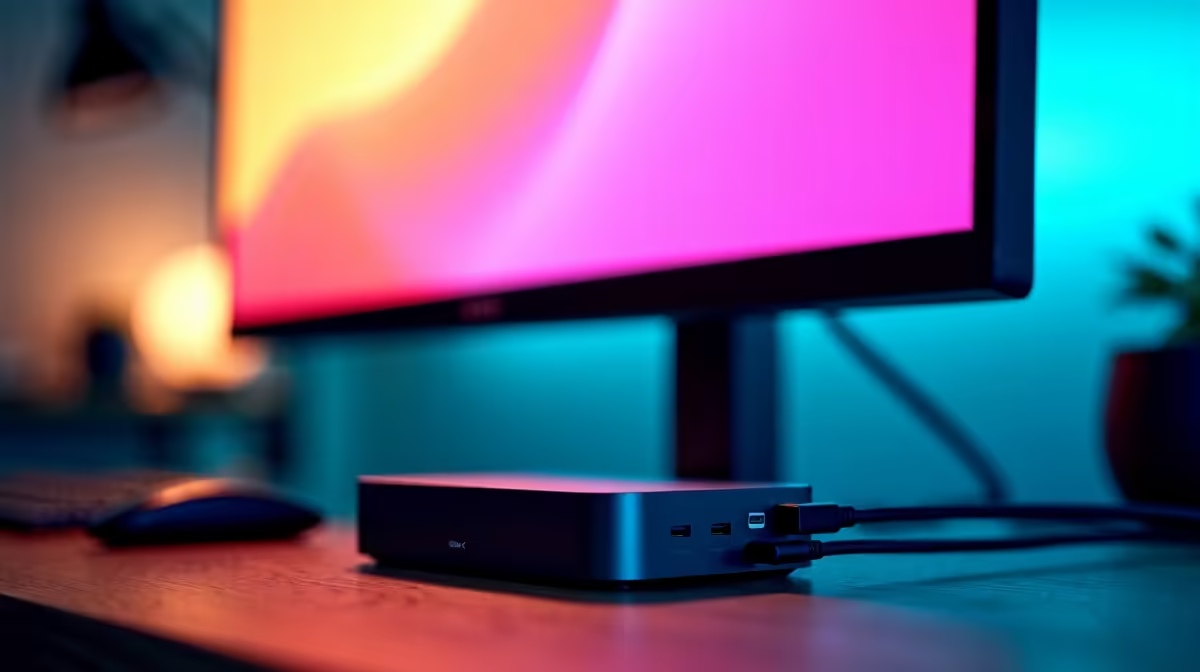
Tired of the cable spaghetti monster living under your desk? That tangled mess of power bricks, HDMI cables, and USB dongles that turns your sleek setup into a tech nightmare. What if you could replace it all with a single, elegant cable? Welcome to the world of the one-cable setup, powered by the best USB-C docking monitors in SA. It’s time to declutter your workspace and streamline your life. 🚀
Why a USB-C Docking Monitor is Your Next Big Upgrade
So, what’s all the fuss about? A USB-C docking monitor isn't just a pretty screen; it's the central hub for your entire setup. Using a single USB-C cable, it can:
- Send video from your laptop to the monitor.
- Deliver power to charge your laptop (this is called Power Delivery or PD).
- Connect all your peripherals (keyboard, mouse, webcam, external drive) through the monitor's built-in USB ports.
This is the essence of a true one-cable setup. You plug in your laptop, and you're instantly connected to your big screen, all your gear, and a power source. It’s perfect for hybrid workers in South Africa who constantly move between home and the office, or anyone who just appreciates a clean, minimalist desk.
Key Features for the Best One-Cable Setup
Choosing the right USB-C monitor involves more than just screen size. To find the perfect match for your needs, you need to look at a few key specs.
Power Delivery (PD) Wattage ⚡
This is crucial. The PD rating, measured in watts (W), determines how much power the monitor can send to your laptop. A 65W monitor is great for most ultrabooks (like a Dell XPS 13 or MacBook Air). However, for beefier gaming laptops or mobile workstations, you'll want 90W or more to ensure it charges effectively, even under heavy load.
Check Your Port! 🔧
Not all USB-C ports are created equal. Before you buy, confirm your laptop's USB-C port supports 'DisplayPort Alternate Mode' (for video output) and 'Power Delivery' (for charging). This info is usually on the manufacturer's spec sheet. A Thunderbolt 3 or 4 port will always work perfectly.
Resolution, Refresh Rate, and Sync Tech
For productivity, a 27-inch 1440p (QHD) monitor is the sweet spot, offering sharp text and plenty of screen real estate. For gamers, refresh rate is king. A 144Hz or higher refresh rate delivers buttery-smooth gameplay.
To avoid screen tearing, you’ll want a monitor with adaptive sync technology. For AMD users, look for screens with FreeSync (AMD). If you're on Team Green, a display with a dedicated G-Sync (NVIDIA) module offers the premium tear-free experience. Many modern screens also support the general Adaptive Sync standard, which works across a wide range of hardware.
Top Brands for USB-C Docking Monitors in South Africa
Finding the best USB-C docking monitors in SA is easier than ever, with several top brands offering fantastic options.
- For the Professional: Stalwarts like HP are renowned for their business-class monitors, which often feature excellent colour accuracy, ergonomic stands, and built-in ethernet ports for a stable connection.
- For the Gamer: Gaming specialists such as AOC deliver high-refresh-rate USB-C monitors that don’t compromise on performance, giving you a clean setup and a competitive edge.
- For the Value-Seeker: Brands like Dahua are becoming increasingly popular in South Africa, offering feature-packed USB-C displays at competitive price points.
Ultimately, the best brand depends on your primary use case. Whether you're a coder, a content creator, or a competitive gamer, there's a one-cable solution waiting for you. To see all the options available, you can browse Evetech's complete range of PC monitors and find the perfect hub for your desk. ✨
Ready to Ditch the Clutter? A one-cable setup is a massive quality-of-life upgrade, transforming your desk from chaotic to clean. Take the next step towards a more organised and efficient workspace. Check out our latest monitor deals in South Africa and find the perfect USB-C docking monitor for your needs.










