

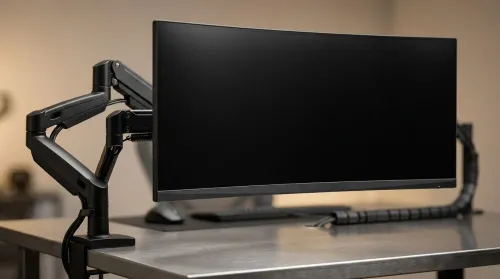
ZAR Budget for Upgrading to an Ultrawide 34-Inch Monitor
Build a smart ZAR budget for upgrading to an ultrawide 34-inch display plus a heavy-duty arm—covering monitor, arm, mounting, cables, and setup costs 💸🖥️
Read moreBest SSD for gaming: Cut Tarkov raid load times with NVMe upgrades, real-world benchmarks, and budget picks to boost map swaps and raid uptime 🚀🎮
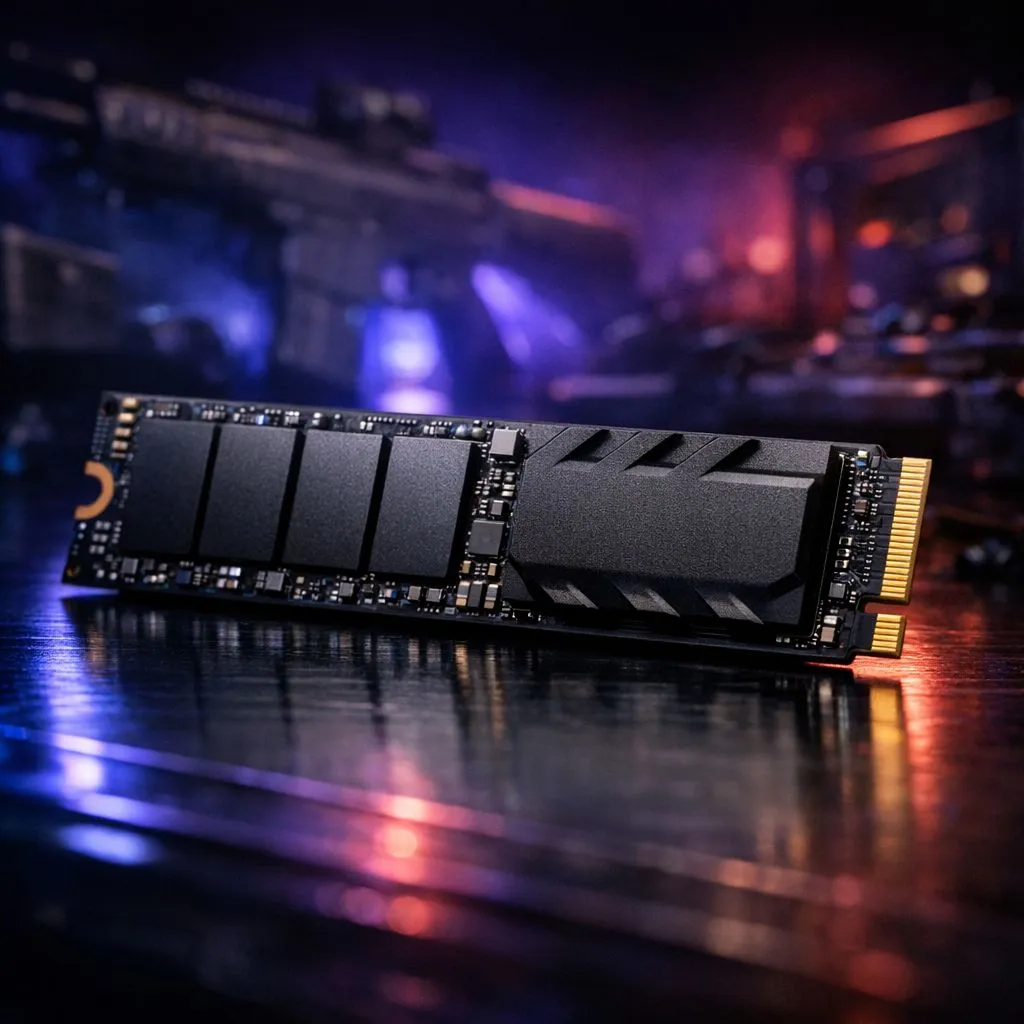
Staring at the "Loading Loot" screen while your squad is already pushing the Customs dorms is a nightmare. In the high-stakes world of Escape from Tarkov, every second matters. If you are still running a mechanical hard drive... or even an older SATA drive... you are at a disadvantage. Finding the best SSD for gaming is about more than just fast boots. It is about reducing micro-stutters and ensuring you load into the raid before the timer hits zero. ⚡
Modern games like Tarkov or Starfield stream massive amounts of data constantly. A standard hard drive simply cannot keep up with the throughput required. By moving to an NVMe M.2 drive, you utilise the PCIe lanes for direct communication with your CPU. This eliminates the bottlenecks found in older storage formats.
While you are upgrading your storage, it is worth looking at your overall system balance. Often, a slow drive hides the fact that your NVIDIA or ATI graphics cards are waiting for data to process. A faster SSD ensures your GPU is always fed with the textures it needs.
Always leave about 10% to 15% of your SSD capacity empty. SSDs use this space for background maintenance like wear levelling and garbage collection. Filling it to the brim can significantly slow down your write speeds and shorten the drive's lifespan over time.
If you are a fan of specific aesthetics, you might want to match your high-speed storage with MSI graphics cards to keep your build within a single ecosystem for easier RGB control. However, performance should always come first.
For those who use their PC for more than just gaming... perhaps for 4K video editing or 3D rendering... the requirements change. In these cases, you might need the reliability found in workstation graphics cards alongside a high-end Gen4 or Gen5 SSD. This combination ensures that your "Best SSD for gaming" also serves as a powerhouse for professional productivity.
The local market has plenty of options, but value for money is key when prices are in ZAR. If you are looking for a budget-friendly way to enter the modern era, the Intel Arc graphics cards offer a unique alternative that pairs well with modern NVMe storage.
Alternatively, if you prefer the raw power and large VRAM buffers of Team Red, then AMD Radeon graphics cards remain a top choice for Tarkov players who need to push high frame rates at 1440p. ✨
Ultimately, the best SSD for gaming is one that fits your budget while offering at least 3500MB/s read speeds. This ensures that when the raid starts, you are the one holding the angle... not the one stuck on a loading screen. 🔧
Ready to Slash Your Loading Times? Finding the best SSD for gaming is the first step toward a smoother, more competitive experience in titles like Tarkov. Browse our latest SSD deals and storage upgrades to ensure you are the first one on the map.
Yes. NVMe SSDs significantly cut Tarkov map and raid load times versus HDDs or SATA. A PCIe 3.0/4.0 NVMe yields the best ssd for Tarkov.
SATA SSDs improve load times over HDDs and are budget friendly, but NVMe delivers larger real-world gains. Consider nvme vs sata for gaming choice.
Aim for 1TB to host Tarkov, OS, and updates. 500GB can work, but tight space and fill-ups can hurt load and cache performance.
PCIe 4.0 boosts peak speeds, but Tarkov benefits depend on IO patterns. PCIe 3.0 NVMe still delivers major loading improvements.
Install OS and Tarkov on the SSD, enable AHCI/NVMe in BIOS, update drivers and firmware, and use proper partition alignment for faster loads.
Affordable options like WD Blue SN570 or Crucial P3 offer solid sustained speeds and endurance—good value when looking for an affordable gaming nvme ssd.
They reduce loading and asset streaming stutter, but persistent FPS stutter often needs CPU/GPU tuning and RAM checks in addition to an SSD upgrade.
Build a smart ZAR budget for upgrading to an ultrawide 34-inch display plus a heavy-duty arm—covering monitor, arm, mounting, cables, and setup costs 💸🖥️
Read more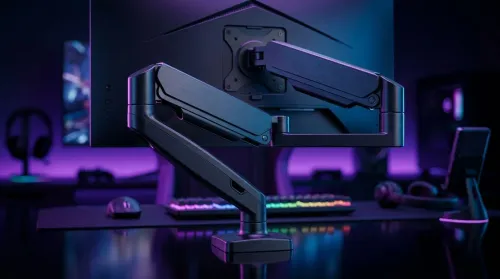
Gas spring monitor arms on a gaming desk budget in South Africa: fit options, mounting tips, and ZAR-friendly picks that boost comfort and setup ergonomics 🎮🛠️.
Read more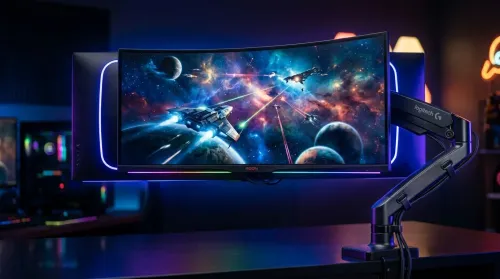
Choosing a 49-inch ultrawide curved monitor stand? Compare gas spring monitor arm vs fixed stand for stability, desk space, and comfort. ✅🖥️ Get the right setup fast.
Read more
Every spec on PCIe 5.0 explained in plain English. What matters for gaming and creator work in 2026, what's marketing fluff, and how each number translates to real-world performance.

A head-to-head look at WiFi 7: real-world performance, ZAR pricing and which option delivers better value for SA builders. The clear answer — no fluff.

Everything you need to set up and tune PCIe 5.0 properly: the prep work, the settings that actually matter, and the mistakes to skip. Written for SA builders in 2026.

Everything you need to set up and tune X870E Motherboard properly: the prep work, the settings that actually matter, and the mistakes to skip. Written for SA builders in 2026.

Wondering what a 512GB SSD capacity really holds? This guide breaks down how many games, photos, and documents fit on 512GB, with real-world ranges 📦💾

Every spec on vrm explained in plain English. What matters for gaming and creator work in 2026, what's marketing fluff, and how each number translates to real-world performance.

Every spec on motherboard explained in plain English. What matters for gaming and creator work in 2026, what's marketing fluff, and how each number translates to real-world performance.

Premium vs Midrange Motherboards in South Africa: real-world performance, SA pricing, power draw and which one delivers better value for your build for SA buyers. The clear answer — without the fluff.
Wondering what a 512GB SSD capacity really holds? This guide breaks down how many games, photos, and documents fit on 512GB, with real-world ranges 📦💾
Every spec on PCIe 5.0 explained in plain English. What matters for gaming and creator work in 2026, what's marketing fluff, and how each number translates to real-world performance.
A head-to-head look at WiFi 7: real-world performance, ZAR pricing and which option delivers better value for SA builders. The clear answer — no fluff.

Every spec on USB4 explained in plain English. What matters for gaming and creator work in 2026, what's marketing fluff, and how each number translates to real-world performance.