Future-proof PSU: Buy the Right Power Supply for 2030
Future-proof PSU — Checklist: 1) assess wattage and headroom; 2) prioritise modern connectors and standards; 3) choose high efficiency and modularity. 🚀 This 2025 guide helps you pick a PSU that lasts through 2030 builds and AI workloads.
|
Loading tags...
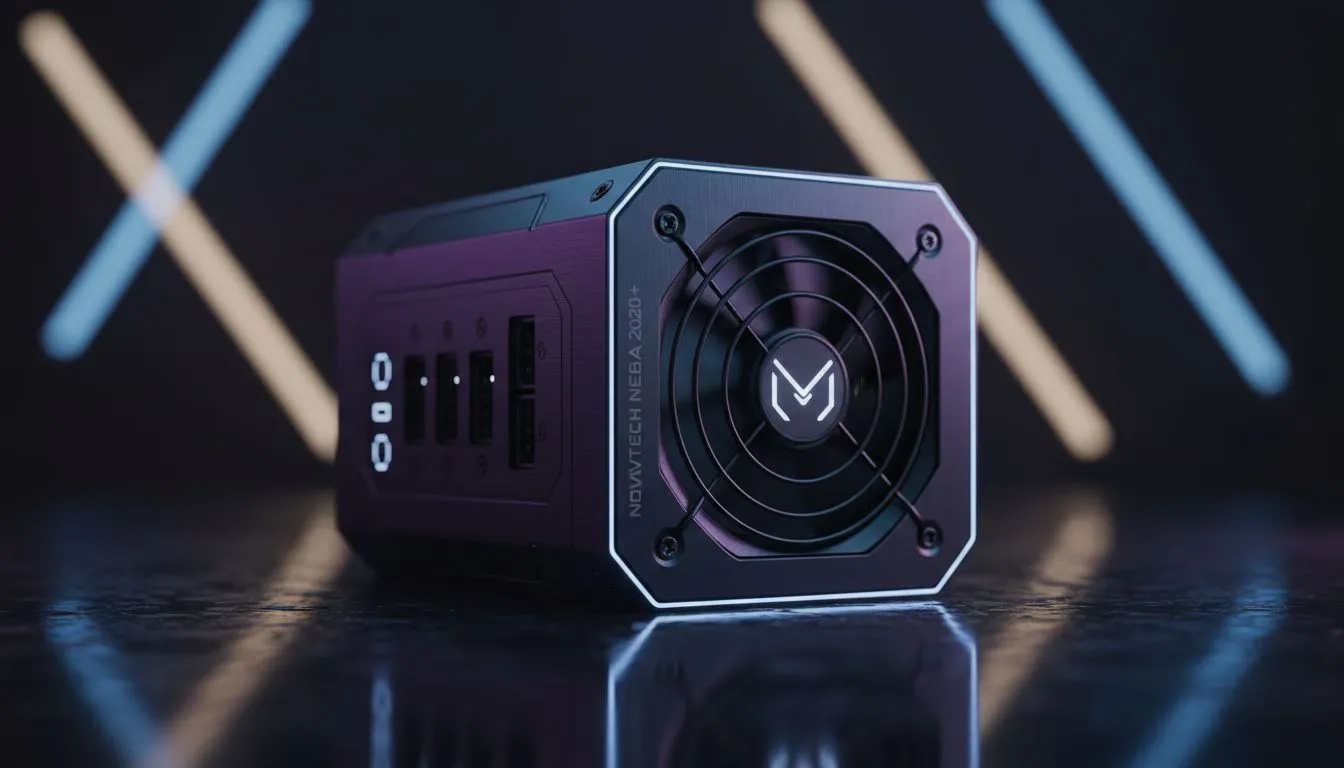
You’ve saved up, stalked the specials, and finally scored that beastly new graphics card. Your rig is about to get a serious performance boost. But as you get ready to install it, a cold thought hits you: can my power supply even handle this? For many South African gamers, the PSU is an afterthought… a boring box. But that box is the foundation of your entire rig, and choosing the right one today means you won't face a costly bottleneck tomorrow. A future-proof PSU isn't a luxury; it's your ticket to seamless upgrades for years to come.
Why Your PSU is Your PC's Unsung Hero
Think of your Power Supply Unit as the heart of your PC. It doesn't give you more frames-per-second, but it pumps clean, stable power to every single component, from your CPU to your SSDs. Skimping here is one of the biggest mistakes a builder can make. A cheap, unreliable unit can lead to random crashes, system instability, and in the worst-case scenario, it can fail and take your expensive motherboard or GPU with it.
Choosing the right power supply is about investing in reliability. It’s the component that ensures your thousands of Rands worth of hardware performs correctly and safely, day in and day out. A good unit is the ultimate peace-of-mind purchase.
Key Features of a Truly Future-proof PSU 🔧
To ensure your power supply is ready for 2030, you need to look beyond just the wattage. Technology is evolving fast, and so are the power demands of next-generation components. Here’s what to prioritise.
Wattage: Plan for Tomorrow's Power Hogs
Graphics cards are getting more powerful, but also much thirstier. While a 650W unit might have been fine a few years ago, modern high-end cards like the RTX 40-series can have massive, brief power spikes (transient loads) that far exceed their average rating. A future-proof PSU needs enough headroom to handle these spikes without flinching.
For a mid-to-high-end gaming rig today, consider 850W as a solid starting point. If you're aiming for top-tier components now or in the future, jumping to a 1000W or 1200W model is a wise investment. It might seem like overkill, but it gives you the freedom to upgrade without worry. You'll find plenty of excellent options among our range of quality Corsair power supplies.
TIP FOR YOU
Cable Management Pro Tip ⚡
Go modular! A fully modular PSU lets you use only the cables you need. This means less clutter inside your case, massively improved airflow to keep your components cool, and a much cleaner look for your build. It makes building and upgrading so much easier.
Efficiency: Saving Rands with 80 PLUS ✨
The 80 PLUS rating isn't just a sticker; it’s a guarantee of efficiency. It tells you how much of the power drawn from your wall socket actually reaches your PC components. An 80 PLUS Gold certified PSU, for example, is at least 87% efficient at all loads.
What does this mean for you?
- Lower Electricity Bills: Less wasted energy means you save Rands on your monthly bill.
- Less Heat: Wasted energy is converted into heat. A more efficient PSU runs cooler and quieter, as its fan doesn't have to work as hard.
Investing in 80 PLUS certified units is a smart move that pays for itself over the lifespan of your build.
Connectivity: ATX 3.0 and the 12VHPWR Connector
This is where we really talk about building a PC for the future. ATX 3.0 is the new power supply standard designed specifically to handle the massive power excursions of modern GPUs. An ATX 3.0 PSU can handle power spikes up to three times the GPU's total power draw, providing rock-solid stability where older units might trip and shut down.
These power supplies also come with a native 16-pin "12VHPWR" connector, eliminating the need for clumsy, bulky adapters for the latest NVIDIA graphics cards. If you want a genuine power supply for 2030, ensuring it's ATX 3.0 compliant is non-negotiable. Many top brands like GAMDIAS are already shipping excellent ATX 3.0 models.
Don't Let an Old PSU Sabotage Your Next Upgrade
Imagine this: it's 2028, and you've just bought the new RTX 6080. You slot it into your PC, boot up your favourite game, and… your whole system shuts down mid-boss-fight. The culprit? Your old power supply, which simply can't keep up.
Buying a future-proof PSU today prevents this exact frustration. It’s an investment in your hobby, ensuring that when you're ready for that next big upgrade, your PC's foundation is ready and waiting.
Ready to Power Up Your Future? 🚀 A great PC build starts with a solid foundation. Investing in a future-proof PSU today means you're ready for whatever incredible tech comes next. Don't let your power supply be an afterthought. Browse our massive range of Power Supplies and build a rig that will last for years.
A future-proof PSU offers headroom, modern connectors, high efficiency, and standards support so it can power next-gen GPUs and components through 2030.
Estimate peak GPU plus CPU draw, then add 30–50% headroom; many 2030 high-end builds will likely need 850W–1200W PSUs.
Yes. ATX 3.1 and newer standards add GPU power delivery and connector updates; choosing compatible PSUs protects against future GPU changes.
Modular PSUs improve airflow and cable management and make future upgrades easier, so they are highly recommended for future-proofing.
High efficiency (80 Plus Gold/Platinum) reduces heat, power costs, and stress on components—key for longevity and AI workload reliability.
Pick a PSU with sufficient wattage, robust rails, and modern connectors; look for explicit support for high-power GPUs used in AI workloads.
Replace if it fails tests, emits noise or heat, or lacks connectors for needed upgrades. Plan replacement before major GPU or CPU upgrades.
Related Articles
![Best CPU for Alan Wake 2: Mesh Shaders & Geometry Guide [2025]](https://img.evetech.co.za/repository/ez/alan-wake-2-best-cpus-for-mesh-shaders-geometry-20-banner.webp?width=500 "Best CPU for Alan Wake 2: Mesh Shaders & Geometry Guide [2025]")