


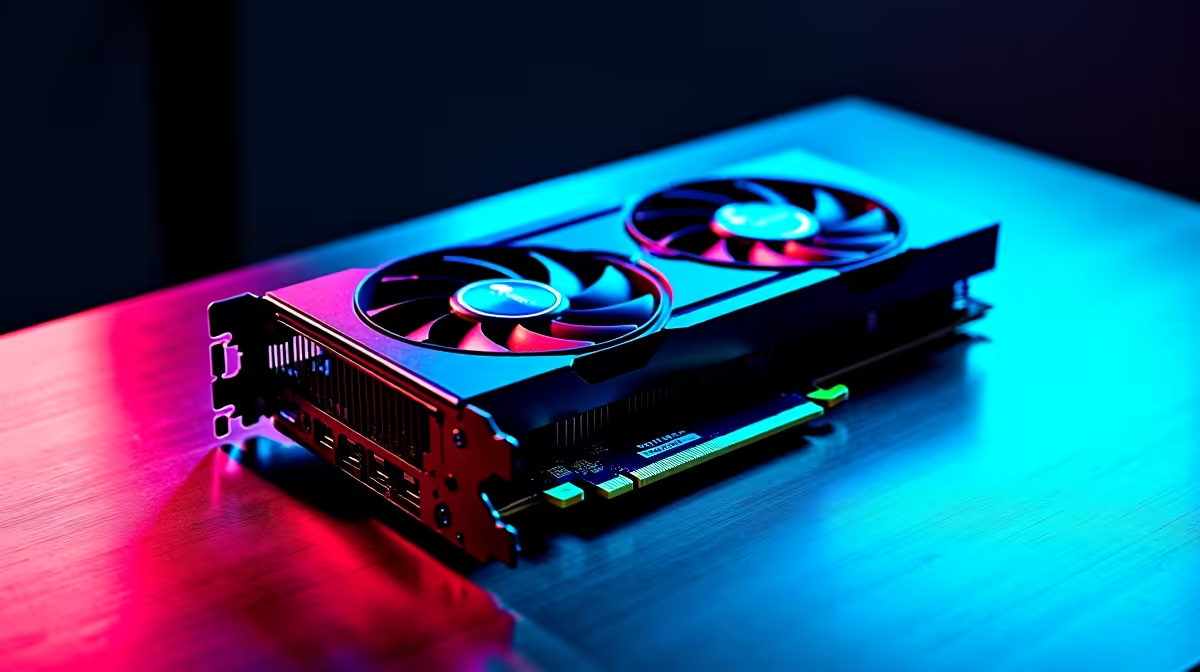
Pairing the RTX 4090 with Ryzen 9 9900X for South African Gamers ⚡
If you crave max frame rates and silky-smooth gameplay, pairing the RTX 4090 with a Ryzen 9 9900X is a combo worth exploring. These powerhouse components unlock incredible gaming potential, but you must know how to sync them properly for top performance. South African gamers seeking to upgrade can dive into this complete guide to get the most out of this pairing—without bottlenecks or wasted rand.
RTX 4090 and Ryzen 9 9900X each redefine their class. Let’s break down how stacking them fuels your rig’s raw power.
Why the RTX 4090 and Ryzen 9 9900X Create a High-Performance Upgrade Path
The NVIDIA RTX 4090 leads GPU tech with next-level ray tracing and DLSS 3 support, boosting visuals and frame rates in demanding titles. Meanwhile, the Ryzen 9 9900X holds ground as a solid multicore CPU running at high clocks, perfect for gaming and multitasking. Pairing these ensures your CPU won't bottleneck graphical firepower and vice versa.
Optimising your build means choosing components tailored to your needs and budget. For the GPU, check out Evetech’s selection of graphics cards to find the RTX 4090 options that fit your setup. Prices in ZAR make it easy to compare and budget for the ultimate upgrade.
Setting up Your Ryzen 9 9900X for Seamless Compatibility with the RTX 4090
Motherboard choice and BIOS settings matter. The Ryzen 9 9900X benefits from a quality AM4 motherboard with PCIe 4.0 support to fully harness the RTX 4090’s bandwidth. Update your BIOS to the latest version for stability and improved compatibility.
For those looking to grab a new CPU or explore options, Evetech’s processor range delivers accessible pricing and detailed specs for your upgrade path.
Expert Tips to Balance and Optimise Your RTX 4090 + Ryzen 9 9900X Build 🔧
- Keep your system cool. The RTX 4090 runs hot under load, and combined with the Ryzen 9 9900X, proper airflow is essential during South Africa’s warm months.
- Don’t forget a strong PSU—recommended wattage is around 850W or more for stable power delivery.
- Use fast DDR4 RAM at speeds of 3200 MHz or above for smoother gaming performance with Ryzen 9 9900X.
Maximise Your Upgrade
Pair your GPU and CPU with a high-quality motherboard and at least 850W PSU to avoid costly bottlenecks or crashes.
Explore Evetech’s best gaming PC deals if you want pre-optimised rigs featuring these components. For pre-built convenience without compromise, check Evetech’s pre-built PC offers.
Gaming and Beyond: Leveraging This Combo for Ultimate Versatility 🚀
Whether you stream locally or use a fibre connection, the extra power from RTX 4090 and Ryzen 9 9900X lets you record gameplay, run creative software, and handle multitasking at once. Combine this with a solid laptop or secondary rig to stay mobile. Explore notebooks for sale in South Africa for powerful options that complement your desktop build perfectly.
By making thoughtful decisions on parts and understanding exactly how the RTX 4090 and Ryzen 9 9900X play together, your upgrade will yield the performance South African gamers dream of.
Upgrade with Confidence Ready to level up? Shop now at Evetech for performance that leaves lag in the dust.









