

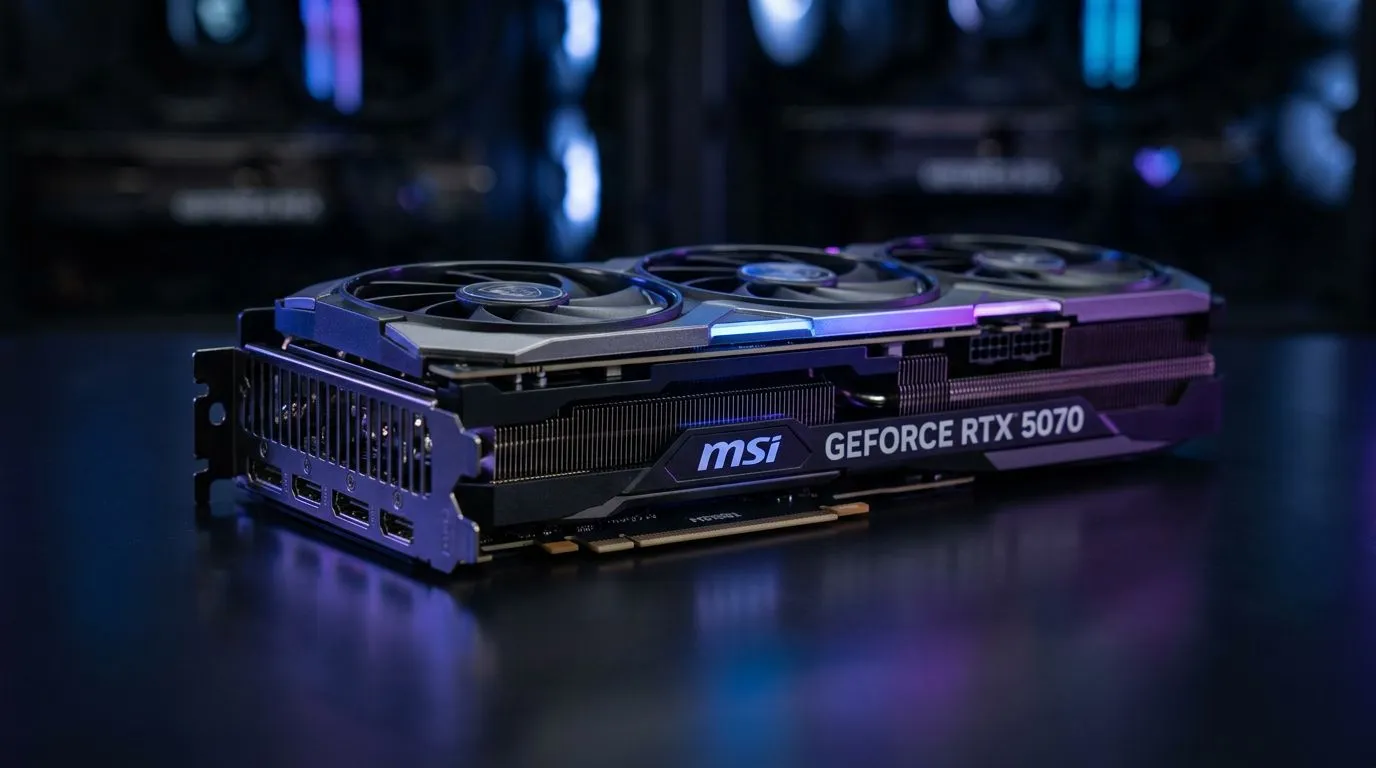
Preparing Your Rig for the Next Generation
You have finally secured the latest piece of hardware for your battle station. The anticipation of unboxing a high-performance GPU is unmatched, but the real magic happens once it is seated in your motherboard. Learning how to install the MSI GeForce RTX 5070 correctly ensures your system runs cool, quiet, and at peak frames. Whether you are chasing 4K fidelity or high-refresh-rate competitive play, proper installation is the foundation of a stable South African gaming rig. 🔧
Safety First: Pre-Installation Essentials
Before you touch a single screw, ensure your workspace is clear and your power supply is switched off. If you are still looking for the perfect base for your build, browse our complete selection of NVIDIA and AMD graphics cards to see how the latest tech stacks up against your current setup. Static electricity is the enemy of premium components; touch a grounded metal object before handling your new MSI hardware to discharge any built-up energy. ⚡
The Installation Process
Start by removing the side panel of your chassis. If your old card is bulky, make sure to unclip the PCIe retention tab on the motherboard slot before pulling. Align your new card, press down firmly until you hear a satisfying click, and secure it with the expansion slot screws.
Compatibility Check ⚡
verify your PSU wattage before upgrading. The RTX 5070 requires stable, clean power. If your current unit is struggling, look at our [GeForce graphics cards](https: www.evetech.co.za components nvidia-ati-graphics-cards-21?category=GeForce+Graphics+Cards) to compare power requirements against your specific model.
Optimising Your System for MSI Performance
Once the card is seated, connect your PCIe power cables. Ensure they are fully inserted to avoid heat build-up. For those who prefer the design language and cooling efficiency of a specific manufacturer, you can explore the full range of MSI components available on our store. We also stock various Radeon graphics cards if you are still weighing your options between competing architectures. 🚀
Final Software Tweaks
After booting, head straight to the official website to download the latest drivers. A clean install prevents conflicts with legacy files. Once the drivers are live, fire up your favourite title and adjust your settings to match your monitor's resolution. Remember to keep an eye on your temperatures during that first hour of heavy gaming—if everything stays within the manufacturer's suggested range, you are good to go. ✨
Ready to Power Up Your Setup? Installing a new GPU is the most rewarding upgrade you can make. If you are looking for the latest performance parts at the best prices in South Africa, browse our full graphics card catalogue and start your next build today.











