

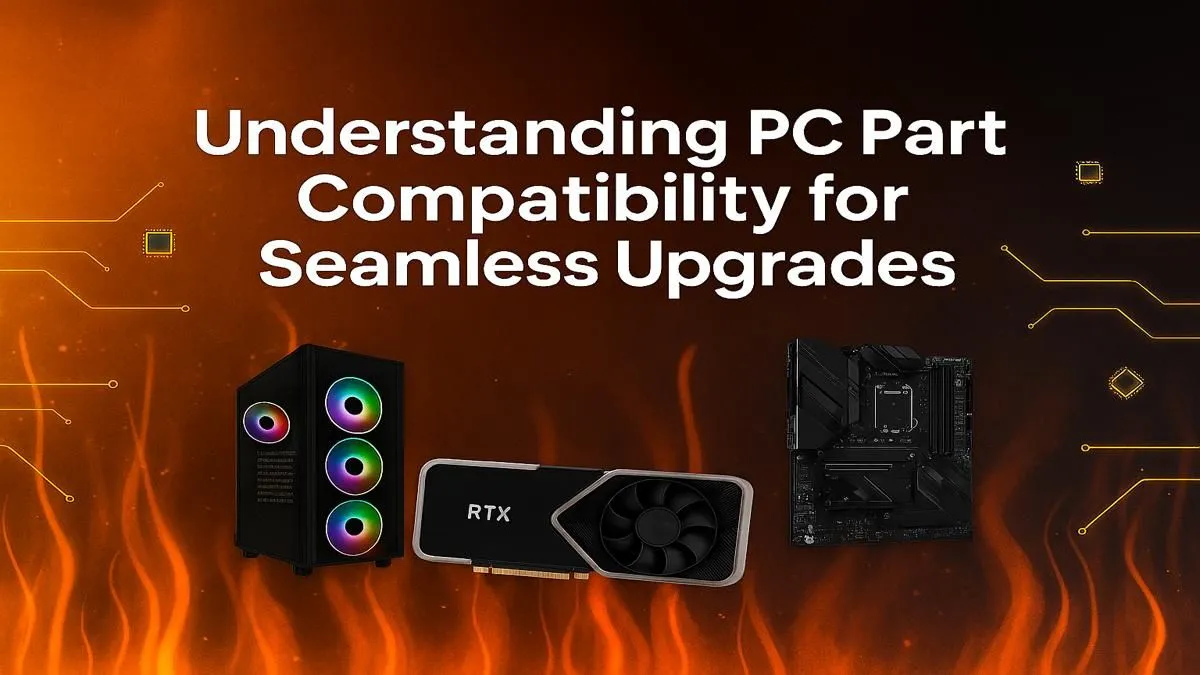
So, you’ve got that new-component smell in the air. The boxes are stacked, the excitement is real, and you’re ready to build your dream rig. But a quiet, nagging thought creeps in… will these parts actually work together? We’ve all been there. This PC part compatibility guide is your ultimate checklist for ensuring a smooth, frustration-free assembly, turning your pile of expensive parts into a powerhouse for flawless PC builds. Let's get it right the first time.
The Core Handshake: CPU, Motherboard & RAM
Think of the CPU, motherboard, and RAM as the foundation of your build. If they can't communicate properly, nothing else matters. Ensuring their compatibility is your first and most critical step.
CPU Socket & Motherboard Chipset
This is the most common stumbling block for new builders. A CPU will only physically fit into a motherboard with a matching socket. For example, an AMD Ryzen 9 7900X uses an AM5 socket, while an Intel Core i9-14900K uses an LGA 1700 socket. They are not interchangeable.
But the socket is only half the story. The motherboard's chipset (like AMD's B650 or Intel's Z790) determines which features of the CPU you can actually use. Always check the motherboard's support page to confirm it's compatible with the exact model you're choosing for your CPU processor.
RAM Generation: DDR4 vs DDR5
Memory compatibility is straightforward but unforgiving. A motherboard will support either DDR4 or DDR5 RAM, never both. The slots are physically different, so you can't force it. Mismatching your RAM is an easy way to halt your build before it even begins. Double-check your motherboard’s specifications to see which generation it requires. 🔧
Compatibility Check Shortcut ⚡
Use an online PC builder tool to create a virtual list of your parts. These tools automatically flag major incompatibilities, like mismatched CPU sockets or RAM types. It’s a great way to get a second opinion on your component compatibility before you spend a single Rand.
GPU, PSU & Case: The Supporting Cast
Once your core components are sorted, it’s time to ensure the rest of your parts play nicely together. A common oversight in the excitement of a new build is forgetting about physical space and power requirements.
Graphics Card Clearance
That beastly new graphics card looks amazing, but will it fit? Modern high-end GPUs are massive. Before you buy, check three measurements: the GPU's length, the maximum GPU length your case supports, and the number of PCIe slots it occupies. There's nothing worse than realising your new RTX 4080 is 10mm too long for your case.
Power Supply Unit (PSU) Wattage
Your PSU is the heart of your rig, pumping power to every component. Under-powering your system can lead to instability, random shutdowns, and even component damage. Check the recommended PSU wattage for your graphics card and CPU, add them together, and then add another 100-150W for headroom. This ensures your PC runs smoothly, even under heavy gaming loads.
The Smart Shortcut: Barebone Kits
Feeling a bit overwhelmed? Don't stress. If you want to skip some of the most complex PC part compatibility checks, a barebone kit is an incredible solution. These bundles typically include a case, power supply, motherboard, and CPU that are all guaranteed to work together perfectly. ✨
It takes the guesswork out of the equation, giving you a solid, compatible foundation to build upon. From there, you just need to add your RAM, storage, and graphics card. It’s a popular path for first-time builders and seasoned pros looking for a quick, reliable start. You can easily explore AMD barebone kits for a Ryzen-powered core or check out Intel-based options for Team Blue performance.
A bit of planning goes a long way. By following this PC part compatibility guide, you're setting yourself up for one of the most rewarding experiences a tech lover can have: booting up a PC you built yourself, flawlessly, on the very first try. 🚀
Ready to Build Without the Headache? Checking PC part compatibility is the first step to a legendary build. Evetech makes the next step easy with the widest selection of components in South Africa. Browse our massive range of PC components and start building your dream machine today.











