


Reviving Your Legacy Rig for Modern Connectivity
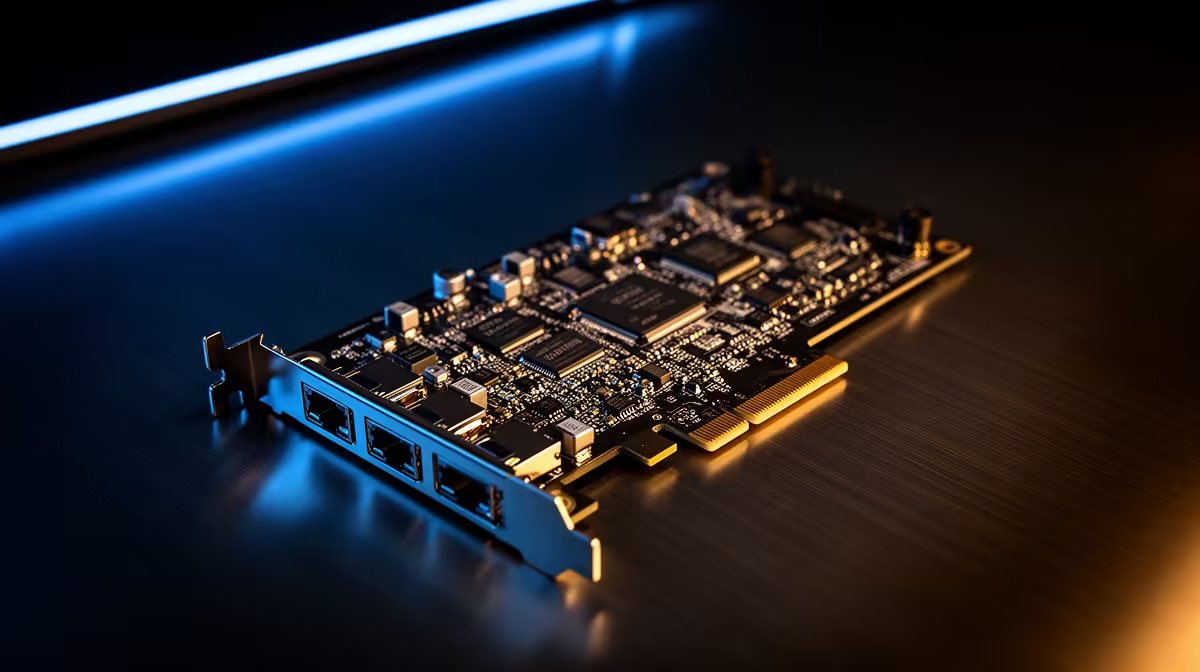
Is your trusty old PC gathering dust because the onboard LAN port gave up the ghost? Or perhaps you’re tired of unstable Wi-Fi signals dropping your connection during a clutch rank-up match? You don't need to drop thousands on a brand-new motherboard to get back in the game. A reliable PCI network adapter is the most cost-effective way to breathe new life into an ageing machine, offering stable, high-speed Ethernet connectivity without the headache of a full system rebuild. 🔧
Why Go Wired Over Wireless?
While Wi-Fi has come a long way, nothing beats the consistent latency of a hardwired connection. If you are serious about competitive gaming, you know that jitter and packet loss are the enemies of victory. By installing a dedicated network card, you bypass the limitations of older, integrated chips that often struggle with modern high-speed fibre lines. Whether you are browsing our extensive range of network adapters or looking for specific performance metrics, moving to a wired connection is the single best upgrade for your ping.
Choosing the Right Hardware for Your Build
When shopping for an upgrade, you will notice various brands that dominate the local market. For those who prioritize plug-and-play reliability, we often recommend checking out the latest TP-LINK network solutions. These cards are excellent for basic home office setups and casual gaming where stability is key.
If you are pushing for higher throughput or looking for budget-conscious but high-performance options, Cudy network adapters have become a favourite among South African PC enthusiasts. They offer great value for money, often costing less than R500 while providing Gigabit speeds that keep your downloads snappy and your streaming buffers empty. ⚡
Pro Connectivity Tip 🚀
Before you install your new card, ensure you have downloaded the latest drivers from the manufacturer's website onto a USB drive. Windows 10 and 11 are great at auto-detecting hardware, but a clean install of the official driver stack ensures you get the full speed and power-saving features the card was designed for.
Installation Made Simple
Installing a PCI network adapter is a straightforward process. Power down your PC, unplug the power cable, and open your side panel. Locate an available PCIe slot—usually the shorter ones sitting below your graphics card. Seat the card firmly, screw it into the chassis bracket, and you are ready to go. It is a quick afternoon project that transforms an old desktop into a capable secondary machine for the kids or a dedicated home server. ✨
Ready to Stabilise Your Connection? Don't let a faulty port hold your gaming session hostage. Whether you are building a new beast or upgrading an old favourite, our team is here to help you get the right gear. Explore our complete selection of networking hardware and get your rig back online today.









