

Staring at a loading screen while your mates are already dropping into the action? We've all been there. In South Africa, getting the best PC performance for your buck is key, and your storage drive is often the biggest bottleneck. So, let's settle the great debate once and for all: SATA vs NVMe. Which SSD is the right choice for your rig, your games, and your wallet? The answer might surprise you. 🚀
SATA vs NVMe: The Core Difference Explained
Think of it like this: a SATA SSD is like a reliable bakkie, while an NVMe SSD is a high-performance sports car. Both will get you where you need to go, but one does it... a lot faster.
The Trusty Workhorse: SATA SSDs
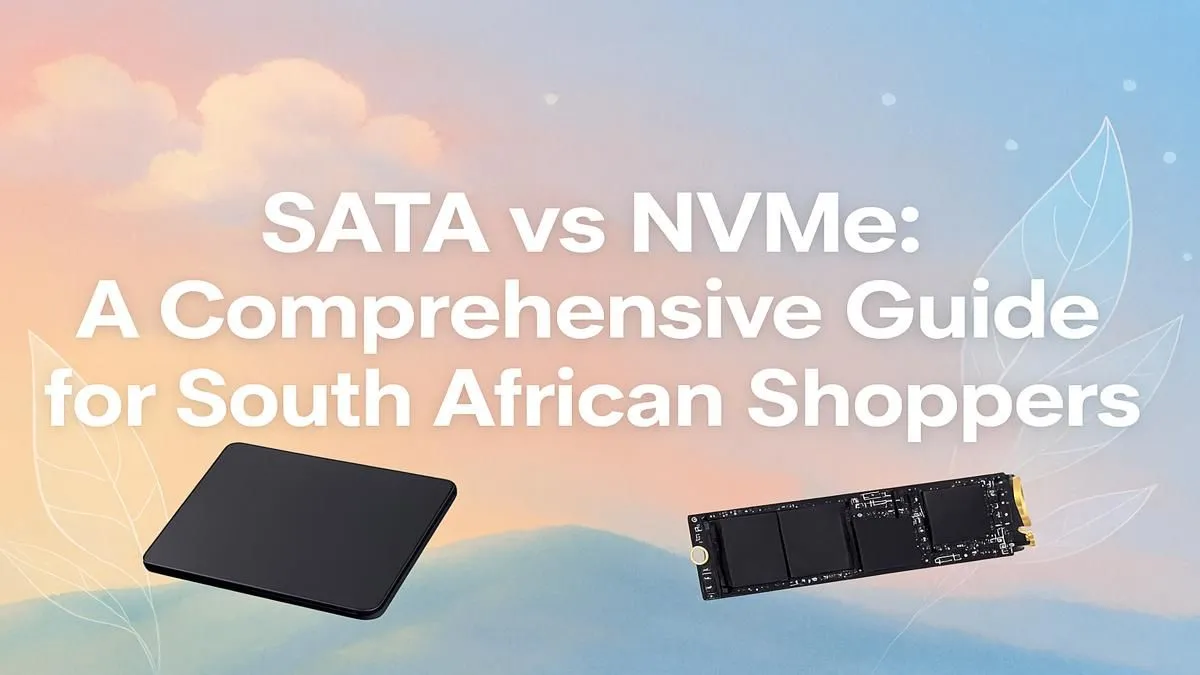
Serial ATA (SATA) has been the standard for years. These drives, usually in a 2.5-inch rectangular case, connect to your motherboard via a cable. They offer a massive performance jump over old-school hard drives, with speeds typically maxing out around 550MB/s. For a budget-conscious build or for storing a massive game library without breaking the bank, a classic 2.5-inch SATA SSD is still a brilliant choice.
The Speed Demon: NVMe SSDs ⚡
Non-Volatile Memory Express (NVMe) is the newer, faster protocol. These drives look like small sticks of RAM and plug directly into an M.2 slot on your motherboard, using the super-fast PCIe bus. This direct connection cuts out the middleman, allowing for mind-blowing speeds. A Gen4 NVMe can hit speeds over 7,000MB/s! If you want the absolute fastest boot times and loading screens, you need to check out the range of blazing-fast NVMe SSDs.
Performance in Practice: Where Speed Truly Matters
Okay, so the numbers look impressive, but what does the SATA vs NVMe difference feel like in the real world?
For everyday tasks and booting up Windows, both SSD types feel snappy. But the advantage of NVMe becomes crystal clear in heavy-duty scenarios:
- Gaming: While most games see only a few seconds shaved off loading times, titles built with technologies like Microsoft's DirectStorage will increasingly leverage NVMe speeds to eliminate loading screens almost entirely.
- Content Creation: Editing 4K video, rendering complex 3D models, or transferring massive files? NVMe isn't just a luxury; it's a necessity that can save you hours of waiting.
Check Your Motherboard! 🔧
Before you buy an NVMe SSD, double-check your motherboard's specifications. You'll need a free M.2 slot. Also, check if it supports PCIe Gen3 or Gen4, as this will determine the maximum speed your new drive can achieve.
So, Which SSD is Right for Your PC in SA?
The truth is, it's not always a simple case of SATA or NVMe. The best strategy for many South African gamers is a hybrid approach. 🇿🇦
Use a smaller, super-fast NVMe drive (250GB - 1TB) as your primary drive for your operating system and your most-played games. Then, add a larger, more affordable SATA SSD (1TB - 4TB) for the rest of your game library and media files. This gives you instant responsiveness where it counts and bulk storage that's still incredibly quick. It's the perfect balance of speed and value, giving you the best of both worlds without emptying your wallet.
Ultimately, the right choice depends on your needs and budget. Exploring the full range of SSDs at Evetech will give you a clear picture of the current market and help you find that perfect performance sweet spot.
Ready to Leave Lag Behind? Stop waiting and start playing. Explore our latest SSD deals at Evetech for performance that puts you right in the action.











