

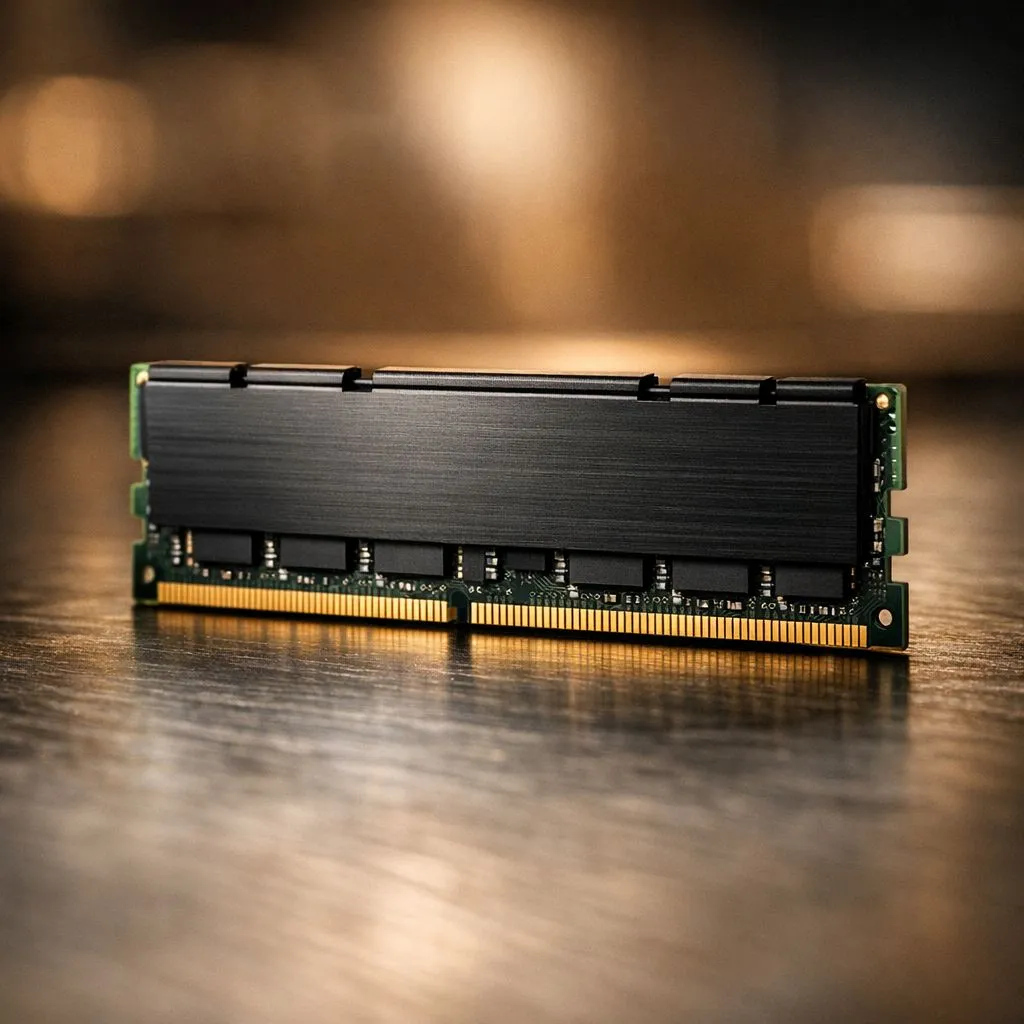
Building a new gaming rig in South Africa often feels like a balancing act. You want maximum power for today's AAA titles, but your budget has its limits. Do you max out every component now, or do you build smart for the future? For many, the answer lies in a surprisingly simple choice: starting your build with a single 16GB RAM stick. It’s a savvy move that gives you excellent performance today and a brilliant upgrade path for tomorrow. 🚀
Why a Single 16GB RAM Stick is a Smart Start
When planning a PC build, thinking ahead is crucial. The goal is to create a foundation you can easily build upon without replacing core components. This is where the strategy of using a single 16GB RAM stick truly shines.
Most modern motherboards have four RAM slots. If you buy a 2x8GB kit to get 16GB, you fill two of those slots immediately. To upgrade to 32GB later, you'd have to buy a whole new 2x16GB kit, making your original sticks redundant.
By starting with one 16GB stick, you leave a slot wide open. When you're ready to boost your performance for more demanding games or creative work, you simply pop in a second matching 16GB stick. It’s the most cost-effective and straightforward path to 32GB, a capacity that's becoming the new standard for high-end gaming. This approach works brilliantly whether you're building with affordable DDR4 RAM or future-proofing with the latest DDR5 memory.
But What About Dual-Channel Performance?
This is the big question, isn't it? Tech enthusiasts will correctly point out that two RAM sticks running in dual-channel mode offer more memory bandwidth than a single stick. And they're right... technically.
However, for the vast majority of gaming scenarios, especially when paired with a powerful dedicated graphics card, the real-world performance difference is often negligible. Your GPU does the heavy lifting for graphics, and while some CPU-intensive games and applications benefit from dual-channel, a 16GB single-stick configuration provides more than enough performance to deliver a smooth, high-frame-rate experience in titles like Apex Legends, Warzone, and Baldur's Gate 3.
The small performance gain from dual-channel often isn't worth sacrificing the simple, affordable upgrade path to 32GB down the line. It's about playing the long game. ✨
Check Your Motherboard's QVL 🔧
Before buying any RAM, always check your motherboard’s Qualified Vendor List (QVL) on the manufacturer's website. This list confirms which specific RAM modules have been tested and are guaranteed to work at their advertised speeds with your board. It prevents headaches and ensures you get the performance you paid for!
Choosing the Right 16GB Stick for Your Build
Picking the right memory comes down to your motherboard and processor. Your choice will primarily be between the established DDR4 platform and the newer, faster DDR5 standard.
- DDR4: Still a fantastic, budget-friendly option that delivers excellent gaming performance. If your motherboard uses DDR4, you have a massive selection of reliable kits.
- DDR5: The new standard for the latest Intel and AMD platforms. It offers higher speeds and more bandwidth, making it the top choice for future-proof builds. You can find incredible options from top brands like Kingston that deliver rock-solid stability.
When you're browsing, you'll see options from many manufacturers. High-performance ADATA kits, for example, are known for their great value and stylish designs. Even if you're trying to breathe new life into an older PC, the same upgrade logic applies to finding compatible older DDR3 modules.
Ultimately, a single 16GB RAM stick is the perfect starting point. It's more than enough for today's gaming landscape and sets you up for an easy, cost-effective upgrade when you need it most.
Ready for a Smart RAM Upgrade? A single 16GB stick is the perfect foundation for a powerful, future-proof PC. It balances today's budget with tomorrow's needs. Explore our huge range of DDR4 and DDR5 RAM and find the perfect module to kickstart your next build.











