

Why Marvel Rivals Stutters on Older Hardware
Marvel Rivals is a visual spectacle. With destructible environments and high-speed hero abilities, the game demands a lot from your system. If you notice hitching during a massive team fight, your processor is likely the bottleneck.
Unlike slower titles, hero shooters require rapid calculations for physics and player positions. A weak CPU cannot keep up with the data flow from the GPU. This leads to those annoying micro-stutters that ruin your aim. To fix this, you need to look at modern architecture that handles multi-threaded tasks with ease. When you buy CPU processors online, look for high IPC (Instructions Per Clock) scores to ensure every frame is delivered on time. 🚀
Stop Marvel Rivals Stuttering: Your CPU Upgrade Guide for Performance
The first step to a smooth experience is identifying the right platform. For South African gamers, value is just as important as raw power. You want a chip that stays cool during a Pretoria summer while pushing high refresh rates.
Performance Pro Tip ⚡
Disable "Core Parking" in your Windows power settings. This ensures all your CPU cores stay active during intense Marvel Rivals matches. It prevents the slight delay caused by a core "waking up" to handle a sudden explosion or ability effect.
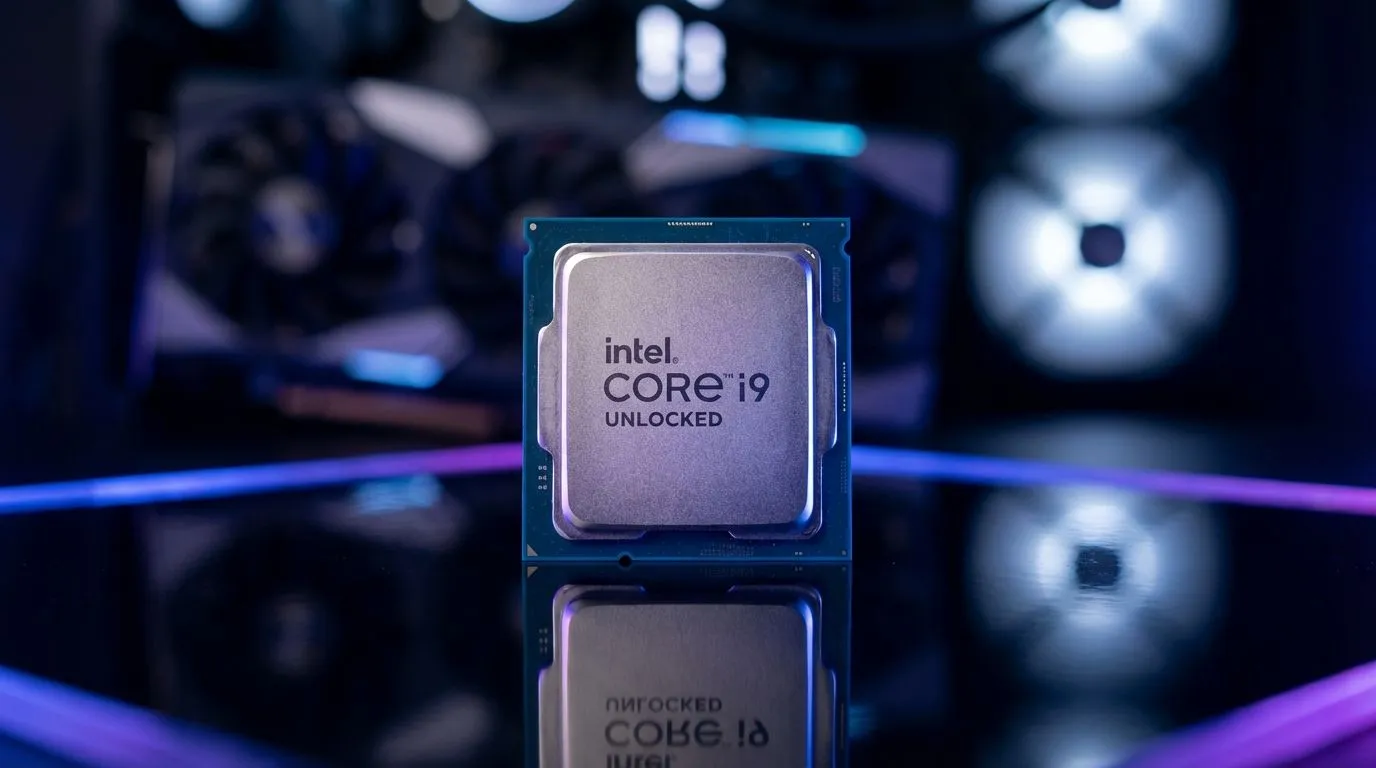
If you prefer the Blue Team, selecting a new Intel CPU can provide the high clock speeds necessary for competitive play. Intel’s hybrid architecture manages background tasks on E-cores... leaving the P-cores free to handle the chaos of the multiverse. This separation is vital for maintaining a stable frame rate when things get hectic on screen. ✨
Choosing Between AMD and Intel for Hero Shooters
The debate between brands often comes down to your specific motherboard and budget. AMD has made massive strides with their 3D V-Cache technology. This extra cache is a "cheat code" for gaming performance. It significantly reduces memory latency... which is often the root cause of stuttering in open-arena shooters.
Browsing the latest AMD CPU options will show you chips that offer incredible efficiency. Lower power draw means less heat and more consistent performance over long gaming sessions. In South Africa, where electricity costs and ambient temperatures are always on our minds, an efficient chip is a smart investment. 🔧
Final Optimisations for a Stutter-Free Experience
Upgrading your hardware is the most effective solution, but software tweaks help too. Ensure your chipset drivers are updated directly from the manufacturer’s website. Many gamers forget that a BIOS update can sometimes unlock better stability for newer titles like Marvel Rivals.
Keep an eye on your background processes. Apps like Chrome or heavy RGB software can eat up CPU cycles. By pairing a modern processor with a clean Windows installation, you ensure that your hardware is dedicated to one thing: winning the match.
Ready to End the Stutter for Good? Don't let hardware limitations hold back your rank in Marvel Rivals. Whether you need the raw speed of Intel or the efficiency of AMD, we have the hardware to power your victory. Explore our massive range of CPU specials and find the perfect machine to conquer the multiverse.











