

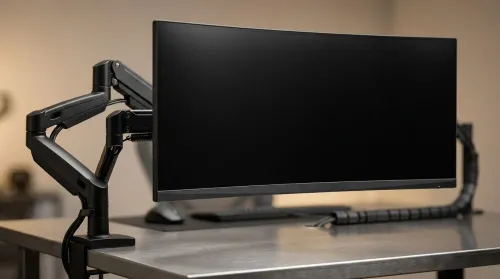
ZAR Budget for Upgrading to an Ultrawide 34-Inch Monitor
Build a smart ZAR budget for upgrading to an ultrawide 34-inch display plus a heavy-duty arm—covering monitor, arm, mounting, cables, and setup costs 💸🖥️
Read moreWant to upgrade your gaming laptop for streaming without lag? This guide shows South African gamers how to boost performance. We cover essential RAM, SSD, and external upgrades like eGPUs and capture cards to get you stream-ready. Level up your broadcast today! 🚀💻
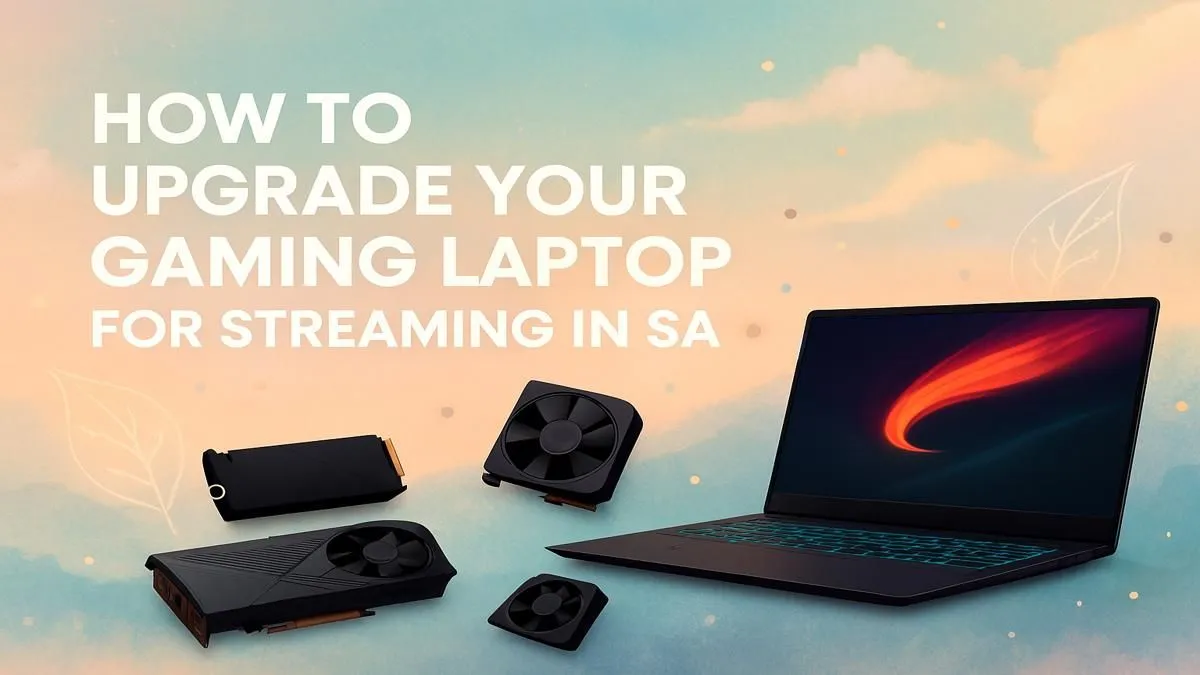
So, you’re ready to share your epic Warzone victories with the world, but your laptop sounds like it’s about to take off and your stream is lagging. Eish. You’re wondering how to upgrade your gaming laptop for streaming without breaking the bank. You're in the right place. This guide is for every South African gamer looking to go live from their laptop, balancing performance, quality, and that all-important budget. Let’s get you stream-ready. 🚀
First, let's tackle the big question. Unlike a desktop PC where you can swap almost anything, laptops are a different beast. Key components like the CPU (processor) and GPU (graphics card) are usually soldered to the motherboard. This means a physical upgrade of your gaming laptop for streaming is often limited to two things: RAM and storage.
While more RAM and a faster SSD will make your system feel snappier, they won't magically give you the raw power needed to game and encode a high-quality stream simultaneously. The real "upgrade" often means choosing a new laptop with the right core components from the start.
When you’re gaming and streaming from one machine, your laptop is doing two incredibly demanding jobs at once. To avoid becoming a lag-monster, you need to focus on the hardware that does the heavy lifting. This is the most crucial part of planning an upgrade for your gaming laptop for streaming.
Your CPU is the master controller. It runs the game, your operating system, Discord, and the streaming software itself. For streaming, more cores and threads are your best friends.
While your CPU is vital, a modern GPU can take a huge amount of strain off it. NVIDIA's dedicated NVENC encoder is a must-have for laptop streamers. It uses a specialised part of the graphics card to handle the stream encoding, leaving your CPU free to focus on the game. This means higher frame rates and a smoother stream. Any of these powerful GeForce RTX gaming laptops will have this built-in.
In your streaming software (like OBS or Streamlabs), always select the NVENC (New) encoder instead of x264. This simple switch offloads the encoding work from your CPU to your NVIDIA GPU. It's the most effective, free performance boost you can get, dramatically improving your ability to stream and game smoothly on a single laptop.
Okay, so the best way to upgrade your gaming laptop for streaming is often to get a new one. But what does that cost? In South Africa, you have brilliant options at different price points.
For those starting out or on a tighter budget, you can find incredible value. There are plenty of gaming laptops under R20,000 that feature powerful CPUs and dedicated graphics cards capable of handling 720p or even 1080p streaming for less demanding games.
If you're serious about quality and want to stream demanding titles like Cyberpunk 2077 or Alan Wake 2 with high settings, pushing your budget is worth it. The range of gaming laptops above R20,000 gives you access to more powerful RTX GPUs, more RAM, and better cooling... all critical for a premium streaming experience.
Ultimately, the goal is a balanced system. Don't just look at one component. A powerful GPU paired with a weak CPU will still struggle. Before you make a final decision, it's always a good idea to check out the best gaming laptop deals to see where you can get the most performance for your rand.
Ready to Go Live? Trying to upgrade an old gaming laptop for streaming is a tough battle. Sometimes the smartest move is a fresh start with a machine built for the job. Explore our massive range of gaming laptops and find the perfect powerhouse to launch your streaming career.
The most crucial upgrades are increasing RAM to at least 16GB and switching to a fast SSD. These improve multitasking and game loading, key for a smooth broadcast.
Most laptop CPUs and GPUs are soldered to the motherboard and cannot be upgraded. Focus on RAM, storage, and external solutions like an eGPU for a performance boost.
For a smooth experience, 16GB of RAM is the recommended minimum for streaming modern games. 32GB is ideal for high-quality streams and demanding titles.
Yes, an external GPU (eGPU) is an excellent way to significantly boost your laptop's graphics power for high-quality streaming, provided your laptop has a Thunderbolt port.
While not strictly necessary for a single-PC setup, a capture card can offload encoding work, reducing strain on your laptop and improving stream quality and stability.
Optimize streaming software settings, close unnecessary background apps, use a wired internet connection, and ensure your laptop's cooling system is clean and effective.
Aim for an Intel Core i5/AMD Ryzen 5 or better, 16GB RAM, a dedicated NVIDIA GTX 1660 Ti or equivalent, and an SSD. These specs provide a solid baseline for quality streaming.
Build a smart ZAR budget for upgrading to an ultrawide 34-inch display plus a heavy-duty arm—covering monitor, arm, mounting, cables, and setup costs 💸🖥️
Read more
Gas spring monitor arms on a gaming desk budget in South Africa: fit options, mounting tips, and ZAR-friendly picks that boost comfort and setup ergonomics 🎮🛠️.
Read more
Choosing a 49-inch ultrawide curved monitor stand? Compare gas spring monitor arm vs fixed stand for stability, desk space, and comfort. ✅🖥️ Get the right setup fast.
Read more
Every spec on PCIe 5.0 explained in plain English. What matters for gaming and creator work in 2026, what's marketing fluff, and how each number translates to real-world performance.

A head-to-head look at WiFi 7: real-world performance, ZAR pricing and which option delivers better value for SA builders. The clear answer — no fluff.

Everything you need to set up and tune PCIe 5.0 properly: the prep work, the settings that actually matter, and the mistakes to skip. Written for SA builders in 2026.

Everything you need to set up and tune X870E Motherboard properly: the prep work, the settings that actually matter, and the mistakes to skip. Written for SA builders in 2026.

Wondering what a 512GB SSD capacity really holds? This guide breaks down how many games, photos, and documents fit on 512GB, with real-world ranges 📦💾

Every spec on vrm explained in plain English. What matters for gaming and creator work in 2026, what's marketing fluff, and how each number translates to real-world performance.

Every spec on motherboard explained in plain English. What matters for gaming and creator work in 2026, what's marketing fluff, and how each number translates to real-world performance.

Premium vs Midrange Motherboards in South Africa: real-world performance, SA pricing, power draw and which one delivers better value for your build for SA buyers. The clear answer — without the fluff.
Wondering what a 512GB SSD capacity really holds? This guide breaks down how many games, photos, and documents fit on 512GB, with real-world ranges 📦💾
Every spec on PCIe 5.0 explained in plain English. What matters for gaming and creator work in 2026, what's marketing fluff, and how each number translates to real-world performance.
A head-to-head look at WiFi 7: real-world performance, ZAR pricing and which option delivers better value for SA builders. The clear answer — no fluff.

Every spec on USB4 explained in plain English. What matters for gaming and creator work in 2026, what's marketing fluff, and how each number translates to real-world performance.