

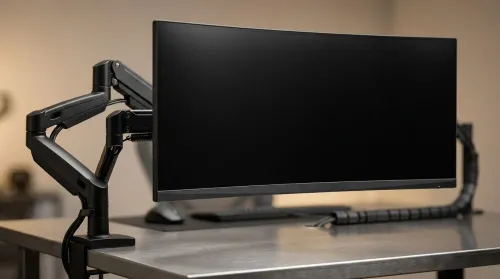
ZAR Budget for Upgrading to an Ultrawide 34-Inch Monitor
Build a smart ZAR budget for upgrading to an ultrawide 34-inch display plus a heavy-duty arm—covering monitor, arm, mounting, cables, and setup costs 💸🖥️
Read moreReady to upgrade RAM on your Lenovo Ideapad? This guide shows South African users how to easily boost performance for faster multitasking and gaming. We cover everything from choosing compatible RAM to the final installation. 💻 Give your laptop the speed it deserves!
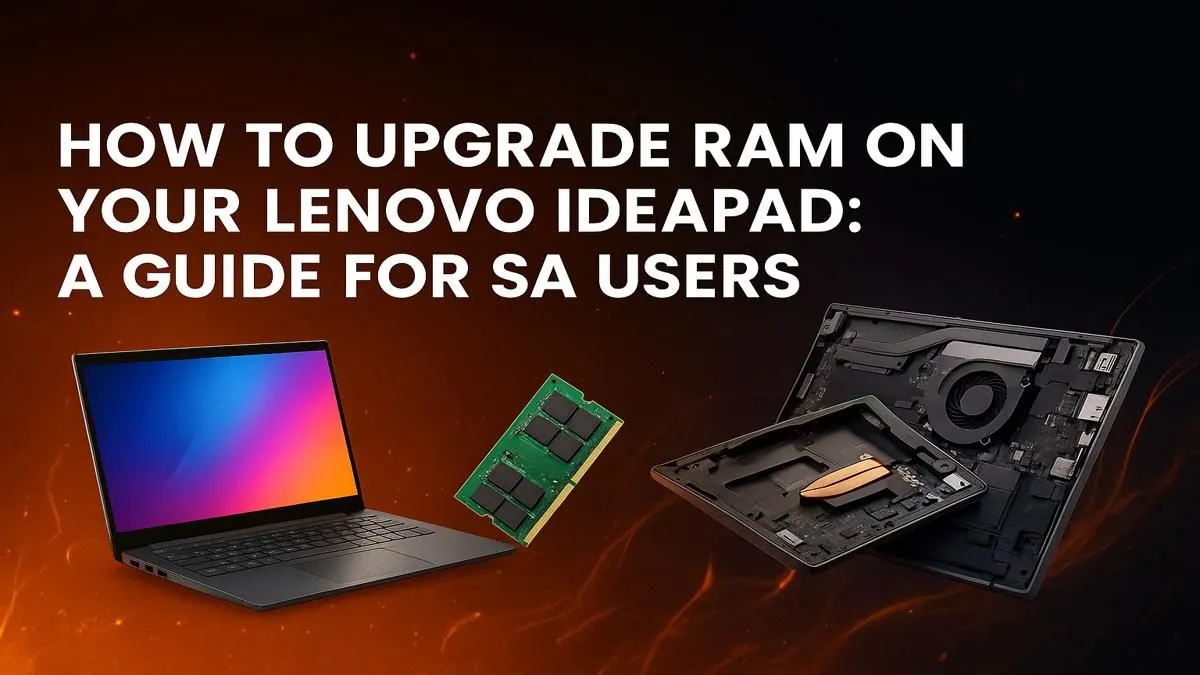
Is your trusty Lenovo IdeaPad feeling a bit sluggish? Before you start browsing for a new machine, consider this: a simple RAM upgrade can transform your laptop's performance. It’s one of the most cost-effective ways to speed up multitasking, smooth out gameplay, and get that "new laptop" feeling back. This guide will walk you through the process, step-by-step, right here in South Africa. Let's get your IdeaPad running like a dream again. 🚀
Absolutely. Adding more Random Access Memory (RAM) is like giving your laptop a bigger digital workspace. With more RAM, it can juggle more tasks at once without slowing down. Think more browser tabs, smoother video calls while working on a document, and better performance in creative apps. For many users, this simple Lenovo IdeaPad RAM upgrade is the smartest move before considering a full replacement, even for capable machines like the Lenovo IdeaPad Flex 5.
Preparation is key to a smooth upgrade. Before you even think about opening up your laptop, make sure you have the right parts and tools on hand. Getting this right from the start will save you a massive headache later.
This is the most important step. Not all RAM is the same, and your IdeaPad will be very specific about what it accepts. You need to know:
You can find this info on Lenovo's official support site for your model or by using a free tool like the Crucial System Scanner. Different models, from the versatile IdeaPad Flex series to gaming-focused variants, have different limitations.
You don't need a full workshop, just a few essentials:
Before buying new RAM, confirm if your IdeaPad's memory is upgradable. Some newer, thinner models have the RAM soldered directly to the motherboard, making an upgrade impossible. A quick search for your exact model number (e.g., "IdeaPad 3 15ALC6 RAM upgrade") will usually give you the answer. Knowing this upfront saves you time and money!
Ready? Let's get to it. This process is generally similar for most upgradable IdeaPads, but always refer to a specific guide for your model if you're unsure.
The moment of truth! Plug your laptop back in and power it on. Don't panic if it takes a little longer to boot the first time; it's just recognising the new hardware.
Once you're in Windows, it's easy to check:
If you see the correct amount, congratulations! You've successfully completed your upgrade on your Lenovo IdeaPad's RAM. If things didn't go to plan or you've decided an upgrade isn't enough, it might be the perfect time to explore some of the powerful and affordable new Lenovo laptops on special.
Ready for a Performance Boost? A RAM upgrade is a fantastic way to extend your laptop's life. But if your IdeaPad is showing its age in other ways... like the CPU or storage... it might be time for a fresh start. Explore our massive range of laptop specials and find a machine with the perfect specs for your needs.
Compatibility depends on your specific Ideapad model. Most modern Ideapads use DDR4 SODIMM RAM. Check your laptop's manual or use an online tool to find the exact speed and max capacity.
The lenovo ideapad ram upgrade cost in South Africa can range from R400 to R1500+, depending on the capacity (8GB, 16GB) and speed of the RAM module you choose.
Yes, most Lenovo Ideapad 3 models allow for a RAM upgrade. They typically have one soldered RAM module and one open SODIMM slot, making it easy to add more memory.
Many Lenovo Ideapad models have one or two RAM slots. Some have one soldered memory chip and one upgradeable slot. Always check your specific model's specifications before buying.
Not usually! For most Ideapads, it involves removing the back panel, locating the RAM slot, and snapping the new module in place. Our guide makes the process simple and safe.
In South Africa, upgrading user-replaceable components like RAM typically does not void your warranty, provided you don't damage anything during the process.
Upgrading your RAM results in faster application loading, smoother multitasking between programs, and improved performance in games and creative software.
Build a smart ZAR budget for upgrading to an ultrawide 34-inch display plus a heavy-duty arm—covering monitor, arm, mounting, cables, and setup costs 💸🖥️
Read more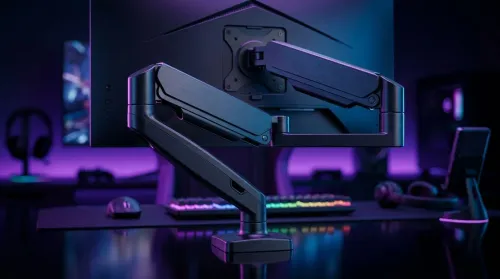
Gas spring monitor arms on a gaming desk budget in South Africa: fit options, mounting tips, and ZAR-friendly picks that boost comfort and setup ergonomics 🎮🛠️.
Read more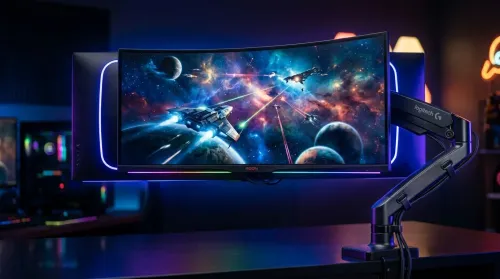
Choosing a 49-inch ultrawide curved monitor stand? Compare gas spring monitor arm vs fixed stand for stability, desk space, and comfort. ✅🖥️ Get the right setup fast.
Read more
Every spec on PCIe 5.0 explained in plain English. What matters for gaming and creator work in 2026, what's marketing fluff, and how each number translates to real-world performance.

A head-to-head look at WiFi 7: real-world performance, ZAR pricing and which option delivers better value for SA builders. The clear answer — no fluff.

Everything you need to set up and tune PCIe 5.0 properly: the prep work, the settings that actually matter, and the mistakes to skip. Written for SA builders in 2026.

Everything you need to set up and tune X870E Motherboard properly: the prep work, the settings that actually matter, and the mistakes to skip. Written for SA builders in 2026.

Wondering what a 512GB SSD capacity really holds? This guide breaks down how many games, photos, and documents fit on 512GB, with real-world ranges 📦💾

Every spec on vrm explained in plain English. What matters for gaming and creator work in 2026, what's marketing fluff, and how each number translates to real-world performance.

Every spec on motherboard explained in plain English. What matters for gaming and creator work in 2026, what's marketing fluff, and how each number translates to real-world performance.

Premium vs Midrange Motherboards in South Africa: real-world performance, SA pricing, power draw and which one delivers better value for your build for SA buyers. The clear answer — without the fluff.
Wondering what a 512GB SSD capacity really holds? This guide breaks down how many games, photos, and documents fit on 512GB, with real-world ranges 📦💾
Every spec on PCIe 5.0 explained in plain English. What matters for gaming and creator work in 2026, what's marketing fluff, and how each number translates to real-world performance.
A head-to-head look at WiFi 7: real-world performance, ZAR pricing and which option delivers better value for SA builders. The clear answer — no fluff.

Every spec on USB4 explained in plain English. What matters for gaming and creator work in 2026, what's marketing fluff, and how each number translates to real-world performance.