WiFi Mesh vs Extender in South Africa: Which is Best?
WiFi Mesh vs Extender in South Africa: which is right for your home? 🤔 We break down the differences in speed, coverage, and cost to help you eliminate dead spots for good. Discover the best solution for seamless streaming and gaming across your entire house. 📶
|
Loading tags...
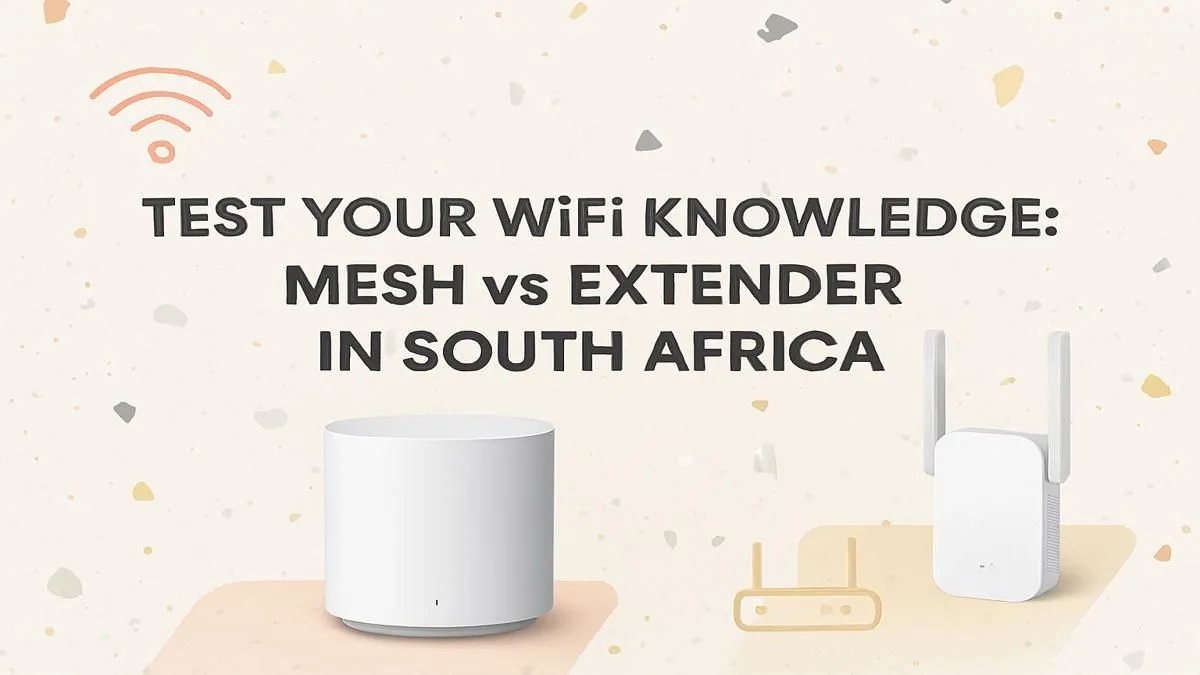
Is your fibre connection brilliant in the lounge but a ghost in the bedroom? You’re not alone. Many South African homes, with their classic thick brick walls, suffer from frustrating WiFi dead zones. This turns a crucial Zoom call or an intense gaming session into a buffering nightmare. The big question is how to fix it. Let's settle the WiFi mesh vs extender debate in South Africa once and for all, so you can get the signal you pay for. 📶
First, What Exactly is a WiFi Range Extender?
Think of a WiFi extender as a simple signal booster. It’s a single device that you plug into a wall socket. It captures the existing WiFi signal from your main router and then rebroadcasts it, pushing the signal further into your home to cover a dead spot.
They are a straightforward and often affordable solution for smaller homes or for tackling a single problem area, like a patio or a study that's just out of reach. For many, one of these simple WiFi range extenders is all that's needed to solve a minor connectivity issue.
The Pros and Cons of an Extender
- Pros: Generally cheaper, very easy to set up (just plug and play), and effective for small, specific dead zones.
- Cons: They often create a separate network (e.g., "MyWiFi_EXT"), which means you have to manually switch between them. They can also cut your bandwidth in half, as the device has to both receive and transmit data on the same channel.
So, What is a WiFi Mesh System?
A WiFi mesh system is a far more advanced solution. Instead of one device boosting a signal, a mesh system consists of multiple "nodes" or "points" that you place around your home. The main node connects to your modem, and the other nodes communicate with each other to create a single, seamless, and intelligent WiFi network that covers your entire property. 🏠
Unlike an extender, all the nodes are part of the same network (one network name, one password). Your phone, laptop, or console will automatically connect to the strongest node as you move around the house, without any dropouts. This makes mesh the superior choice when comparing WiFi mesh vs extender performance for larger, multi-storey homes. These setups are often found alongside powerful wireless routers and mesh systems that are built for high performance.
The Pros and Cons of a Mesh System
- Pros: Provides seamless, whole-home coverage under a single network name. Maintains much higher speeds throughout the network. Easily expandable by simply adding more nodes.
- Cons: Significantly more expensive than a single extender. The initial setup can be slightly more involved.
TIP FOR YOU
Placement Pro Tip ⚡
Whether you choose a mesh node or an extender, placement is key. Don't put it in the dead zone! Place it roughly halfway between your router and the area with poor signal. It needs to receive a strong signal to be able to rebroadcast one effectively. Avoid placing them behind TVs or thick concrete walls.
WiFi Mesh vs Extender: The Head-to-Head for South Africans
So, which technology wins out for the typical South African home? It boils down to your specific needs.
When to Choose a WiFi Extender:
- You live in a smaller flat or townhouse. If you just have one or two rooms with a dodgy signal, an extender is a cost-effective fix.
- You're on a tight budget. An extender can get you online in a dead zone for a few hundred ZAR.
- Your needs are simple. If you just need to get a signal to a smart TV for streaming and aren't worried about peak gaming performance, an extender is fine.
When to Choose a WiFi Mesh System:
- You have a large or double-storey house. Thick walls and multiple floors are where mesh systems truly shine, eliminating dead zones everywhere.
- You have many connected devices. If your family has multiple smartphones, laptops, consoles, and smart home gadgets, a mesh system manages the traffic much more intelligently. 🎮
- Performance is non-negotiable. For serious online gaming, 4K streaming, and working from home, the consistent speed and stability of a mesh network are unbeatable.
Don't Forget Your Other Gear
Sometimes, the problem isn't just your network's reach, but the device connecting to it. An older laptop might have an outdated WiFi card. Upgrading to one of the latest high-quality wireless adapters can make a massive difference in the speeds you actually experience. Ensuring all your components work well together is the final step to a flawless connection.
Ultimately, solving the WiFi mesh vs extender puzzle means looking at your home, your budget, and how you use the internet. Both are great technologies, but they solve different problems. By choosing the right one, you can finally get the reliable, fast internet you deserve across your entire home. ✨
Ready to Banish Buffering for Good? The WiFi mesh vs extender choice depends on your home, budget, and needs. But a stable connection is non-negotiable for gaming, streaming, or working from home. Explore our massive range of wireless networking gear and build the perfect network to conquer your digital world.
An extender simply repeats the signal from your main router, often creating a separate network. A mesh system uses multiple nodes that work together as a single, seamless network.
A WiFi extender is a great budget-friendly option for small homes or to boost a signal to one specific room. For larger areas with many dead spots, it may not be as effective.
A mesh system is generally better for gaming as it provides a more stable, seamless connection with lower latency as you move around, unlike an extender which can halve bandwidth.
Yes, a WiFi extender can cut your available bandwidth in half because it has to receive and then re-broadcast the signal on the same channel, which increases latency.
Mesh WiFi system prices in South Africa vary by brand and number of nodes, typically starting from around R2,000 for a basic 2-pack and going up for more advanced systems.
Not usually. Most mesh systems can work with your existing ISP router. You simply plug the main mesh node into your router and then place the other nodes around your home.
Related Articles
![Best CPU for Alan Wake 2: Mesh Shaders & Geometry Guide [2025]](https://img.evetech.co.za/repository/ez/alan-wake-2-best-cpus-for-mesh-shaders-geometry-20-banner.webp?width=500 "Best CPU for Alan Wake 2: Mesh Shaders & Geometry Guide [2025]")