


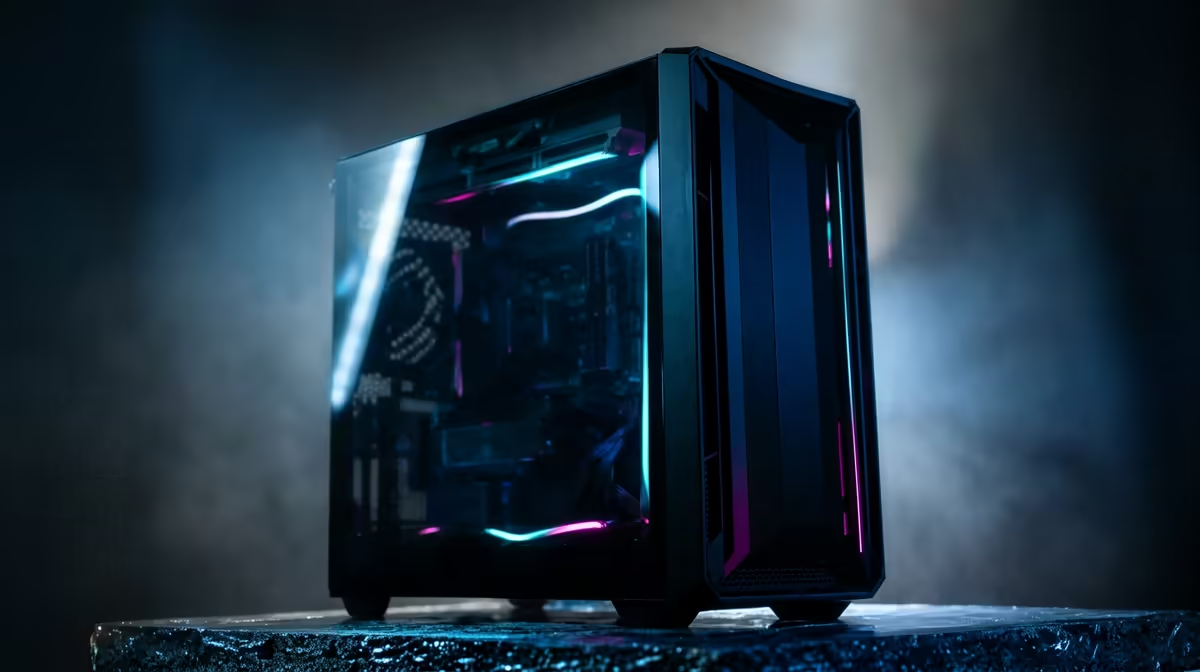
It’s a familiar nightmare for any South African gamer. You’re in the final circle, the tension is thick, and suddenly… your frames drop. The stuttering begins. Is it your GPU overheating? A rogue background process? Or just Eskom giving your PSU a hard time? Instead of diving into forums, the future offers a smarter solution: AI gaming PC troubleshooting. Imagine a built-in expert that diagnoses your rig in real-time. That future is closer than you think.
What is AI-Powered PC Diagnostics?
At its core, AI gaming PC troubleshooting is about using smart algorithms to monitor, analyse, and predict hardware and software issues before they ruin your session. Forget manually checking temperatures or deciphering cryptic Windows error codes. AI-driven diagnostics create a baseline of your PC's normal behaviour—how it runs when you’re exploring the breathtaking world in a Microsoft Flight Simulator gaming PC—and then intelligently flags any deviations.
This isn't just about red lights and warning signs. It’s a proactive system that learns your specific component combination and usage patterns. It can distinguish between the heavy load of rendering Night City on a Cyberpunk 2077 gaming PC and an actual hardware fault, offering specific, actionable advice.
How AI Troubleshoots Your Gaming Rig 🔧
So, how does this digital technician actually work? The process is a massive leap from the old "turn it off and on again" approach. Modern AI PC diagnostics tools integrate deeply with your system to provide a clear picture of its health.
Key Diagnostic Functions:
- Real-Time Performance Monitoring: AI constantly tracks vital stats like CPU/GPU temperatures, clock speeds, fan RPMs, and memory usage. It knows the difference between a healthy temperature spike while dropping into Al Mazrah on a powerful Call of Duty: Warzone 2.0 gaming PC and a dangerous thermal throttle event.
- Predictive Failure Analysis: By analysing performance data over time, AI can spot the subtle signs of a failing component. It might detect a gradual decline in your SSD's read/write speeds or voltage irregularities from your PSU, warning you to back up your data or consider a replacement before disaster strikes. This is invaluable for maintaining a stable rig for marathon sessions in GTA V.
- Software and Driver Conflict Resolution: One of the most common headaches is a bad driver update. An AI troubleshooter can correlate a recent software change with new performance issues, suggesting a rollback to a stable version. This keeps your system optimised for everything from competitive shooters like PUBG to creative sandboxes on a dedicated Minecraft gaming PC.
Old-School Pro Tip ⚡
While you wait for AI to become standard, get familiar with Windows' built-in Event Viewer. Type "Event Viewer" in your Start Menu. Under "Windows Logs" > "System", look for red "Error" or yellow "Warning" icons that occurred around the time of a crash. The "Source" and "Event ID" can give you valuable clues to Google for a potential fix.
The Future of PC Support is Here ✨
We're already seeing the early stages of this revolution. Companies like NVIDIA and AMD are using AI in their driver software to optimise game settings automatically. The next step is full integration into the motherboard's BIOS or even dedicated AI co-processors (NPUs) on the CPU itself.
Imagine your PC telling you, "Your RAM module in slot B2 is showing an increased error rate. For optimal performance in Counter-Strike 2, consider re-seating it or running a memory diagnostic." This level of intelligent, pre-emptive support will save countless hours of frustration.
This means less time troubleshooting and more time enjoying the fluid gameplay that a well-tuned machine provides, whether you're hitting trick shots on a Fortnite gaming PC or coordinating a team push on your Overwatch 2 rig. The era of AI gaming PC troubleshooting promises a smoother, more reliable, and ultimately more enjoyable gaming experience for everyone.
Ready for a Smarter Gaming Rig? While AI diagnostics is the future, starting with a professionally built, reliable foundation is the best way to prevent issues today. Explore our massive range of custom gaming PCs and find the perfect machine to conquer your world.










