


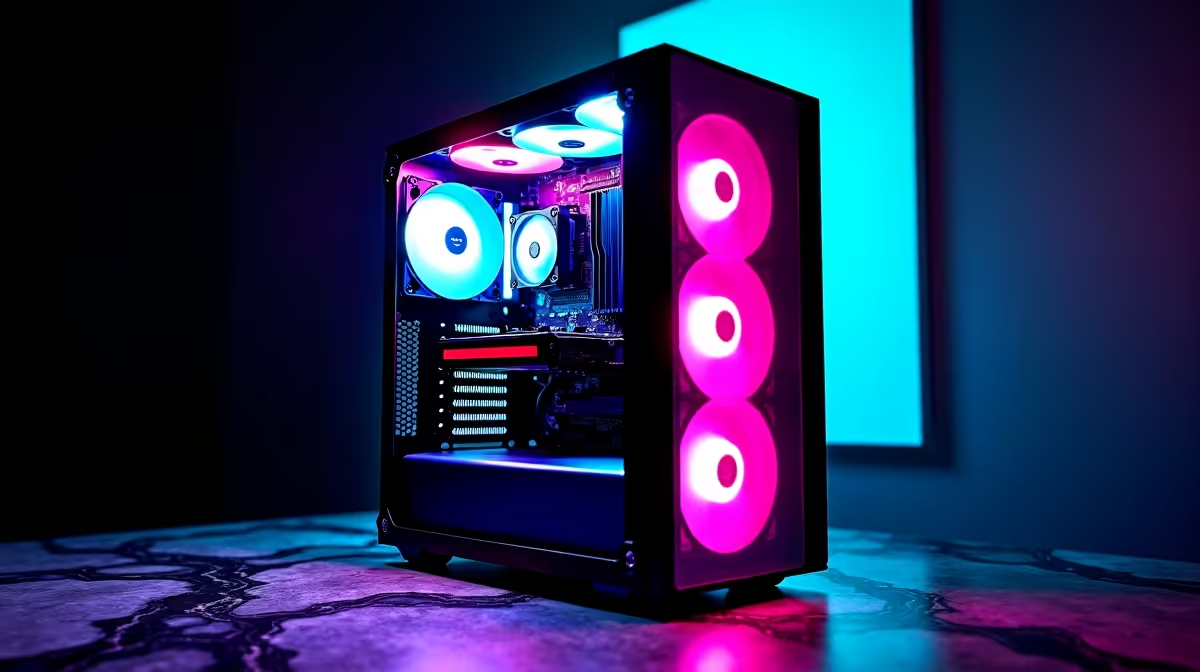
Feeling the AI buzz but not sure where to start with your rig? You're not alone. The world of Artificial Intelligence is moving at lightning speed, and having the right hardware is key to getting in on the action. Whether you're generating art with Stable Diffusion, coding with an AI assistant, or just want to be ready for the next wave of AI-powered games, a proper AI PC build in South Africa is your ticket to the future. Let's break it down.
Demystifying the AI PC: More Than Just a Buzzword
So, what actually makes a PC an "AI PC"? It’s not just about slapping a sticker on a case. An AI PC is optimised for handling machine learning and neural network tasks locally, right on your machine, instead of relying on the cloud. This means faster responses, better privacy, and the ability to work offline.
The secret sauce is specialised hardware designed to accelerate these specific workloads. While a powerful gaming PC has a lot of overlap, an optimal AI PC build focuses on components that excel at parallel processing and complex calculations. 🧠
The Heart of Your AI PC Build in South Africa
Getting your component selection right is crucial. While you can go wild with a massive budget, a smart, balanced build will give you the best performance for your hard-earned Rands. Here are the non-negotiables.
The GPU: Your AI Powerhouse 🚀
The Graphics Processing Unit (GPU) is, without a doubt, the most important component for consumer-level AI. Its architecture, designed to handle thousands of simple tasks simultaneously, is perfect for training and running AI models.
For years, NVIDIA has been the top dog thanks to its CUDA platform and dedicated Tensor Cores, which are built specifically for AI math. This makes their range of GeForce gaming PCs a go-to choice for anyone serious about local AI. The more VRAM (video memory) you have, the larger and more complex the models you can run.
However, don't count AMD out. They've made massive strides, and their latest RDNA architecture delivers incredible performance-per-Rand. For gamers who want to dabble in AI or creators on a tighter budget, their powerful Radeon gaming PCs offer a compelling alternative that can handle both work and play with ease.
Driver Pro Tip ⚡
keep your graphics drivers updated! Both NVIDIA and AMD frequently release updates that include significant performance optimisations for AI applications and creative software. Use GeForce Experience or AMD Software: Adrenalin Edition to get the latest drivers with a single click.
The CPU & NPU: The Brains of the Operation
While the GPU does the heavy lifting, the Central Processing Unit (CPU) is still vital. It manages your operating system, prepares data for the GPU, and handles tasks that aren't easily parallelised. A modern CPU with a high core count and fast clock speeds will prevent bottlenecks.
Lately, you might have heard about NPUs (Neural Processing Units). New CPUs from Intel (Core Ultra) and AMD (Ryzen AI) now include these dedicated, low-power AI engines. They're designed to handle light, continuous AI tasks—like background blur in video calls or Windows Copilot features—without draining your battery or firing up your power-hungry GPU.
RAM & Storage: Speed is Everything
AI loves memory. Large language models and datasets need to be loaded into RAM to be processed. For a solid AI PC build in South Africa, 32GB of fast DDR5 RAM should be your starting point, with 64GB or more being ideal for more intensive work.
Similarly, a fast NVMe SSD is a must. It dramatically reduces loading times for your OS, apps, and the massive files associated with AI projects. A 1TB NVMe is a good start, but a 2TB drive will give you much more breathing room.
Your AI PC Build Infographic: The Key Components at a Glance
To simplify your choices, here’s a quick-reference guide for putting together a balanced AI machine. This table summarises the sweet spot for performance and value right here in South Africa.
| Component | Good (Entry-Level AI) | Better (Mid-Range Creator) | Best (Enthusiast / Pro) |
|---|---|---|---|
| GPU | NVIDIA RTX 4060 (8GB VRAM) | NVIDIA RTX 4070 SUPER (12GB VRAM) | NVIDIA RTX 4080 SUPER (16GB+ VRAM) |
| CPU | AMD Ryzen 5 7600X / Intel Core i5 | AMD Ryzen 7 7800X3D / Intel Core i7 | AMD Ryzen 9 7950X / Intel Core i9 |
| RAM | 32GB DDR5 5200MHz | 32GB DDR5 6000MHz | 64GB+ DDR5 6000MHz |
| Storage | 1TB NVMe Gen4 SSD | 2TB NVMe Gen4 SSD | 4TB+ NVMe Gen4 SSD |
| Motherboard | B650 (AMD) / B760 (Intel) | X670 (AMD) / Z790 (Intel) | X670E (AMD) / Z790 (Intel) |
For those tackling heavy-duty data science, 3D rendering, or professional machine learning development, stepping up to purpose-built workstation PCs can provide certified stability and even more powerful component options.
Ready to Build Your AI Future? Crafting the perfect AI PC build in South Africa is about balancing power, budget, and your specific needs. Don't guess—get it right the first time. Use the Evetech Custom PC Builder to configure your dream machine or explore our range of AI-ready gaming rigs today.









