


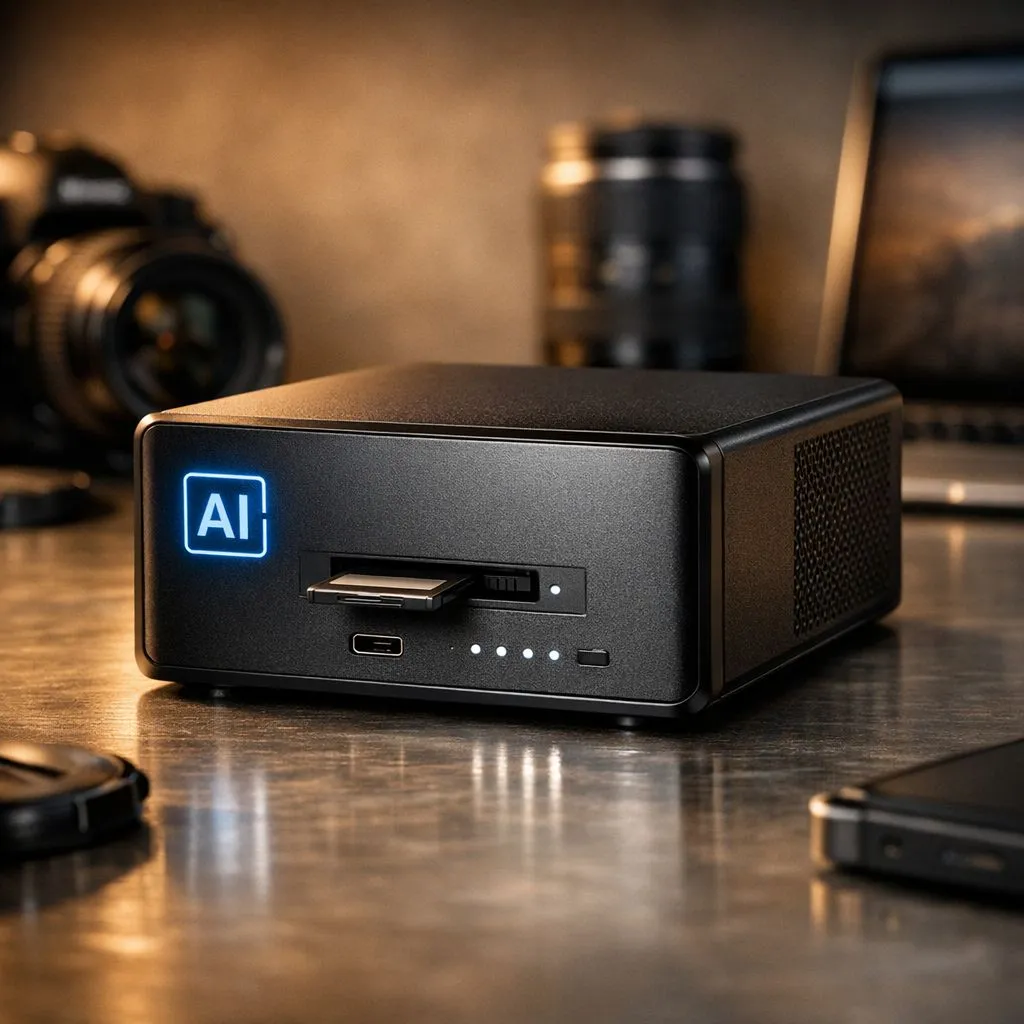
Whether you're capturing sunsets in the Karoo or fast-paced action at Kyalami, your SD cards fill up fast. Managing thousands of RAW files is a nightmare without a plan. Our guide to AI photo organization: A photographer’s guide to smart storage helps you reclaim your time... and your sanity... by using intelligent tools to sort your library automatically. ⚡
Why AI Photo Organization is Essential for Modern Creatives
The days of manually renaming folders by date and event are fading. Modern AI tools can now scan your local library to identify faces, locations, and even specific objects within your shots. This technology allows you to search for "Mountain" or "Wedding" and see results instantly. However, for this software to work efficiently, your hardware must keep up.
Running these algorithms across a slow external drive is a recipe for frustration. To get the best results, you need a central hub. Investing in diskless NAS storage provides the physical backbone for your AI-sorted library, ensuring your data is accessible and protected from single-drive failures.
Building a Robust Local Archive in South Africa
Cloud storage is convenient, but with South African data costs and the sheer size of 45MP RAW files, local storage remains the king of value. When you calculate the monthly subscription in ZAR for several terabytes of cloud space, a local array pays for itself within a year.
For those who value sleek design and reliability, Orico storage solutions offer the perfect housing for your high-capacity drives. These enclosures allow you to expand your capacity as your portfolio grows... ensuring you never have to delete a "maybe" shot just to make room for a new project. ✨
Metadata Mastery ⚡
Use AI-based culling software like Aftershoot or FilterPixel before importing to your main catalog. These tools use AI photo organization to detect closed eyes or blurry focus... saving you hours of manual clicking and precious disk space on your storage system.
Choosing the Right Hardware for AI Workflows
AI photo organization: A photographer’s guide to smart storage isn't just about the drives; it's about the interface. You need high-speed connections like USB-C or Thunderbolt to ensure the AI software can "read" your library without bottlenecks.
If you are tight on desk space but need serious throughput for your editing rig, check out the latest Minis Forum storage options to keep your workflow snappy. These compact solutions are ideal for photographers who need power without the bulk of a full-sized server tower. 🚀
Future-Proofing Your Digital Legacy
As AI models improve, they will become even better at categorising your old archives. By centralising your photos on a smart storage system now, you are preparing your library for future updates that might one day automatically colourise old family photos or upscale low-res textures. Don't let your hard-earned work sit on scattered thumb drives... organise it, protect it, and let AI do the heavy lifting. 🔧
Ready to Secure Your Portfolio? Managing a massive photo library requires more than just software... it needs robust hardware. Browse our full range of NAS and storage solutions to find the perfect home for your creative work today.











