


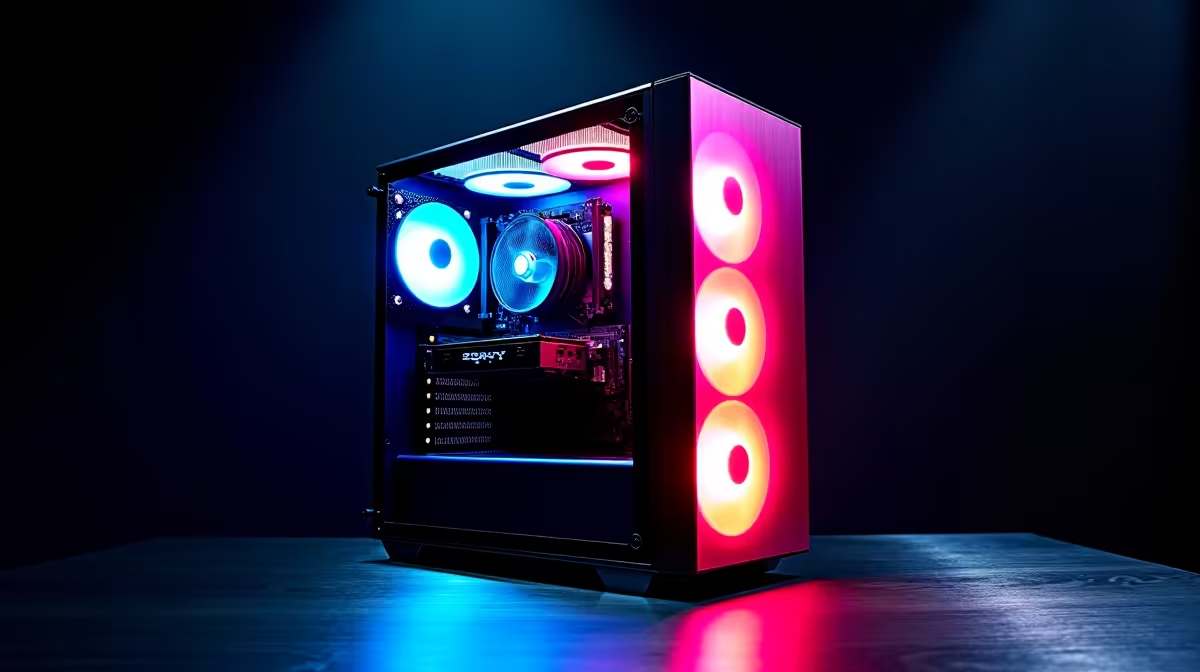
So, you're diving into the world of AI with powerful language models like DeepSeek? That's brilliant. But running these digital brains locally in South Africa requires more than your average PC. Forget frustrating cloud costs and lag... you need raw, local power. This guide will help you find the best PC for DeepSeek, matching high-end performance with your budget, so you can code, create, and explore without limits. Let's get you geared up. 🚀
What Makes a PC Great for DeepSeek?
At its core, running a large language model (LLM) is a lot like running a demanding modern video game. Both tasks rely heavily on parallel processing, which is exactly what a graphics card (GPU) is designed for. The biggest factor isn't raw speed, but a component called VRAM (Video RAM).
Think of VRAM as the GPU's personal workbench. The bigger the model you want to run (like DeepSeek's 67B parameter model), the more VRAM you need to load it. If you run out of VRAM, your system has to use slower system RAM, and performance grinds to a halt. This is why a powerful gaming rig often makes for a fantastic DeepSeek machine.
Core Components for Your DeepSeek Build
Building the best PC for DeepSeek means focusing your budget on the right parts. While every component matters, some have a much bigger impact on AI performance than others. Here’s the breakdown.
The GPU: Your AI Powerhouse ✨
The Graphics Processing Unit is the undisputed king for AI tasks. When choosing a GPU, VRAM is your number one priority.
- NVIDIA is often preferred: Thanks to its CUDA technology, NVIDIA has a mature and widely supported software ecosystem for AI development. Cards like the GeForce RTX 4070 Ti (12GB), RTX 4080 SUPER (16GB), and the beastly RTX 4090 (24GB) are top choices. More VRAM allows you to load larger, more complex models directly onto the card for maximum speed. Many of our high-performance NVIDIA GeForce gaming PCs are configured with these exact cards.
- VRAM Minimum: For serious work with models like DeepSeek, aim for at least 12GB of VRAM. 16GB is a great sweet spot, and 24GB is ideal for enthusiasts who want to experiment without compromise.
Dev Pro Tip 🔧
For a seamless AI development setup on Windows, use the Windows Subsystem for Linux (WSL2). It allows you to run a full Linux environment directly within Windows, giving you easy access to the powerful command-line tools and libraries commonly used for machine learning without needing to dual-boot your PC.
CPU, RAM, and Storage: The Supporting Cast
While the GPU does the heavy lifting, the rest of your system needs to keep up.
- CPU (Processor): A modern multi-core CPU like an Intel Core i7 or AMD Ryzen 7 is more than enough. Its job is to feed data to the GPU and handle the rest of the operating system, so you don't need the absolute top-of-the-line model.
- System RAM: Don't confuse this with GPU VRAM! You'll want at least 32GB of fast DDR4 or DDR5 RAM. This ensures your PC runs smoothly while you're preparing datasets or running other applications alongside your AI model.
- Storage: A fast NVMe SSD is non-negotiable. Loading multi-gigabyte models from a traditional hard drive is painfully slow. An NVMe drive will cut down your wait times significantly, getting you to work faster.
Comparing DeepSeek PC Builds: From Smart Start to Pro Power
Finding the right PC build for DeepSeek in South Africa comes down to balancing your budget with your ambition.
The Smart Starter Build
If you're exploring LLMs or working with smaller models, you don't need to spend a fortune. A PC built around a GPU with 12GB of VRAM offers a fantastic entry point. This is where options from Team Red can offer incredible value. A system from our range of AMD Radeon gaming PCs can provide the VRAM and core performance you need without breaking the bank.
The Pro-Level Powerhouse
For developers, researchers, or enthusiasts who want to fine-tune models and push the limits, a top-tier build is the way to go. This means a PC with an NVIDIA GeForce RTX 4090 with its 24GB of VRAM, paired with 64GB of system RAM and a high-end CPU. This setup ensures you can handle nearly any publicly available model with speed and efficiency.
For those who need certified stability and performance for mission-critical AI work, exploring dedicated workstation PCs is a wise move. These machines are built and tested for sustained, heavy workloads, offering peace of mind for professional use cases.
Ready to Build Your AI Powerhouse? Whether you're fine-tuning models or exploring the future of code, the right hardware makes all the difference. Explore our massive range of custom-built PCs and configure the perfect machine to bring your AI ambitions to life.










