Is a 1000W PSU Overkill for a Mid-Range PC?
Quick Answer
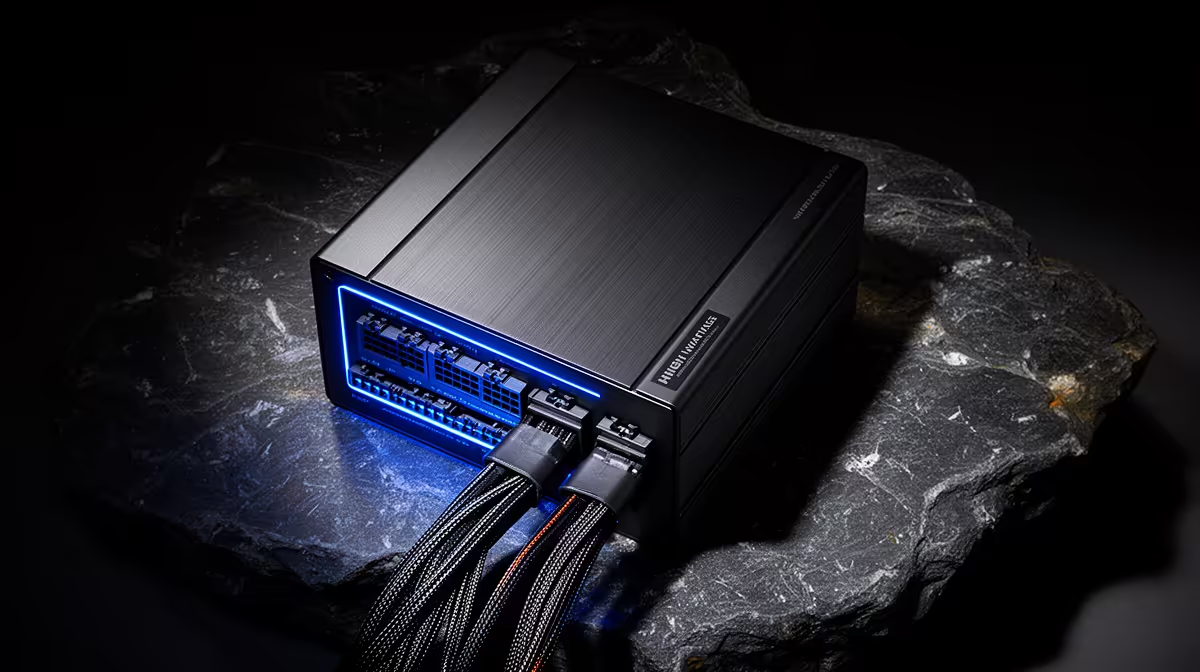
A 1000W PSU is usually more capacity than a mid-range PC needs when the exact CPU, GPU and upgrade plan fit a sound 650W or 750W model. It becomes reasonable for a named future high-power card, demanding processor and supporting load that justify it.
Do not choose from wattage alone. Compare the exact unit's quality, connectors, transient support, noise, size and warranty.
Calculate the Complete System
List CPU, exact GPU, board, drives, fans, pump, add-in cards and bus-powered devices. Use measured component data and official board-power guidance.
Run CPU-heavy, GPU-heavy and combined scenarios. Include raised power limits only when the PC will use them.
Do not add TDP figures and call the result real draw. TDP describes cooling needs and may differ from electrical use.
Read the GPU Recommendation
The card maker's PSU figure covers a whole system under stated assumptions. Partner cards can carry different power limits and connectors.
Follow the exact card model. Record native cable requirements and short-load guidance.
A 1000W unit does not rescue an adapter used outside the documented connection path.
Efficiency Curves Vary
Power supplies have efficiency curves that change with input voltage and load. Many perform well across a broad useful range.
Do not assume every unit peaks at one universal percentage. Check independent measurements or the exact model's certification data.
A lightly loaded 1000W PSU can still work safely. The question is whether the extra capacity delivers enough value to justify cost and size.
Noise Can Favour Headroom
Some high-capacity units keep the fan slow or stopped at modest load. That can make a quiet PC, though fan curves differ by model.
A well-designed smaller PSU can also be quiet at the same system draw. Use exact noise testing rather than capacity as a shortcut.
Case airflow and PSU orientation matter. Keep the intake clear and follow installation guidance.
Check Case Fit
High-capacity units can be longer. Measure PSU bay length, cable bend space and drive-cage clearance.
Stiff high-power cables need room without sharp bends. A unit that fits by the metal dimensions may still create poor cable routing.
Check form factor. Compact cases may need SFX or another supported size.
Price What the Extra Watts Displace
Money spent on unused PSU capacity cannot fund a larger SSD, quieter cooler or stronger GPU. Give the 1000W option a job.
If the job is a future card, name the card class, processor and timeline. Recalculate both systems.
When the upgrade is distant, standards and products may change. A premium bought years early can lose its advantage.
Compare 650W, 750W and 1000W Models
Browse Corsair power supplies and record exact model, standard, connectors and dimensions. Use PSU best sellers for other named units.
Check protections, operating-temperature rating, warranty and independent electrical review. Efficiency certification covers efficiency, not every quality measure.
Do not compare an excellent 1000W unit with a poor 650W unit and call capacity the reason for the difference.
Keep Upgrade Headroom Honest
Reasonable headroom covers sustained load, short excursions and the planned change. Huge unused capacity for an imaginary flagship is not future-proofing.
The PSU can carry into a later build when standards, connectors, condition and warranty still support it. Keep all modular cables labelled with that unit.
Before reuse, recheck age, condition and the new card's guidance.
Check Modern Connector Support
A new graphics card may use 12V-2x6 or traditional PCIe connectors. Choose a PSU with the native connection and documented capacity for the exact card where possible.
Adapters should be used only through the GPU and PSU maker's supported method. Count required cable runs and seat every plug fully.
Cable type can make a 750W unit a better practical match than an older 1000W unit that lacks the right native path.
Think About Low-Load Operation
A PC spends time at desktop idle, browsing and media playback. Check exact-model efficiency and fan behaviour at low load as well as the gaming range.
Some oversized units keep their fan off at desktop load. Others may cycle the fan in a way you notice. Independent measurements tell you more than capacity.
Standby draw and platform settings also affect wall use. A PSU size alone cannot fix poor sleep or wake behaviour.
Do Not Ignore the Wall Circuit
The PSU capacity describes what the unit can deliver to the PC, not what a household circuit should be asked to supply alongside every other appliance.
Use a suitable wall outlet and protected connection according to electrical guidance. Avoid damaged extensions and overloaded multi-plugs.
For unusual electrical conditions or repeated trips at the distribution board, use a qualified electrician. Do not modify fixed wiring for a gaming PC.
Reuse Needs a Fresh Decision
A 1000W unit bought for headroom may carry to the next build. Before moving it, check its age, service history, warranty, cable inventory and support for the new GPU.
Keep every original modular lead in a labelled bag. Missing cables should be replaced only with maker-approved parts for the exact model.
Clean external dust without opening the PSU enclosure. Never service inside it because dangerous stored energy can remain.
Compare Total Value
Price the sound smaller unit and the 1000W candidate as named products on the same date. Add any required cable or case change.
Give the larger unit credit only for benefits you will use: a named upgrade, lower measured noise, required connector set or later reuse.
When those lines stay blank, choose the smaller supported model and put the difference into the current machine.
Test the Chosen Unit
Install with the supplied cables. Seat motherboard, CPU and GPU connections fully.
Boot at defaults and run warmed CPU, GPU and combined workloads. Watch for shutdowns, black screens, unusual smell, connector heat and unstable clocks.
Stop for abnormal behaviour. Do not disable protections or keep retrying a hot connection.
When 1000W Makes Sense
Choose it when a measured current or near-term configuration needs the capacity, native connectors and transient support. It can also make sense when the exact unit offers a required quiet profile or carries into a documented next build.
Choose a smaller sound model when the current and named upgrade systems both fit. The saving can improve the parts you use today.
FAQ
Will a 1000W PSU use 1000W all the time?
No. The PC draws what the workload and components demand, plus conversion losses at the wall.
Is 650W always enough for a mid-range PC?
No. Exact CPU, GPU, connectors and power limits decide. Use the card maker's guidance and complete calculation.
Does more wattage improve performance?
No, once the PSU supports stable intended operation. Extra capacity creates headroom, not more game frames.
Calculate the current PC and one named upgrade, then choose 1000W only if its capacity, cables, fit or noise profile solves a documented need.