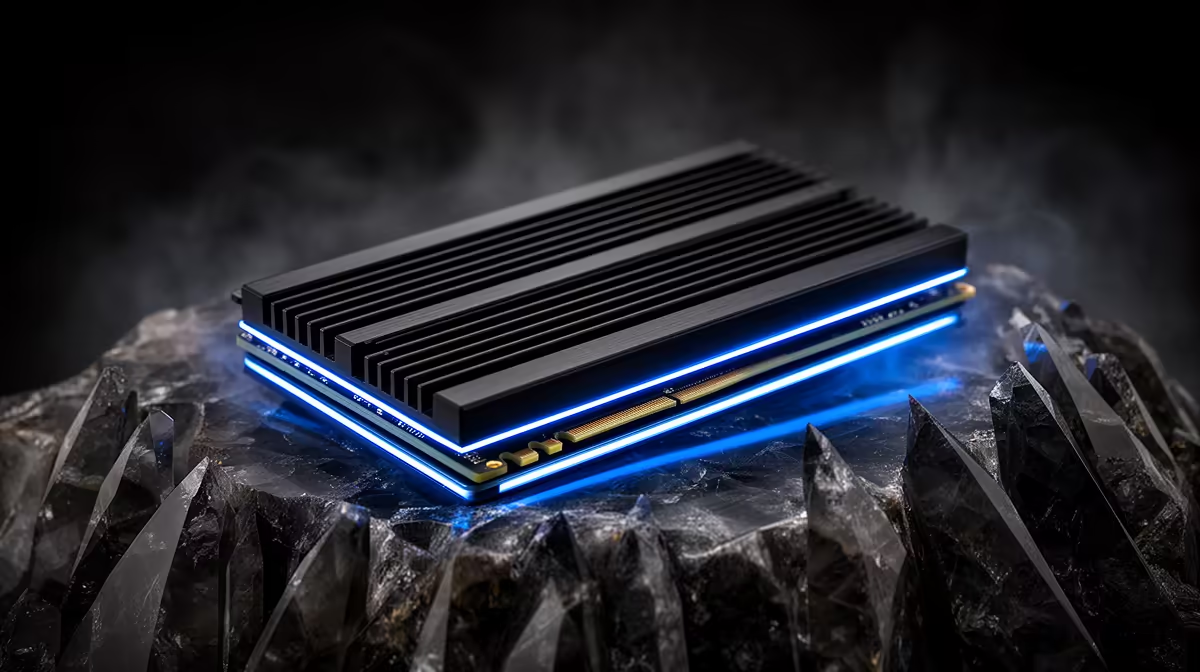
A PS5 expansion SSD needs effective heat dissipation. Sony allows a drive with a built-in heatsink or a compatible cooling structure you fit yourself. The important part is meeting the M.2 interface, size and cooling dimensions together. A tall PC heatsink can stop the bay cover from closing.
Quick Answer
Choose a PCIe Gen4 x4 M.2 NVMe SSD that meets Sony's current PS5 requirements and includes a correctly sized heatsink, or add a compatible one. Avoid M.2 SATA drives and bare NVMe installations without the required cooling. Verify the exact model before opening the console.
Compare solid-state drives by interface and format with popular SSD models. Use Sony's current support page as the final compatibility authority.
The Interface Must Match
PS5 expansion uses an M-key PCIe Gen4 x4 NVMe M.2 drive. M.2 describes the shape, so an M.2 SATA product can look close and remain incompatible.
Sony supports several M.2 lengths and publishes a supported capacity range. It recommends sequential read speed of 5,500MB/s or faster. Check the current table because console firmware and support guidance can change.
Cooling Has a Size Limit
The SSD and cooling structure must fit inside the expansion bay. Sony publishes maximum width, length and height, including how much cooling can sit above and below the board.
A model sold with a PS5-sized heatsink removes one assembly step. A separate heatsink can work when it makes proper contact and stays within the envelope. Do not stack the motherboard-style heatsink from another system onto a drive that already has one.
Install Without Forcing Anything
Shut the console down, disconnect power and follow Sony's current cover-removal and M.2 installation guide. Move the spacer to the correct drive length, insert the SSD fully and secure it with the proper screw.
The expansion cover should close without pressure. If it does not, stop and recheck heatsink dimensions. After startup, the PS5 formats the drive and reports a speed test.
Use the Drive as Active Storage
Compatible PS5 and PS4 games can be moved to the internal M.2 expansion and played there. This differs from USB extended storage, where PS5 game data must move back before launch.
Keep game saves protected through the console's supported save-data process. Extra SSD capacity does not create a backup.
If a game behaves poorly from the expansion drive, Sony advises moving it to the console's internal storage for comparison. That test can separate a drive problem from a game or system issue.
FAQ
Does every PS5 M.2 SSD need a heatsink?
Sony requires effective heat dissipation, using a built-in or separately attached cooling structure.
Can I use an M.2 SATA SSD in PS5?
No. The expansion slot requires a supported PCIe Gen4 x4 NVMe drive.
Can PS5 games run from the M.2 expansion?
Yes, when the installed drive meets Sony's requirements and is formatted by the console.
Match the exact SSD and heatsink to Sony's current interface and bay dimensions, then install it without forcing the expansion cover.