A good PCIe 3.0 NVMe SSD is still quick enough for Windows, everyday work and a large game library. Gen4 drives post much higher sequential numbers, but many launches and level loads depend on small-file latency, decompression and the game engine. The lived gap can be modest.
Quick Answer
Buy Gen3 when the named drive offers better capacity, endurance or support at a lower live price than a comparable Gen4 model. Choose Gen4 for large file transfers, current-platform builds and workloads that can sustain its bandwidth. Compare complete drives, rather than interface labels.
Browse solid-state drives across form factors, check popular SSD models, and narrow the list to NVMe SSD options. Confirm the exact slot and key your PC accepts.
Games Rarely Copy at Peak Speed
Sequential ratings describe large, orderly transfers under a test condition. A game load mixes many file sizes, CPU decompression and asset preparation. Once an SSD removes hard-drive seek time, doubling the interface bandwidth does not halve every loading screen.
DirectStorage-capable games can benefit from fast storage and GPU decompression, but implementation and the rest of the system matter. Check current tests from the titles you own.
The Drive Matters More Than Gen3
Controller quality, NAND type, firmware, cache behaviour and capacity affect sustained performance. A weak Gen4 drive can fall behind a strong Gen3 model after its fast write cache fills.
Read independent sustained-write, random-access and temperature tests. Check the maker's endurance rating and warranty terms. Leave free space so the controller can manage writes and housekeeping.
Check Compatibility
An NVMe M.2 drive needs a slot that supports PCIe NVMe. Some M.2 sockets accept SATA only, and some share lanes with SATA ports or expansion slots. Use the motherboard or laptop manual.
A Gen3 drive works in a compatible Gen4 slot at Gen3 speed. A Gen4 drive can also run in a Gen3 slot, which may be useful if you plan to move it into a newer PC later.
Match the Workload
For game storage and normal use, buy enough reliable capacity first. For editing large media, moving disk images or heavy scratch work, Gen4 bandwidth can save real time. Time the actual transfer rather than buying a benchmark number.
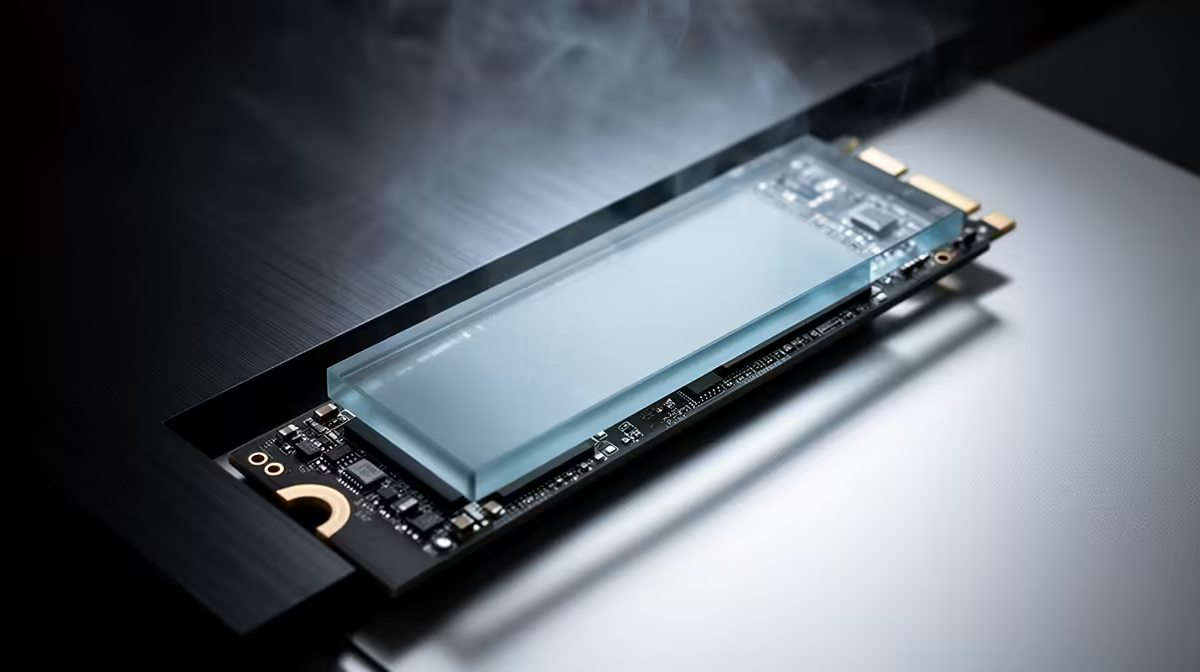
Check cooling in a laptop or small motherboard compartment. A Gen3 controller can be easier to manage than a hot high-end drive, though exact models differ. Use the board's heatsink when the maker calls for it, remove its protective film and monitor temperature during a long copy.
FAQ
Is Gen3 NVMe fast enough for gaming?
Yes. Many games show small loading differences between good Gen3 and Gen4 drives.
Can I install Gen3 NVMe in a Gen4 slot?
Yes, when the slot supports NVMe. It will operate at the drive's Gen3 link speed.
Should I buy Gen4 for a future PC?
It can make sense when the premium is small and the drive will move. Capacity, quality and endurance still come first.
Compare named Gen3 and Gen4 drives by capacity, NAND, endurance and real game loads, then buy the interface your workload can use.