12V-2x6 Adapter vs Native Cable: Which to Use?
Quick Answer
Use a native 12V-2x6 PSU cable when the exact power supply and GPU support it. It creates a direct documented path with fewer plug junctions. Use the GPU-supplied adapter when that is the supported route and every required PSU input can be connected as instructed.
Neither option is safe when partly seated, bent hard at the plug, damaged or paired with the wrong modular cable.
Define Native Correctly
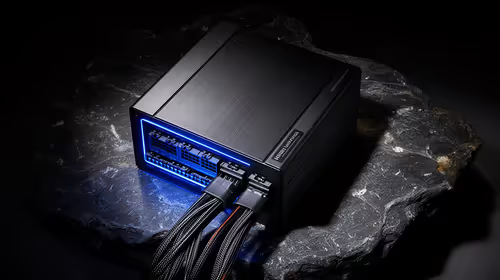
A native cable is supplied or explicitly approved for the exact PSU model and terminates in the high-power GPU plug. A cable that happens to fit the modular socket is not native.
PSU-side pinouts vary. Never move a modular cable between brands or models without written compatibility from the maker.
Check whether the cable is 12V-2x6 on the GPU side and what power mode the PSU and cable support.
Understand the Adapter Path
A graphics-card adapter converts the supported number of traditional PCIe power plugs to the card connection. Use the adapter included or specified for that card.
Connect every required input. Follow the manual on separate cable runs rather than splitting one cable beyond its intended use.
Do not daisy-chain extra adapters or extensions. Each added junction creates another contact and another place for strain.
Fewer Connections Help Diagnosis
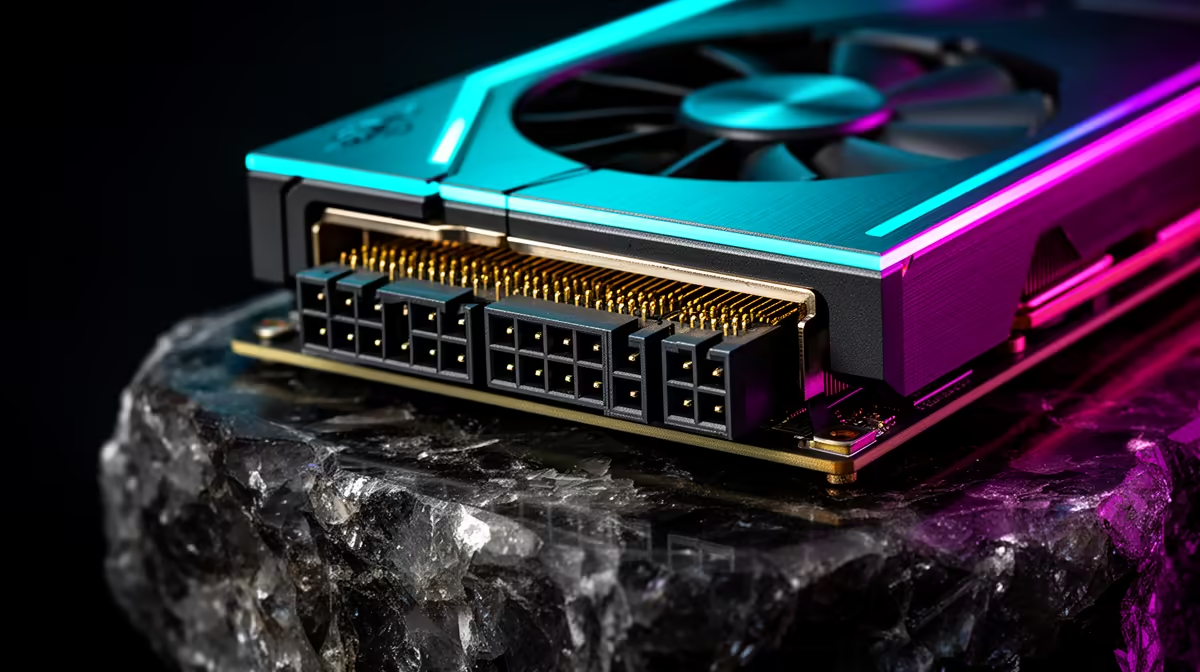
A native cable removes the adapter junction and several PCIe plugs. This can simplify routing and reduce the number of contacts you need to inspect.
It does not remove the need for adequate PSU capacity, transient support and full seating at both ends.
A short neat path is only useful when the cable has enough length to avoid tension.
Seat the GPU End
Support the card and push the plug body fully into the socket. Check the latch and visible gap against the manual.
Do not rely on a click alone. Inspect the connector from a safe angle with the PC off and unplugged.
Keep the first section of cable straight for the distance required by the maker. Do not let the side panel push it sideways.
Seat the PSU End
On a modular unit, connect the cable to the exact labelled port specified in the PSU manual. Push it fully home.
Do not use a CPU EPS port or cable because the plug appears similar. Follow labels at both ends.
Route away from fan blades and sharp case edges. Use light cable support without pulling the connector.
Inspect the Adapter Inputs
Check every PCIe plug for full seating. Use the required number of native PSU cable runs.
Avoid tight bundles that hide one loose connector. Leave the junction accessible for inspection without placing it against a hot exhaust.
Do not tape plugs together or modify housings. Replace damaged parts through the documented support route.
Check Case Clearance
Measure GPU height and the distance to the side panel. A thick adapter bundle may require more room than a native cable.
A wider case or right cable routing can be safer than forcing the panel closed. Use angled connectors only when the GPU and PSU makers support the exact part.
Do not bend at the plug to make an incompatible case work.
Compare Exact PSU Options
Browse Corsair power supplies for native cable listings. Use PSU best sellers to compare capacity, standard, form factor and warranty.
Open each specification. Do not infer 12V-2x6 from an ATX 3.1 label without checking the cable set.
Price the complete route, including a supported replacement cable or PSU. Do not invent a universal cable cost.
Validate the Complete System
Return CPU, GPU and memory to default. Boot and check the connection without touching it under power.
Run GPU-heavy and combined workloads while watching stability and temperature. Stop for smell, discolouration, melting or abnormal connector heat.
Finish with a warmed game. A clean synthetic pass does not cover every load transition.
Recheck After Movement
Transport and case work can pull on the cable. Power down, unplug and inspect seating before the next heavy session.
Do not unplug the connection for routine curiosity. Repeated handling can add wear.
Save the cable model and installation path with the PC specification. Keep the adapter as a labelled spare when the native cable is used.
When to Replace the PSU
Replace it when the existing unit lacks capacity, supported native or adapter inputs, physical fit, condition or credible model information.
Do not replace a sound supported unit solely to remove an adapter that the GPU maker supplies for that configuration. Compare the full evidence and case routing.
Use a qualified technician when proprietary prebuilt connections or uncertain cables are involved.
Replace a Cable Through the Right Source
Order a replacement from the PSU maker or a supplier that states exact model compatibility. Match the part number, length and supported power mode.
Do not repair a high-power GPU cable with solder, tape or a new housing. Replace the complete damaged lead.
Keep proof of purchase and the package label. A future owner needs to know which PSU the lead belongs to.
Avoid Cable Extensions for Appearance
An extension adds another pair of contacts and more length to route. It may also push the high-power junction into a hidden hot part of the case.
Use the native or supplied adapter path at its documented length. Choose a case and cable colour around safety rather than adding an unsupported cosmetic link.
When a build theme matters, buy a maker-approved cable set for the precise PSU model.
Check the Power-Supply Bay
A direct cable can be stiff and needs room behind the motherboard tray. Check grommets, tie points and the distance to the PSU socket.
Do not crush the lead under a side panel or fold it sharply at the modular end. Keep it away from sharp stamped edges.
Cable-management pressure can pull on the GPU plug from the other side of the case, so inspect both ends before closing panels.
Diagnose Without Swapping Random Parts
For a shutdown, return tuning to default and record the triggering workload. Inspect seating, temperature and event records.
Test a known-supported cable path with qualified help. Do not alternate unverified adapters or modular leads.
If the fault remains, the PSU, GPU, motherboard, memory or cooling may be involved. Use a technician rather than treating the adapter as the only possible cause.
FAQ
Is a native 12V-2x6 cable always safer?
It removes an adapter junction, but safety still depends on exact compatibility, capacity, seating, routing and condition.
Can I use any modular 12V-2x6 cable?
No. It must be supplied or approved for the exact PSU model because PSU-side pinouts differ.
Should every adapter input use a separate cable?
Follow the GPU and PSU manuals. Use the required cable-run method and never improvise a split outside that guidance.
Choose the exact supported native cable or GPU adapter, trace every PSU input, and inspect full seating and bend clearance before applying load.