Mousepad Size and Price: The Cheapest Real Aim Upgrade
Quick Answer
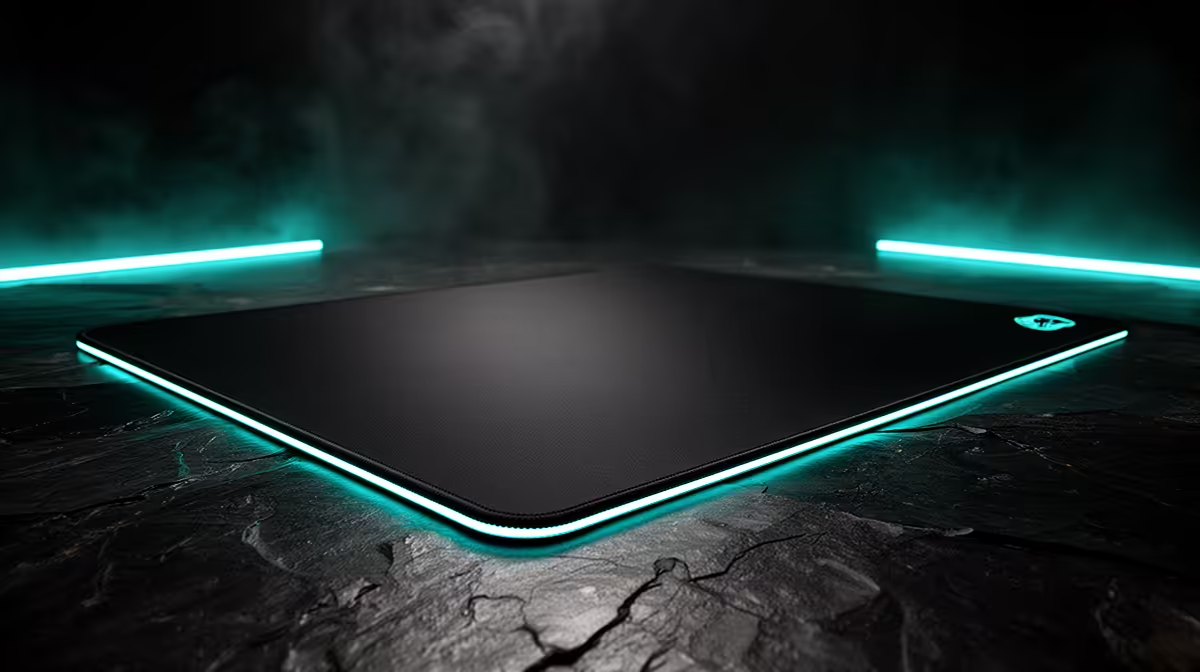
A larger consistent mousepad is a useful aim upgrade when the current pad ends the swipe, slides on the desk or has worn fast and slow zones. It gives the mouse a repeatable surface and removes the emergency lift at the edge.
Size alone is not enough. Measure the turn, desk and keyboard position, then choose a cloth surface whose speed and stopping feel suit your control.
Measure the Swipe Before the Pad
Use your normal DPI and game sensitivity. Measure the horizontal distance for a full turn and for the largest flick you use.
Add reset room on both sides. The mouse should not start every round against an edge.
Mark the required rectangle on the desk with removable low-tack tape. Check monitor feet, keyboard, cable holes and the curve of the desk.
Understand Common Size Classes
A medium pad can suit high sensitivity and a narrow desk. A large square or rectangle gives low-sensitivity players more horizontal room.
An extended desk mat holds keyboard and mouse on one surface. It can reduce sliding and create a clean layout, but keyboard pressure and spills affect the same pad.
Use actual millimetres. Product labels such as large and extra-large vary between makers.
Surface Speed Changes Control
A faster cloth surface reduces initial friction and can suit quick tracking. A control surface offers more stopping resistance for players who overshoot.
Neither is universally better. Hand pressure, mouse feet and humidity change the feel.
When possible, compare with a known pad. Do not change sensitivity on the first day to make a strange surface feel familiar.
Thickness and Base Matter
A thicker soft pad can smooth minor desk texture, but heavy hand pressure may sink the mouse and alter glide. A thin firm pad reflects the desk underneath.
The rubber base should stay put through a full turn. Clean the desk before testing. A curled corner or moving base creates inconsistency no sensor can remove.
Stitched edges can improve durability, though a raised rough seam may irritate the forearm. Check edge height and finish.
Check the Old Pad for Wear
Move the mouse through the centre and each corner with the PC off. Feel for slow zones, rough patches and changes in stopping.
Rotate the pad and repeat a familiar drill. If the control changes with the worn area, the surface is part of the problem.
Follow cleaning guidance before replacing it. Skin oils and dust can imitate permanent wear.
The Mouse Feet Complete the Contact
Inspect skates for peeling edges, deep scratches and uneven wear. Remove any transport film from a new mouse.
Replacement feet must fit the exact shell. Different materials and thicknesses can change lift distance and glide.
Change pad or skates one at a time. Two new surfaces make it hard to identify the useful improvement.
Shop by Dimensions
Browse gaming mouse deals to understand the mouse dimensions and cable path around the pad. Use mouse best sellers to compare the shapes that will travel across it.
When the recommended pages surface mice rather than pads, keep the pad search tied to the exact mouse width, feet and sensitivity. Do not invent a product URL outside the article's approved set.
Price the pad with delivery. A larger model is worthwhile only when it fits the desk and removes a measured edge problem.
Rebuild the Desk Around the Aim Area
Move the keyboard towards the non-mouse side or use a compact layout. Keep the shoulders square and the forearm supported without pressing into a sharp edge.
Route the mouse cable with slack for the farthest corner. Place a wireless receiver close without resting it on the pad.
Keep drinks away from the aim surface. A large mat collects more of the desk's daily mess.
Use a Controlled Aim Test
Keep DPI, game sensitivity and crosshair settings unchanged. Run one tracking drill and one target-switching drill.
Record pad-edge hits, overshoots and hand comfort. Repeat over several days before adjusting sensitivity.
Then play full matches. A training gain that comes with shoulder pain is a poor trade.
Maintain the New Surface
Follow the maker's cleaning method. Use mild products only where allowed and let cloth dry flat.
Do not fold a pad with a hard crease. Roll it in the recommended direction for transport.
Turn or reposition it only when wear remains even. Keep a short note of purchase date and cleaning so gradual glide changes have context.
Know When Size Will Not Help
A larger pad cannot fix a mouse sensor that skips, broken switches or an unsuitable shell. It cannot repair unstable game frame time.
Test those paths before blaming the edge. When the mouse never reaches the current pad boundary, spend on the actual fault.
The cheap upgrade is real because it removes geometry and surface problems. It is not a general aim shortcut.
Compare Control at Two Speeds
Run one slow precision drill and one fast tracking drill. A surface that feels controlled in small corrections may become sticky through a long sweep.
Mark whether the error begins at movement, continues through tracking or appears at the stop. This tells you whether initial friction, glide or stopping is the concern.
Keep the mouse feet and hand pressure consistent. The pad cannot be judged when every run uses a different grip.
Use the Pad Beyond One Game
Check desktop selection, creative work and the second game you play. A very specialised surface may feel poor outside the title used for the purchase.
An extended mat can also protect the desk and stabilise the keyboard. Count those as comfort benefits, not direct aim gains.
If several people share the desk, mark the placement that gives each user a flat area. Moving the pad daily can create curls and dirt under the base.
Store a Baseline Photo
Photograph the clean desk layout and note sensitivity, pad dimensions and mouse model. This makes it easy to rebuild after travel or cleaning.
Check wear every few months under the same light. A shiny central track or lifting edge can explain a gradual change before it becomes a match problem.
Replace from evidence. Keeping the old pad for a week gives you a direct comparison if the new surface feels wrong.
FAQ
How large should my mousepad be?
Large enough for the full normal swipe and reset, with room left on the desk. Measure in millimetres.
Is a faster pad better for shooters?
It can suit quick tracking, while a control pad can help stopping. Match the surface to your pressure and repeated errors.
Can cleaning restore a worn pad?
It can remove dirt and oils. A permanently worn or damaged surface still needs replacement.
Measure your full turn and desk rectangle, clean and rotate the old surface, then buy a larger pad only when the edge or worn zone repeats.