


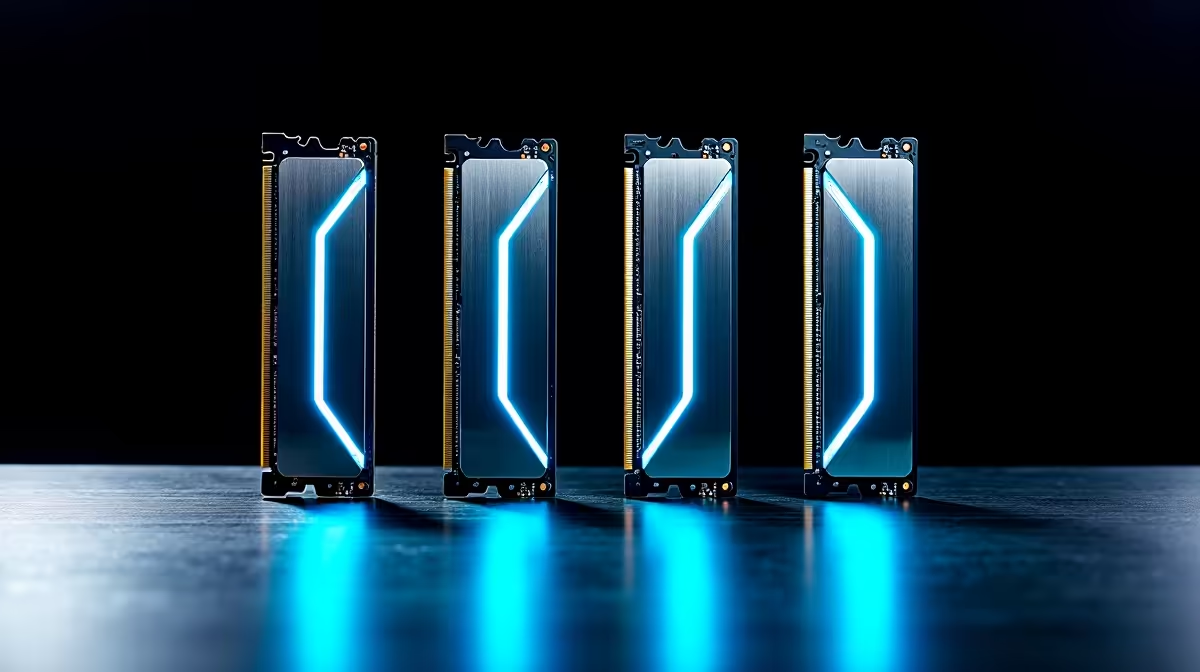
Building a PC in South Africa to run powerful AI like DeepSeek? That's brilliant. But before you splash out on a monster GPU, let's talk about the unsung hero: your RAM. Getting this component wrong can bottleneck your entire system, turning your AI powerhouse into a glorified calculator. Choosing the best RAM for your DeepSeek PC isn't just about picking the biggest number; it's about finding the perfect balance for peak performance. Let's get it right. 🚀
Why Your RAM Choice is a Big Deal for DeepSeek
Think of RAM (Random Access Memory) as your PC's short-term memory or workspace. When you run a large language model (LLM) like DeepSeek, the entire model and the data it's processing need to be loaded into this workspace. If the space is too small (low capacity) or too slow (low frequency/high latency), your processor and GPU are left waiting around, unable to work at their full potential.
For AI workloads, the right RAM means:
- Faster Processing: The model can be accessed and manipulated more quickly.
- Larger Models: You can run more complex and powerful versions of DeepSeek without crashing.
- Smoother Multitasking: You can run your AI model alongside other applications without your system grinding to a halt.
Finding the best RAM for a DeepSeek PC is an investment in speed and capability.
Decoding RAM Specs for Your AI Rig 🧠
Navigating RAM specifications can feel a bit technical, but a few key metrics matter most for an AI build. Focus on getting these right, and you'll be well on your way.
Capacity: How Much is Enough?
For AI, more is almost always better. While a 16GB gaming PC is common, it's the absolute bare minimum for experimenting with smaller models.
- 32GB: A solid starting point for many enthusiasts.
- 64GB: The sweet spot for running larger, more capable models and datasets without hitting a memory wall.
- 128GB+: Ideal for developers, researchers, or anyone serious about training or fine-tuning their own models.
Speed (MHz) and Latency (CL)
Speed (measured in Megahertz, MHz) determines how fast data can be transferred, while CAS Latency (CL) measures the delay before that transfer begins. You want high speed and low latency. DDR5 is the current standard, offering significantly higher speeds than its predecessor, DDR4. A kit like a 6000MHz CL30 is considered a fantastic sweet spot for performance.
Check Your QVL! 🔧
Before buying any RAM, always check your motherboard's Qualified Vendor List (QVL) on the manufacturer's website. This list confirms which specific RAM kits have been tested and are guaranteed to work at their advertised speeds with your board. It’s a five-minute check that can save you hours of troubleshooting headaches.
The Best RAM Brands for DeepSeek PCs in South Africa
Here in South Africa, we have access to some of the world's top memory brands. When choosing, prioritise the specs above, but these brands consistently deliver quality and performance.
Corsair (especially the Vengeance and Dominator series) and G.Skill (Trident Z and Ripjaws) are favourites among performance enthusiasts for their reliability and high-speed kits. Kingston FURY is another excellent choice, known for its solid performance and stability.
Of course, your RAM doesn't work in isolation. A powerful AI system requires a balanced approach, where the GPU often handles the most intense parallel processing tasks. Ensuring you have a capable graphics card is just as crucial, which is why many builders start their journey by looking at our complete NVIDIA GeForce gaming PCs to see how balanced systems are configured.
The overall performance is a team effort between your CPU, GPU, and RAM. While you're optimising your memory, don't forget the vital role your graphics card plays. Top-tier systems often pair well with powerful GPUs, and many South African builders find exceptional value in our wide range of AMD Radeon gaming PCs.
For mission-critical AI development where every calculation counts, some professionals opt for hardware with built-in error checking. If your DeepSeek projects demand certified stability and ECC (Error-Correcting Code) memory, exploring dedicated workstation PCs is a very smart move, as they are built from the ground up for maximum reliability.
Putting It All Together
Choosing the best RAM for your DeepSeek PC comes down to a simple checklist:
- Prioritise Capacity: Start with 64GB if your budget allows.
- Go for DDR5: Aim for a high-speed, low-latency kit (e.g., 6000MHz+).
- Check Compatibility: Always verify your chosen RAM with your motherboard's QVL.
- Buy Reputable Brands: Stick with trusted names like Corsair, G.Skill, or Kingston for peace of mind.
Get this right, and your AI machine will have the high-speed workspace it needs to truly fly.
Ready to Build Your AI Powerhouse? Choosing the best RAM for your DeepSeek PC is a crucial step, but it's just one part of the puzzle. Let our experts help you configure the perfect machine, from the motherboard to the GPU. Explore our range of custom-built PCs and bring your AI projects to life.









