


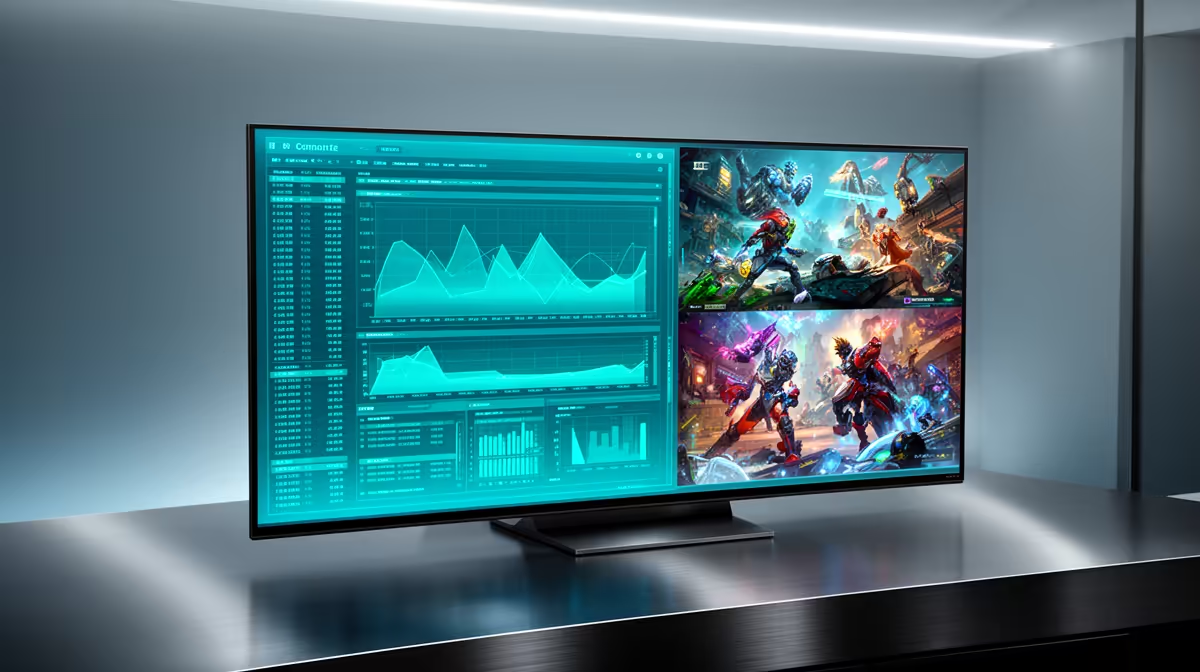
The AOC 27in QHD 200Hz at R3,200 suits a South African student, engineer, or gamer who wants sharper workspace detail and fast play from one gaming monitor. It is the clearest fit here because the 27in QHD panel gives more room for code, plots, notes, and browser tabs, while the 200Hz refresh rate still keeps competitive games feeling responsive.
Best balanced pick for work and play
The AOC 27in QHD 200Hz at R3,200 is the sensible choice if MATLAB is part of the desk routine, because QHD matters more than raw refresh rate when you are reading graphs, toolbars, and multiple panes. The 200Hz spec still leaves plenty of headroom for gaming after work, so it does not feel like a productivity-only screen.
If budget is tighter, the ViewSonic VX2779A 240Hz at R2,350 is strong for fast gaming, especially if smooth motion matters more than extra workspace clarity. Its 240Hz refresh rate is the standout spec, although the AOC 27in QHD 200Hz at R3,200 remains the better fit when screen space and sharper text are priorities.
SA student desk and engineering workflow
On a student desk or compact creator desk, the MSI MAG 274F 200Hz at R3,006 makes sense when you want a 27in-class feel with a high 200Hz refresh rate, but the AOC 27in QHD 200Hz at R3,200 is easier to justify when that workload needs readable plots and a cleaner multi-window layout.
Pro Tip ⚡
The Dell SE2726H 144Hz at R1,797 is the value fallback if you mainly need a bigger everyday screen and casual gaming smoothness. The Dahua LM25 200Hz at R1,850 is cheaper with a faster 200Hz refresh rate, but it is better suited to a tighter gaming setup than a mixed technical workspace.
Ready to choose the right gaming monitor? Compare the listed gaming monitor range and match the refresh rate, size, and price to your desk setup.










