

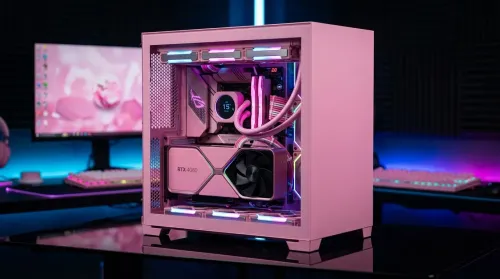
Pink Aesthetic Gaming Setup Ideas Without Sacrificing Performance
Build a pink aesthetic gaming setup without sacrificing performance. Get smart parts, lighting, cable control, and airflow tips to keep FPS high and style on point. 💗🎮
Read more360 conference camera room size recommendations show ideal dimensions, seating counts and placement for small, medium, and boardroom setups. Improve coverage, audio, and hybrid meeting quality. 📸🏢
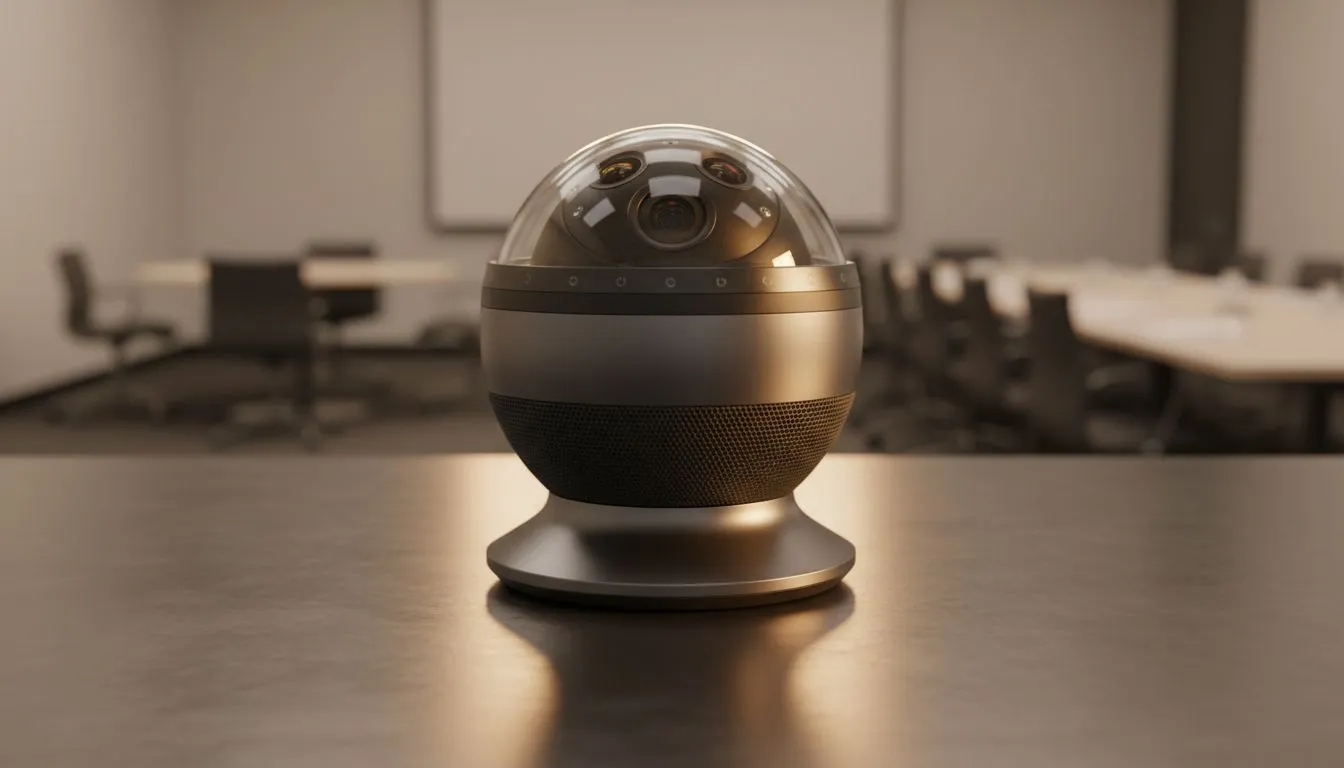
In the modern South African office, nothing kills a meeting faster than a "huddle" where half the team is stuck off-camera. Whether you are pitching to a new client in Sandton or syncing with a remote dev team, your hardware must match your space. This 360 Conference Camera Room Size Guide for Small, Medium and Boardrooms helps you choose the right gear to ensure every voice is heard and every face is seen clearly. 🚀
Small rooms, often called huddle spaces, typically accommodate two to four people. In these tight quarters, a standard webcam often fails because the field of view is too narrow. You need a solution that captures everyone without forcing participants to cram together. For those starting out or setting up a home office, you can find reliable entry-level webcams under R1,000 that offer surprisingly crisp visuals for smaller footprints.
In these environments, a 360-degree camera placed in the centre of the table is ideal. It eliminates the "bowling alley" effect where people at the back look like tiny dots. Since the room is small, the internal microphones usually suffice... provided they have decent noise reduction to filter out office hum.
When setting up a 360-degree camera in a small room, place it exactly in the centre of the table. Ensure there are no laptop lids or coffee mugs blocking the lens. This allows the AI to stitch the image perfectly, giving remote participants a seamless view of everyone in the room without awkward distortions.
Medium rooms generally seat six to ten people. Here, the distance between the camera and the furthest participant increases... which means resolution becomes a priority. You want to avoid pixelation when the camera zooms in on a speaker. If you are balancing performance and budget, exploring mid-range webcams under R2,000 is a smart move for growing businesses.
For these spaces, look for cameras with "Active Speaker Tracking." This tech uses beamforming microphones to locate whoever is talking and frames them automatically. It makes the meeting feel more natural for remote viewers... almost like they have a dedicated camera operator in the room with you. ✨
Boardrooms require the heavy hitters of the tech world. When you have twelve or more people around a long table, a single front-of-room camera often misses the nuance of body language. High-end 360-degree solutions are non-negotiable here. You should look for high-performance webcams under R3,000 or enterprise-grade bundles to ensure the optics can handle the depth of a long room.
In a large boardroom, audio is just as vital as video. Many 360-degree systems allow for expansion mics to be daisy-chained across the table. This ensures that even the person at the far end of the mahogany table is heard with crystal clarity. Investing in an extensive range of professional webcams allows you to pick the specific sensors and mic arrays that suit your acoustic environment. 🔧
Regardless of room size, lighting and acoustics play a massive role. Try to avoid placing the camera directly opposite a bright window, as this can wash out the image. If your room has a lot of glass, consider adding some acoustic panels or even just a rug to dampen the echo. A 360-degree camera is a powerful tool, but it works best when the environment is "tech-friendly."
Ready to Find Your Perfect Match? Choosing the right conference hardware is the secret to professional hybrid collaboration. Whether you're kitting out a tiny huddle space or a massive boardroom, we have the tech to keep you connected. Explore our massive range of webcam specials and find the perfect machine to conquer your world.
Small rooms (10–20 sqm) and medium rooms (20–40 sqm) suit most 360 cameras; boardrooms 40+ sqm need careful placement and multiple mics for full coverage.
Coverage depends on room layout; expect 6–10 people in small rooms, 10–20 in medium, and 20+ in boardrooms with optimized seating and 360 camera placement.
Place the 360 camera centrally on the table or ceiling-centered for even view; combine with ceiling or boundary mics for best boardroom 360 camera placement.
Yes, but irregular layouts may create blind spots; adjust placement and use supplemental mics or cameras to improve 360 camera meeting room coverage.
U-shape or circular seating maximizes visibility; avoid long narrow tables. These meeting room layouts for 360 camera ensure better participant framing.
Yes. Large and boardroom spaces need boundary or ceiling microphones and mixers to match 360 camera coverage and deliver clear hybrid meeting audio.
Optimal distance is usually within 3–8 meters from the camera depending on model; check specs for camera field of view and optimal distance for 360 camera.
Build a pink aesthetic gaming setup without sacrificing performance. Get smart parts, lighting, cable control, and airflow tips to keep FPS high and style on point. 💗🎮
Read more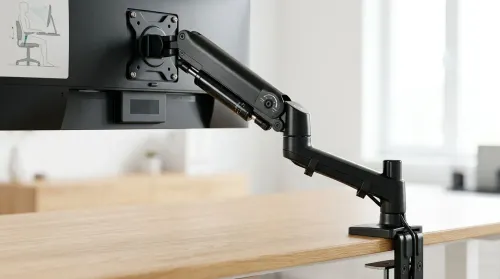
Set up a gas spring monitor arm for perfect ergonomic height and viewing angles in minutes. Get less neck strain, better posture, and smoother adjustments 😊🛠️
Read more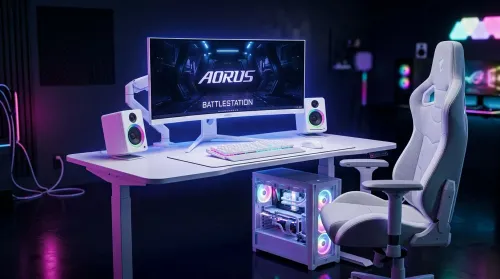
Want a white gaming battlestation setup in South Africa? From desk to monitor to chair, we map the right parts for smooth FPS, tidy cable runs, and all-day comfort 😊🖱️
Read more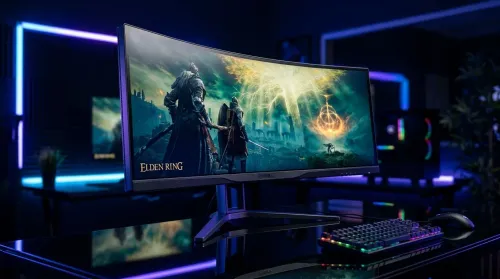
49-inch ultrawide vs dual monitors for gaming in South Africa: pick the setup that fits your games, desk space, and budget. Get clear trade-offs, smooth performance, and the right resolution plan. 🎮🇿🇦
Read more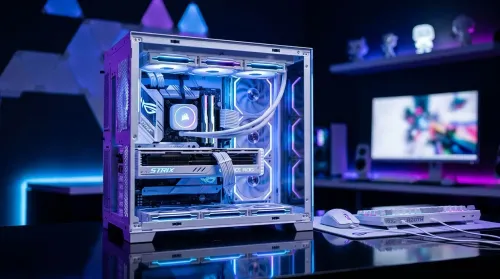
Want a white gaming setup in South Africa that performs? Here’s a complete ZAR component breakdown, from CPU to monitor—optimized for FPS, smooth play, and clean aesthetics. 🎮⚪
Read more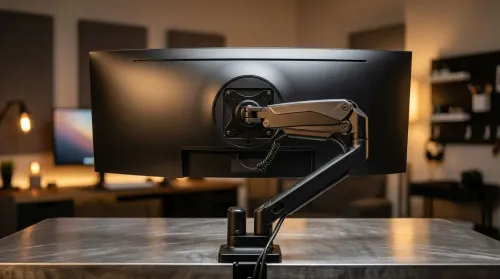
Gas spring monitor arms vs fixed stands for 49-inch ultrawide setups: learn what matters for stability, height, and desk clearance. Get the right mount fast and avoid misalignment issues. 🖥️⚙️
Read more
Every spec on PCIe 5.0 explained in plain English. What matters for gaming and creator work in 2026, what's marketing fluff, and how each number translates to real-world performance.

A head-to-head look at WiFi 7: real-world performance, ZAR pricing and which option delivers better value for SA builders. The clear answer — no fluff.

Everything you need to set up and tune PCIe 5.0 properly: the prep work, the settings that actually matter, and the mistakes to skip. Written for SA builders in 2026.

Everything you need to set up and tune X870E Motherboard properly: the prep work, the settings that actually matter, and the mistakes to skip. Written for SA builders in 2026.

Wondering what a 512GB SSD capacity really holds? This guide breaks down how many games, photos, and documents fit on 512GB, with real-world ranges 📦💾

Every spec on vrm explained in plain English. What matters for gaming and creator work in 2026, what's marketing fluff, and how each number translates to real-world performance.

Every spec on motherboard explained in plain English. What matters for gaming and creator work in 2026, what's marketing fluff, and how each number translates to real-world performance.

Premium vs Midrange Motherboards in South Africa: real-world performance, SA pricing, power draw and which one delivers better value for your build for SA buyers. The clear answer — without the fluff.
Wondering what a 512GB SSD capacity really holds? This guide breaks down how many games, photos, and documents fit on 512GB, with real-world ranges 📦💾
Every spec on PCIe 5.0 explained in plain English. What matters for gaming and creator work in 2026, what's marketing fluff, and how each number translates to real-world performance.
A head-to-head look at WiFi 7: real-world performance, ZAR pricing and which option delivers better value for SA builders. The clear answer — no fluff.

Every spec on USB4 explained in plain English. What matters for gaming and creator work in 2026, what's marketing fluff, and how each number translates to real-world performance.