


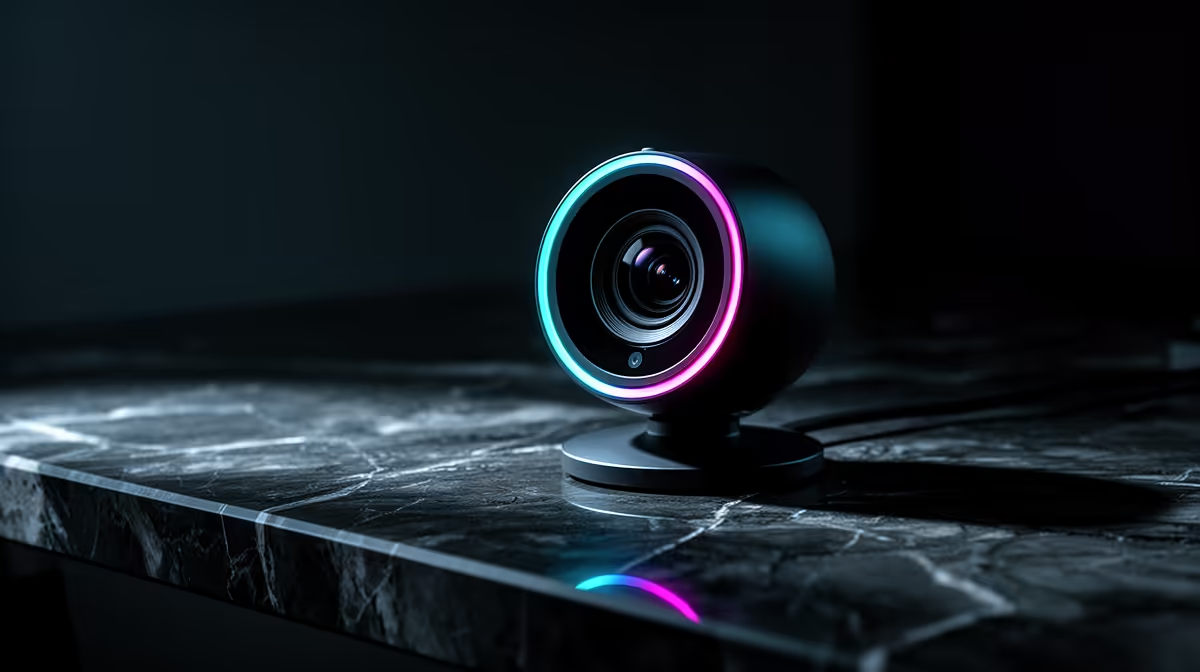
NearStream V08AF 4K R678 suits a first-time PC gaming setup when you want sharper camera detail for Discord, clips, and casual streaming without jumping straight into a premium creator rig. A webcam is worth upgrading to 4K only if your lighting, desk angle, and upload connection are good enough to show the difference.
What to buy first
The NearStream V08AF 4K R678 is the strongest pick here because the 4K spec gives you more room to crop your frame, sit slightly further back, or keep your face clear while a headset, mic arm, and monitor fill the desk. For new PC gamers who may also record short gameplay reactions, that extra resolution is the practical reason to spend more.
The Logitech Brio 100 FHD R458 is the sensible middle option if you mainly need a clean face cam for party chat and video calls. Its FHD spec is enough for most small preview windows, and the lower R458 price leaves more budget for the parts that affect gameplay directly.
The Logitech C270 HD R252 is the budget pick for a simple first setup. Its HD spec is basic, but at R252 it works for voice-and-video calls, quick check-ins, and getting started before deciding whether camera quality matters to your gaming routine.
First gaming room reality in South Africa
On a student desk or bedroom gaming room, the NearStream V08AF 4K R678 makes the most sense when the camera will be used often and the screen area is already crowded. If the camera is only for occasional calls, the Logitech Brio 100 FHD R458 is usually the cleaner value choice.
Pro Tip ⚡
Ready to choose the right webcam? Use Logitech Brio 100 FHD at R458 as the gaming room benchmark, then check whether its listed spec matches the space, workload, and upgrade path.











