


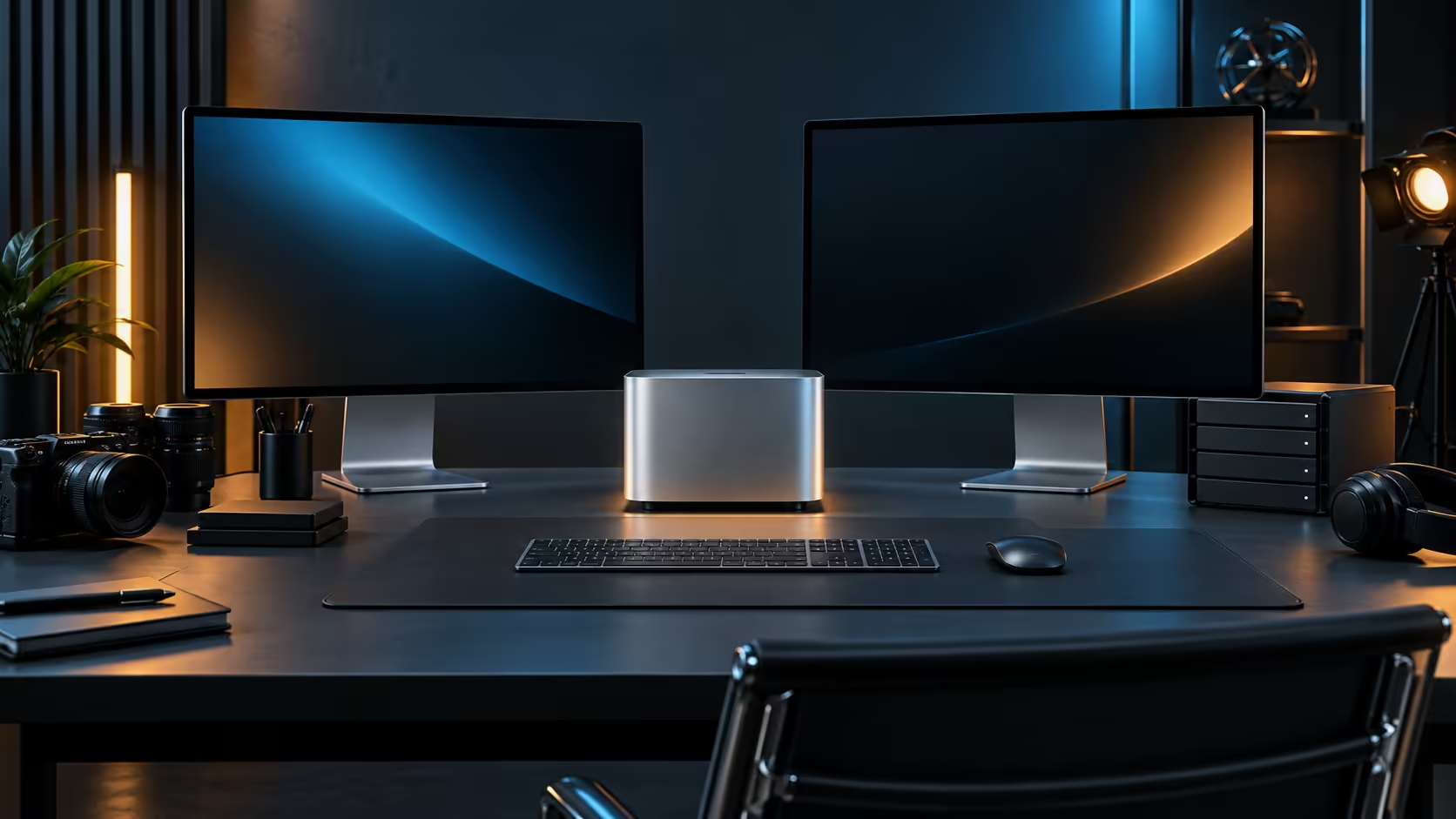
A two-monitor desk is the sweet spot for most South African home offices running a Mac Mini M5 Pro, before desk depth, not the machine, becomes the actual limit.
Quick Answer
Two screens fit comfortably on most home-office desks and run without strain on this configuration's Thunderbolt 5 and HDMI outputs. A third depends on the resolution combination and the exact ceiling Apple publishes for the M5 Pro chip, and buying every screen locally keeps the warranty on this side of customs on a R33,599 machine.
📏 Measuring the desk before the monitors
A single large monitor needs roughly 700mm to 900mm of desk width depending on size; two side-by-side panels comfortably need 1200mm or more, plus space in front for a keyboard and a mouse. Many South African home offices are fitted into a spare bedroom or a converted nook, where desk width, not the machine's own capability, is what actually caps the setup at two screens rather than three.
🖥️ Matching monitors to the ports you have
Thunderbolt 5 and HDMI cover most combinations without an adapter: a primary screen on Thunderbolt for the sharpest signal, and a secondary screen on HDMI if it lacks USB-C video input. Check the current monitor best sellers range for panels that natively support USB-C, since those simplify cabling to a single lead per screen where the monitor also charges accessories.
🧰 Cable runs and where South African desks lose them
A monitor arm frees desk surface but adds cable length behind the mount, and that run is longer than it looks once slack for movement is included. Measure from the port on the machine to the arm's pivot point, add slack, then buy a cable rated for that length rather than assuming the bundled lead reaches. This is where a South African buyer ordering online most often ends up short by 300mm to 500mm on the first attempt.
🪑 The desk itself sets the real ceiling
A depth of at least 600mm is needed just to sit comfortably back from a large monitor, and that figure grows once a keyboard, a mouse and any notes or a laptop are added in front. Many home offices fitted into a spare bedroom top out around 1200mm to 1400mm of usable width once a door swing or a built-in cupboard is accounted for, which is often the honest reason two screens fit and three do not.
🎚️ Matching resolution to how the desk is actually used
A primary screen at 3840x2160 for detailed work benefits from the extra resolution, while a secondary screen used mainly for reference material or chat does just as well at 1920x1080. Buying two identical high-resolution panels when only one is doing detailed work is a common way to overspend on a two-monitor desk without any real benefit to the workflow.
🧾 Buying locally for a multi-screen setup
Two or three monitors, a stand and cabling add up to a real second purchase beyond the machine itself, and buying the full set from Evetech keeps one warranty path for the whole desk rather than juggling several suppliers if a panel fails. Mac Mini lists the other memory tiers on offer, in case a different one suits this desk plan better, and mini PC opens the search to other compact machines entirely.
Frequently Asked Questions
How much desk width does a two-monitor setup actually need?
Roughly 1200mm side by side for two normal-sized panels, plus room in front for a keyboard and mouse.
Should I buy monitors with built-in USB-C for this machine?
It simplifies cabling considerably, since a single USB-C lead can carry video, data and sometimes charging power to the screen.
Is a monitor arm worth the extra cost for a small desk?
Usually yes for a tight desk, since it frees surface area, though it does add extra cable length behind the mount that is easy to underestimate.
Do both monitors need to be the same brand?
No, matching brand is a cosmetic choice; what matters is that each panel's ports and resolution suit the job you have assigned it.
Should I buy the monitors before or after the Mac Mini itself?
Order the machine first if budget is tight, since it defines the port types available, then choose monitors that match those ports rather than the reverse.
Does mounting both monitors on arms cost much more than stands?
A pair of decent arms typically costs more than basic stands, but the desk space and adjustability gained usually justify it on a tight two-monitor setup.
Is a dual-arm mount better than two single arms?
A dual-arm mount on one clamp point keeps the desk tidier and often costs less than two separate single arms, though it can be slightly less flexible if the two screens need very different heights.
Ready to plan a two or three-screen Mac Mini M5 Pro desk? Measure your desk width first, then match monitors to the ports before you order cables.










