


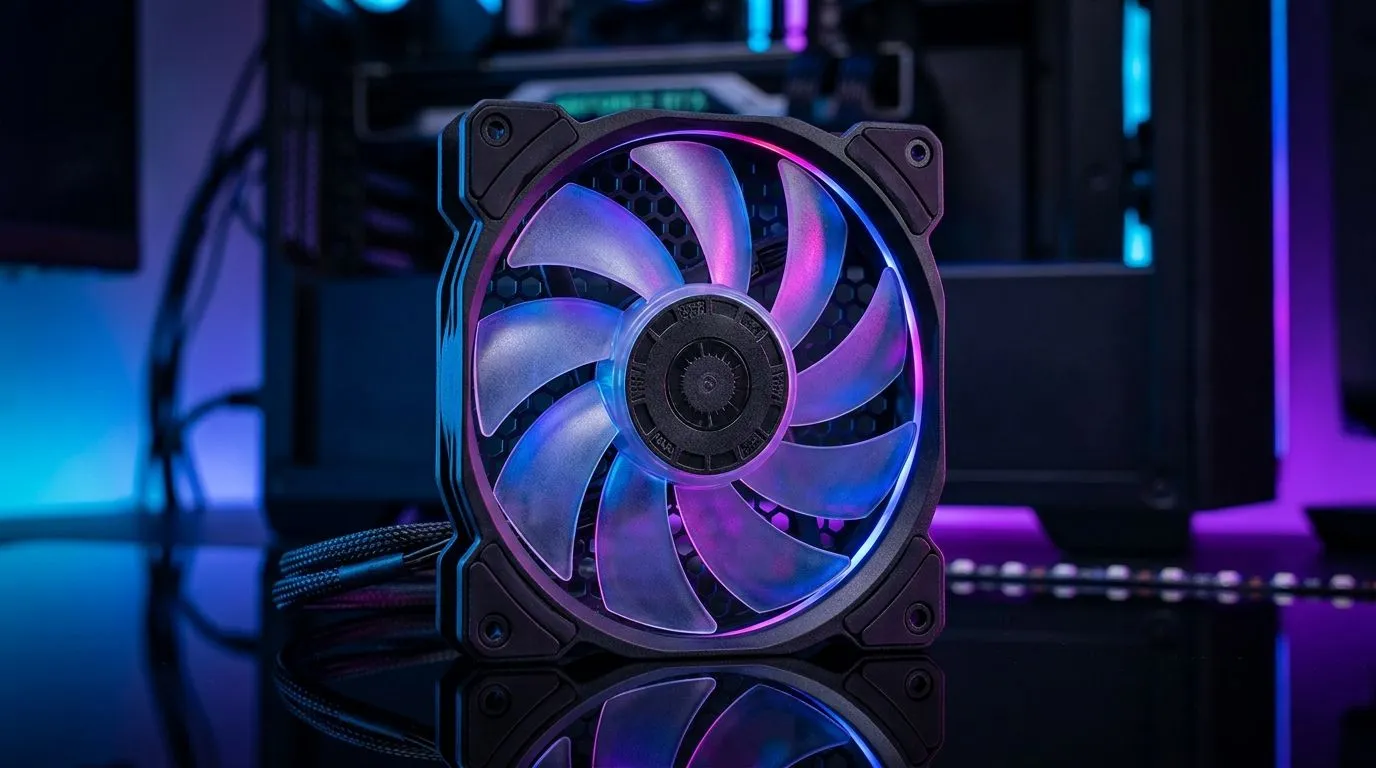
Best 120mm Case Fans: Airflow vs Noise vs RGB Buyer Guide (Build Lab)
If your PC sounds like it’s warming up for a LAN… it’s usually fans, not your GPU. And if your temps creep up during Warzone or a CS2 grind, airflow is often the first fix. But choosing the right fan isn’t just “more RPM”. You’re balancing 120mm airflow, noise comfort, and sometimes RGB that actually looks good. Let’s make that decision easy… and budget-smart for South African builders 🔧.
Best 120mm Case Fans: Airflow vs Noise vs RGB Buyer Guide (Why 120mm is the sweet spot)
120mm fans are popular for a reason: they move a lot of air with less effort than smaller sizes. In plain terms, a 120mm fan can often deliver strong airflow while running at a lower speed, which tends to reduce noise. That matters in everyday use… especially in tight desks and bedrooms.
Still, every case behaves differently. A fan can be “high airflow” on paper but noisy in your setup because of mounting, fan curves, and where it sits in the airflow path.
A good starting rule:
- Front / intake fans: prioritise airflow to feed the GPU and CPU cooler
- Top / exhaust fans: prioritise balance, keeping hot air moving out
- Rear fans: keep it simple, stable, and quiet
What to look for when comparing airflow
When comparing models, focus on specs you can verify from the product listing, like fan size (120mm) and feature set (including lighting). Evetech stocks a wide range you can filter by size and lighting, which saves a lot of guesswork.
Evetech: browse and filter by what matters
Start with Evetech’s case fan listings and narrow it down to 120mm models:
- Explore the full selection of case fans here: case fans on Evetech
- Prefer brand options like CORSAIR? Check these: CORSAIR 120mm case fans
- Want Deepcool options for value builds? Browse: Deepcool case fans
When noise becomes the real “performance”
Noise isn’t just max RPM. It’s also how the fan behaves at your usual speeds. If you run your fan curve too steep, you’ll hear it constantly instead of only when gaming.
A practical approach for South African builds:
- Set a gentle fan curve in BIOS or your motherboard software.
- Keep “idle” fan speed low but not so low that temps spike.
- After installing, test under your normal game for 10–15 minutes and adjust.
Productivity Pro Tip ⚡
On Windows, use your motherboard control software (or BIOS fan profiles) to test a calm “Quiet” preset first, then add a small ramp after a specific CPU temperature threshold. This stops fans from hunting between speeds during menu loads, which is a common cause of annoying whine.
RGB: pick looks you’ll still like in six months ✨
RGB is fun, but only if it’s controlled properly. Some fans are purely lighting effects, while others match syncing standards better (depending on your motherboard or controller). If you don’t care about RGB, choosing non‑RGB fans can be an easy way to save money without sacrificing cooling.
If you want RGB specifically, filter it:
- RGB case fans And if your vibe is stealth build:
- Non‑RGB case fans
Size matters: 120mm fans vs the temptation to go bigger
Your case may support both 120mm and 140mm in different spots. Bigger often means you can move air with lower speed… but only if the mounting points fit and the case geometry allows it.
If you’re strictly choosing 120mm:
And if your case has space for more:
Best 120mm Case Fans: Airflow vs Noise vs RGB Buyer Guide (Quick buying checklist for SA gamers)
Before you buy, check these:
- Where will the fan go? Intake vs exhaust changes what “good” means
- Noise tolerance: do you want near-silent idle, or louder under load?
- RGB plan: synced lighting or just “pretty?”
- Fitment: confirm size (120mm) and mounting support
- Control method: motherboard headers or a controller setup
One small last thought from the Build Lab… Fans are the easiest upgrade that improves your whole system experience, not just benchmarks. Clear, steady airflow can help your CPU cooler do its job without fans constantly ramping up.
Ready to Find Your Perfect Match? The Mac vs Windows debate is complex, but for maximum power, choice, and value in South Africa, Windows is hard to beat. Explore our massive range of laptop specials and find the perfect machine to conquer your world.











