



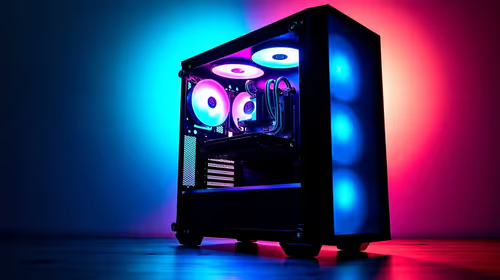
Content Warning PC build under R20,000 for SA gamers
Content Warning on R20,000 needs careful part balance. This SA build guide frames CPU, GPU, RAM, SSD, cooling, and upgrade trade-offs without promising live prices, stock, or exact FPS.
Read moreStep-by-step: Not Enough Space for a Large GPU? How to Check Case Clearance, Slot Size, and Airflow. The prep, the settings that actually matter, and the common mistakes SA builders make — solved.

You just dropped a stack of hard-earned ZAR on a massive new graphics card. You tear open the box, ready for glorious high-frame-rate gaming. Then, you realise the beast simply will not fit inside your PC case. It is a heartbreaking moment for any South African gamer. If you are worried about not having enough space for a large GPU, you are not alone. Let's fix that right now.
Before you browse our massive range of graphics cards, grab a trusty tape measure. Modern GPUs are absolute units. You must check the exact clearance your chassis supports. Look up your case specifications online. Manufacturers always list the maximum GPU length... usually in millimetres.
Next, physically measure the inside of your case. Measure from the back expansion slots to the front intake fans. If you run a front-mounted liquid cooling radiator, remember to subtract its thickness from your total available space. It is a common mistake that catches many builders off guard.
Length is only half the battle. You also need to check slot size. Today's top-tier cards easily take up three or even four PCIe slots. Even older NVIDIA GeForce GTX options can be surprisingly bulky with custom aftermarket coolers.
Take a close look at your motherboard layout. Will a thick card block your other vital PCIe slots? Will it squish your front-panel connectors or SATA cables? Heavy cards also tend to sag over time. A massive four-slot GPU puts immense strain on your motherboard. Investing in a simple support bracket can save your hardware from long-term damage. When hunting for the best graphics card deals, always read the physical dimensions tab carefully.
Don't forget about the power cables. Modern 12VHPWR cables need at least 35mm of clearance against the glass side panel so they don't bend too sharply. Always factor cable width into your total case clearance to prevent dangerous fire hazards.
Squeezing a massive GPU into a tiny space is a recipe for overheating. If your graphics card fans are pressed right up against the bottom of the case or the glass side panel, they can't breathe. High-end cards pull hundreds of watts of power. That energy turns directly into heat.
Poor airflow leads to thermal throttling... meaning you lose out on the raw performance you paid for. If your current chassis feels like a sauna, it might be time to upgrade your whole setup. Exploring the best gaming PC deals often reveals pre-built systems that are perfectly optimised for maximum cooling and generous component space.
To recap... check case clearance, verify the slot size, and ensure your airflow remains completely unobstructed. It is also wise to check your power supply wattage to ensure it can actually handle the new hardware.
Upgrading your rig should be exciting, not stressful. By doing a little bit of homework first, you guarantee a smooth, plug-and-play experience. Keep an eye on our latest specials to find the perfect components that fit both your chassis and your budget perfectly.
Ready to Upgrade Your Rig? Now that you know exactly how to measure up, it is time to find the perfect hardware. Whether you need a spacious new airflow case or a powerful new GPU, Evetech has you covered with the best prices in South Africa. Explore our massive range of graphics cards and build your ultimate dream machine today.
The graphics cards, tools and accessories referenced in this article are stocked at Evetech.co.za with local SA warranty, ZAR pricing and nationwide delivery.
The article lists the exact parts, tools and BIOS prep steps needed. Nothing exotic — most SA builders will already have everything on hand.
For a clean setup, expect 30–60 minutes end-to-end. The guide is written so you can pause between steps without losing your place.
We call out the mistakes that trip up most first-time builders — from BIOS defaults to memory training and storage layout — so you can avoid them upfront.
The core workflow is platform-agnostic. The article notes the specific Intel and AMD differences where they actually change the process.
Content Warning on R20,000 needs careful part balance. This SA build guide frames CPU, GPU, RAM, SSD, cooling, and upgrade trade-offs without promising live prices, stock, or exact FPS.
Read more
Atomic Heart at R50,000 needs a balanced CPU, GPU, memory, SSD, and cooling plan. This SA build guide frames the budget without exact FPS, stock, or live price promises so you can match parts to your monitor.
Read more
Sea of Thieves at R60,000 gives SA buyers a high-end desktop tier for 1440p luxury and sensible 4K headroom. Balance a high-end GPU with a fast CPU, 32GB RAM, quality power and SSD storage instead of chasing vanity spend.
Read more
Openserve Durban packet loss should be checked step by step before replacing gear. Test Ethernet, Wi-Fi signal, router logs, device drivers and time-of-day patterns, then escalate with evidence.
Read more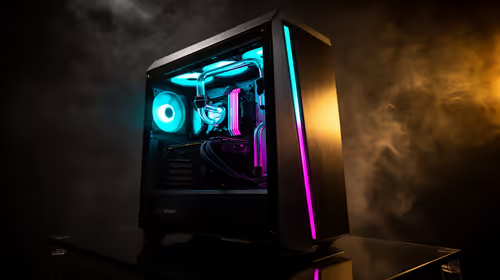
Minimum 1440p gaming PC for MMO and live-service games should balance GPU, CPU, RAM, storage and cooling around real workloads. SA buyers can use this guide to avoid overbuying and plan a sensible upgrade path.
Read more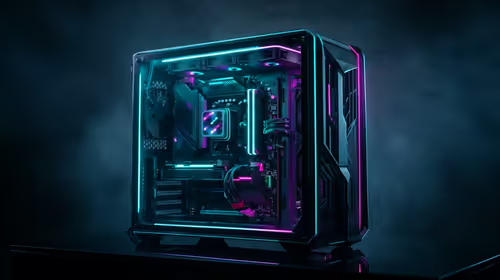
Cheapest 1440p ultrawide gaming PC at R80,000 should be shortlisted around the job it must do. South African buyers should compare panel type, resolution, refresh rate, and ports, warranty path, and upgrade room before treating any pick as best.
Read more
File Explorer can attempt to restore previous folder windows at logon. Enable the Folder Options preference and test an ordinary local folder; do not assume it restores every tab, unsaved document or application after a restart.
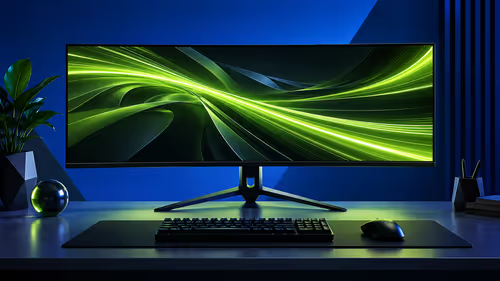
Lenovo Legion 27Q-20 brings a 27-inch QHD IPS panel and 320Hz refresh capability to a new China-market listing. Check your PC, display port and desk before using a foreign launch price to set a South African budget.
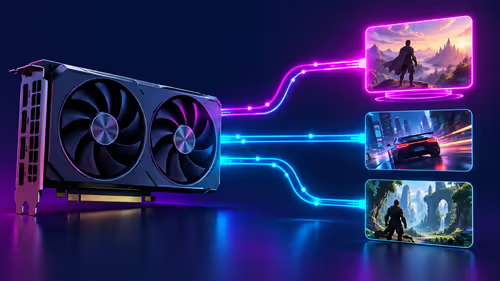
DLSS Swapper bulk update arrives in version 1.2.7.0, letting users apply DLL and preset changes to several games. Test one compatible game and its restore path before extending the change; this is not a new GPU feature.
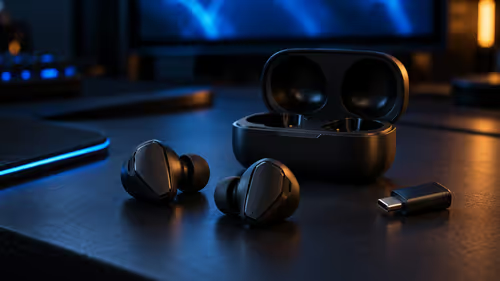
Yes, if you split your time between a phone and a PlayStation, because the GameBuds use two links. Evetech sells them at R3,999 with IP55 protection and a Qi charging case. Dongle for console, Bluetooth for phone.
File Explorer can attempt to restore previous folder windows at logon. Enable the Folder Options preference and test an ordinary local folder; do not assume it restores every tab, unsaved document or application after a restart.
Windows Sticky Keys shortcut can respond to repeated Shift presses during play. Review the keyboard accessibility setting and its shortcut separately, so you can stop accidental prompts while preserving an aid you may need.

Windows mouse double click speed changes how close together two clicks must be recognised. Test a small timing adjustment before replacing a mouse, and distinguish a slow double-click from a switch that registers extra clicks.
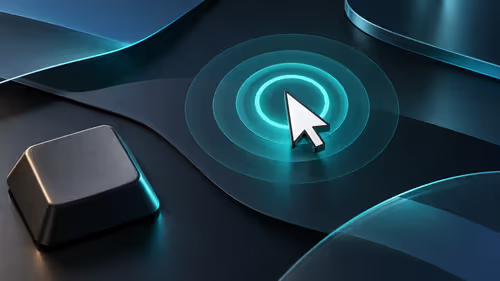
Windows can show a location ring when you press Ctrl, making a pointer easier to find across busy screens. Enable the Mouse Properties option and test it before changing display hardware or confusing it with typing-cursor markers.
File Explorer can attempt to restore previous folder windows at logon. Enable the Folder Options preference and test an ordinary local folder; do not assume it restores every tab, unsaved document or application after a restart.
Windows Sticky Keys shortcut can respond to repeated Shift presses during play. Review the keyboard accessibility setting and its shortcut separately, so you can stop accidental prompts while preserving an aid you may need.
Lenovo Legion 27Q-20 brings a 27-inch QHD IPS panel and 320Hz refresh capability to a new China-market listing. Check your PC, display port and desk before using a foreign launch price to set a South African budget.
Windows mouse double click speed changes how close together two clicks must be recognised. Test a small timing adjustment before replacing a mouse, and distinguish a slow double-click from a switch that registers extra clicks.