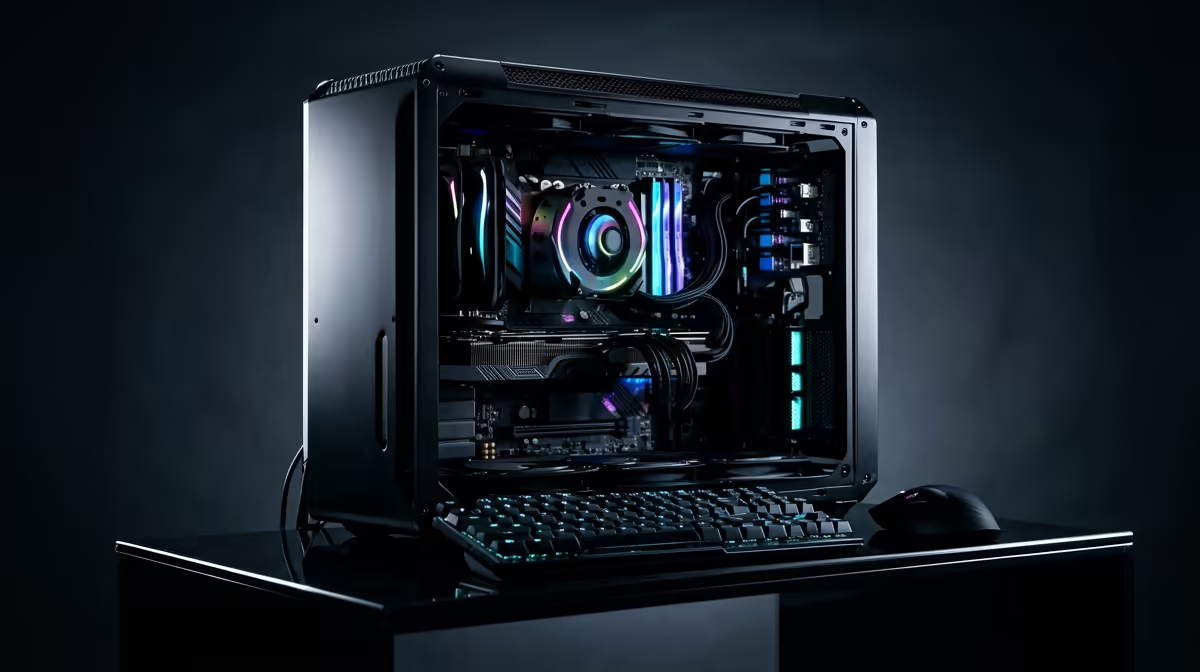
So, you're a South African creator with big ideas... but a budget that feels a bit, well, local. You need a machine that can chew through 4K timelines and render projects without catching fire, but the price tags are making you sweat. Don’t stress. Building the best editing PC under R30000 isn't a dream; it's about making smart, targeted choices. Let's break down exactly where to spend your hard-earned Rands.
Balancing Your R30,000 Editing Build
First, let's be realistic. A budget of R30,000 means you can't have the absolute best of everything. The goal is balance. You're aiming for a powerful, reliable workhorse, not a top-of-the-line gaming beast (though it will handle gaming pretty well too!). The core philosophy is to prioritise components that directly impact your editing software's performance. For creators, this usually means focusing on the CPU, followed closely by RAM and a speedy GPU. Many of the principles used to configure powerful budget gaming PCs apply here, but with a creative workflow twist.
CPU: The Brains of Your Editing Operation 🧠
Your Central Processing Unit (CPU) is the single most important component for video editing. It handles tasks like timeline scrubbing, decoding complex codecs, and the final render. More cores and a higher clock speed mean smoother performance and faster exports.
For an editing PC under R30k, you're in a great spot for current-generation processors.
- Team Intel: Look for a 13th or 14th Gen Intel Core i5, like the i5-13400F or i5-14400F. These chips offer a fantastic mix of performance cores (for active tasks) and efficiency cores (for background processes).
- Team AMD: A Ryzen 5 from the 7000 series, such as the Ryzen 5 7600, is a brilliant competitor, delivering excellent multi-core performance that editing software loves.
Spending a good chunk of your budget here is non-negotiable. It's the foundation of a snappy, responsive editing experience, and is often a key differentiator compared to PCs under R20,000 which may use older generation CPUs.
GPU: Your Visualisation Powerhouse 🎨
While the CPU does the heavy lifting, the Graphics Processing Unit (GPU) is crucial for accelerating visual effects, colour grading, and providing smooth playback in your preview window. Software like DaVinci Resolve and Adobe Premiere Pro heavily leverage the GPU.
In this price range, you should aim for a GPU with at least 8GB of VRAM.
- NVIDIA: An GeForce RTX 3060 12GB or an RTX 4060 8GB are stellar choices. Their CUDA cores are exceptionally well-optimised for the Adobe Creative Suite.
- AMD: A Radeon RX 6600 XT or RX 7600 offers amazing value and raw performance, especially if you're working primarily in software like DaVinci Resolve.
Keep an eye out for specials, as you can often find a powerful graphics card by checking out the best gaming PC deals, which are built around strong GPUs.
RAM & Storage: The Unsung Heroes
Don't underestimate your memory and storage! They are critical for a fluid workflow and preventing frustrating bottlenecks.
System Memory (RAM)
For 1080p editing, 16GB of RAM is manageable. For 4K? 32GB is the new standard. It allows you to run your editing software, a browser, and other apps simultaneously without your system grinding to a halt. Opt for DDR5 if your motherboard and CPU support it and the budget allows, but a fast 32GB DDR4 kit is still an excellent choice for an R30,000 build.
Storage (SSD/NVMe)
Your storage speed directly impacts how quickly your OS boots, apps load, and footage is accessed. A fast NVMe SSD is essential.
- Boot Drive: A 1TB NVMe M.2 SSD for your operating system, software, and active project files.
- Media/Scratch Drive: If budget allows, a second 1-2TB SATA SSD or a large capacity HDD for storing raw footage and archiving completed projects.
This two-drive setup is a professional workflow staple, and you'll find it in many of our custom PCs above R20k for good reason.
Storage Pro Tip ⚡
Always keep your project files and media cache on your fastest drive (the NVMe SSD). In Premiere Pro or DaVinci Resolve, go to your project settings and manually set the "Scratch Disks" or "Cache files location" to a folder on your NVMe drive. This dramatically improves timeline performance and reduces stuttering.
Putting It All Together: Pre-Built vs. DIY
With your components chosen, you have two paths: build it yourself or buy a pre-configured machine. DIY can be rewarding, but a pre-built PC from a trusted retailer like Evetech offers peace of mind with a full system warranty and professional assembly. This ensures all your parts work together perfectly from day one. Exploring our latest pre-built PC deals is a great way to see how your component choices stack up in a professionally assembled, optimised system. 🚀
Ready to Build Your Creative Powerhouse?
Crafting the best editing PC under R30000 is about smart choices, not compromises. Whether you go DIY or pre-built, the power to create is within reach. Explore our massive range of PC components and start building the machine that will bring your vision to life.