


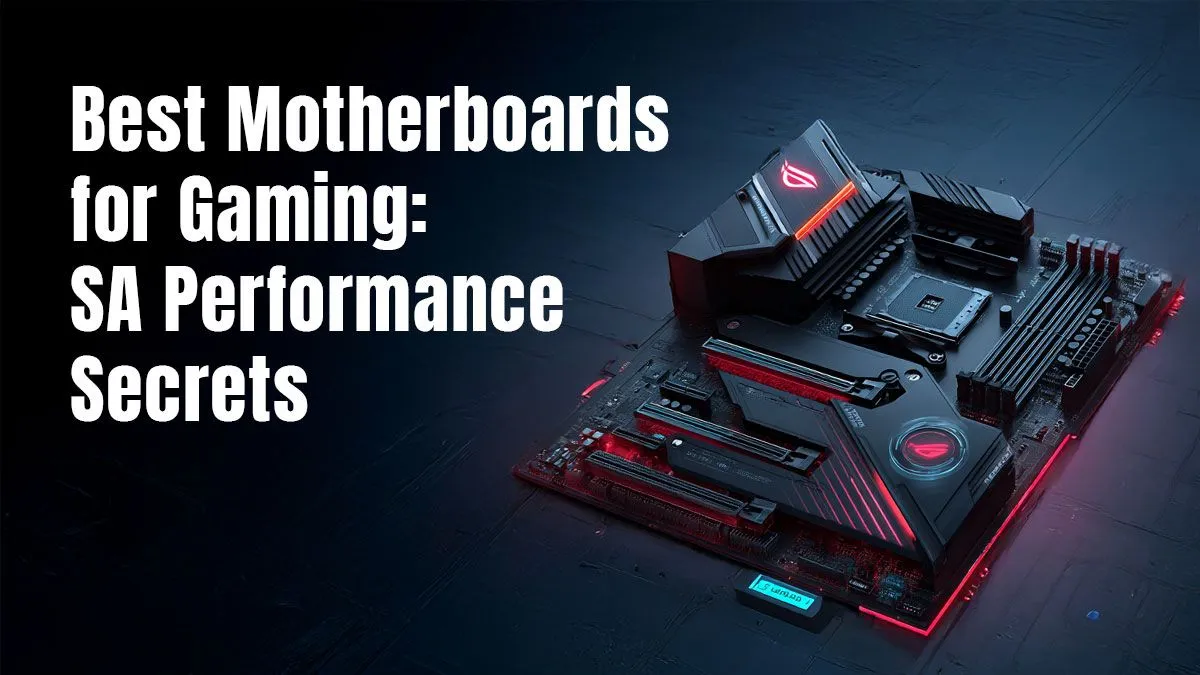
Building a new gaming PC in South Africa? It’s tempting to pour your budget into a flashy GPU, but the unsung hero of every powerful rig is its foundation. Choosing the best gaming motherboard in South Africa isn't just about what fits; it's about unlocking your PC's true potential. Get this choice right, and you build a stable, future-proof beast. Get it wrong, and you're leaving precious performance on the table. Let's get it right. 🚀
Why Your Motherboard is the Heart of Your Rig
Think of your motherboard as the central nervous system of your PC. It’s the high-speed communications hub where your CPU, GPU, RAM, and storage all connect and talk to each other. A quality board ensures these components run at their peak speeds without bottlenecks, providing stable power delivery for overclocking and ensuring you have the connectivity you need for years to come. A cheap, low-quality board can throttle even the most expensive parts, leading to frustrating stutters and instability.
Choosing the Best Gaming Motherboard: Key Factors
Finding the perfect board means matching it to your needs and budget. Here’s what South African gamers need to focus on.
CPU Socket & Chipset: The Intel vs. AMD Showdown
This is your first and most important decision. You can't put an AMD CPU in an Intel motherboard, or vice versa. Your choice of processor dictates your motherboard options.
- For Team Blue: If you're building with a 12th, 13th, or 14th Gen Intel Core processor, you'll need an LGA 1700 socket. Look for chipsets like the B760 for great value or the Z790 for premium features and overclocking support. You can find a solid Intel motherboard to fit any build.
- For Team Red: Building with a Ryzen 7000 series or newer CPU? You need an AM5 socket. The B650 chipset is the sweet spot for most gamers, while the X670E offers the ultimate in connectivity and overclocking potential. We have the latest AMD motherboard for your next powerhouse build.
RAM, Storage & Connectivity
Beyond the CPU, consider these features:
- RAM: DDR5 is the new standard, offering higher speeds than DDR4. Ensure your motherboard supports the type and speed of RAM you plan to buy.
- Storage: Look for at least two M.2 slots. This allows you to install ultra-fast NVMe SSDs for your operating system and favourite games, eliminating loading screens. ✨
- PCIe Slots: Your graphics card will use the top PCIe x16 slot. A board with PCIe 5.0 support is more future-proof, ready for next-gen GPUs.
- I/O: Check the rear panel. Do you have enough USB ports for your keyboard, mouse, headset, and other peripherals? Is built-in Wi-Fi 6E important for your setup?
Pro Tip: Check Your VRMs ⚡
When comparing motherboards, don't just look at the specs sheet. Pay attention to the VRMs (Voltage Regulator Modules) and their cooling. A board with a robust VRM design and chunky heatsinks will deliver cleaner, more stable power to your CPU. This is crucial for running high-end processors or for anyone interested in overclocking to squeeze out extra performance.
Finding the Right Balance: Budget vs. Performance
In South Africa, getting the best value for your Rand is key. You don't always need the most expensive motherboard to build an incredible gaming PC. A well-chosen mid-range board often provides 95% of the performance of a top-tier one for a fraction of the price. Focus on the features you actually need, like good power delivery and the right connectivity. By being smart, you can save money here and put it towards a better GPU or a bigger SSD.
Ultimately, the best gaming motherboard South Africa has to offer is the one that fits your chosen CPU, your case, and your budget perfectly. Browse our wide range of motherboards for every budget to find the ideal starting point for your dream rig. 🔧
Ready to Build Your Beast? Choosing the right motherboard is the first step to unlocking incredible performance. From budget-friendly workhorses to overclocking titans, we have the perfect foundation for your next PC. Explore our massive range of motherboards and start your build today.











