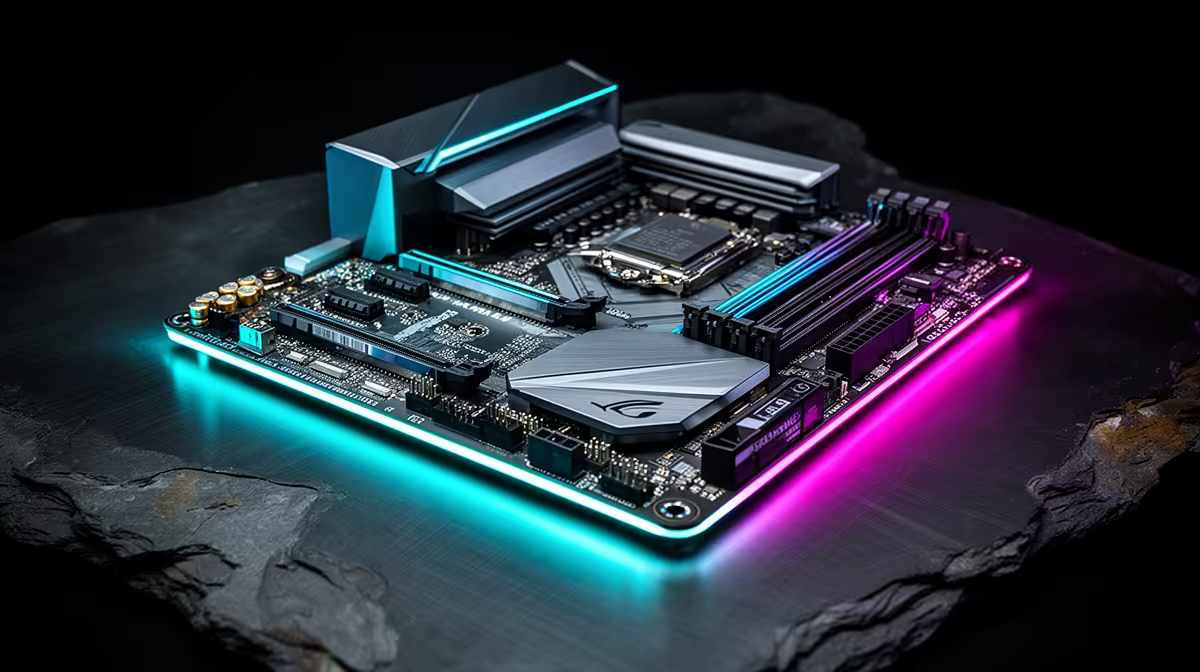
Building a new gaming rig in South Africa? Awesome! But choosing a motherboard can feel like navigating a minefield of chipsets and acronyms. Get it wrong, and you bottleneck your entire system. Get it right, and you unlock pure performance. This guide cuts through the noise, helping you find the best gaming motherboards in South Africa for your specific build and budget, whether you're Team Blue or Team Red. Let's get your foundation right. 🚀
Understanding Motherboard Tiers for Your Build
Before diving into brands, it’s crucial to understand motherboard tiers. Think of them as good, better, and best. For both Intel and AMD, you’ll typically find entry-level boards (like the B-series), which are perfect for gamers who want great performance without heavy overclocking. Then you have the high-end boards (like Intel's Z-series or AMD's X-series), built for enthusiasts who want to push their hardware to the absolute limit.
Finding the right balance between features and price is key. You don't always need the most expensive option to have one of the best gaming motherboards for your needs. Often, a solid mid-range board provides the best value for money, offering essential features like good power delivery and enough connectivity for most PC builds in South Africa. Have a look at Evetech's full range of motherboards for every budget to see the price differences in ZAR.
Choosing the Best Gaming Motherboard for Team Blue (Intel)
If you're building with an Intel processor, you're likely looking for top-tier single-core performance, which is fantastic for hitting high frame rates in games. The latest Intel platforms, like the Z790 and B760 chipsets, offer incredible features such as DDR5 RAM support and PCIe 5.0 for next-generation graphics cards and SSDs.
A Z790 board is your go-to for an unlocked 'K' series CPU (like the i7-14700K), as it allows for full overclocking potential. For a locked processor, a B760 motherboard is a much smarter, budget-friendly choice that still delivers excellent gaming performance. When browsing the latest Intel motherboards, pay close attention to the VRM (Voltage Regulator Module) quality—a board with a robust VRM design will deliver stable power for more consistent performance. ⚡
🔧 Pro Tip: Socket Science
"Always double-check the CPU socket! Modern Intel CPUs (12th, 13th, and 14th Gen) use the LGA 1700 socket. Your motherboard must match your CPU's socket type. There's no workaround for this, so confirm compatibility before you buy."
Finding the Right Motherboard for Team Red (AMD)
AMD has earned a massive following in South Africa, and for good reason. With a strong focus on multi-core performance and platform longevity, Ryzen CPUs are powerhouses for gaming, streaming, and content creation. The current AM5 platform (supporting Ryzen 7000 series and beyond) is a fantastic investment.
For an AM5 build, the main chipsets are X670/X670E and B650/B650E.
- X670/E: This is the enthusiast's choice, offering maximum connectivity, PCIe 5.0 for both the GPU and M.2 slots, and the best overclocking support. It’s a premium foundation for a top-tier rig.
- B650/E: This is the sweet spot for most gamers. It provides PCIe 5.0 support (check the specific model) and robust features at a more accessible price point, making it one of the best gaming motherboard choices for a value-packed build.
AMD's commitment to the AM5 socket for future generations means a good B650 or X670 board today could serve you through several CPU upgrades. ✨
Key Features That Matter in a South African Context
When selecting from the best gaming motherboards in South Africa, a few features stand out as particularly important for our local environment.
Rock-Solid Power Delivery (VRMs)
Consistent, clean power is vital for CPU stability, especially during intense gaming sessions or when dealing with potential power grid fluctuations. A motherboard with a quality VRM setup, often indicated by a higher phase count and decent heatsinks, ensures your processor gets the stable voltage it needs to perform optimally.
Fast and Reliable Connectivity
Large game downloads are a reality. A motherboard with 2.5G LAN or, even better, Wi-Fi 6E, can significantly speed up downloads and provide a more stable connection for online gaming, reducing frustrating lag spikes. Also, look for plenty of USB ports, including at least one USB-C port for modern peripherals.
Smart Expandability
Your needs might change over time. A good motherboard should have at least two M.2 slots for super-fast NVMe SSDs (one for your OS, one for games) and four RAM slots. This gives you the flexibility to start with a solid foundation and easily add more storage or memory down the line without needing a full system overhaul.
Ready to Power Your Next Build?
The right motherboard is the heart of your PC, unlocking the true potential of your components. Explore our AMD motherboards to find the perfect foundation for a rig that delivers pure performance.