



What Should You Check Before Using a USB-C Dock to Charge a MacBook Pro?
Check the charger, dock and laptop power requirements before using USB-C pass-through. Evetech listed the Port Designs 901913 dock at R1,399 on 29 October 2026.
Read moreA USB-C display can carry video and power. Evetech listed the ViewSonic TD1655 for R5,299 on 29 October 2026; its 60W limit is below Apple charging recommendations.
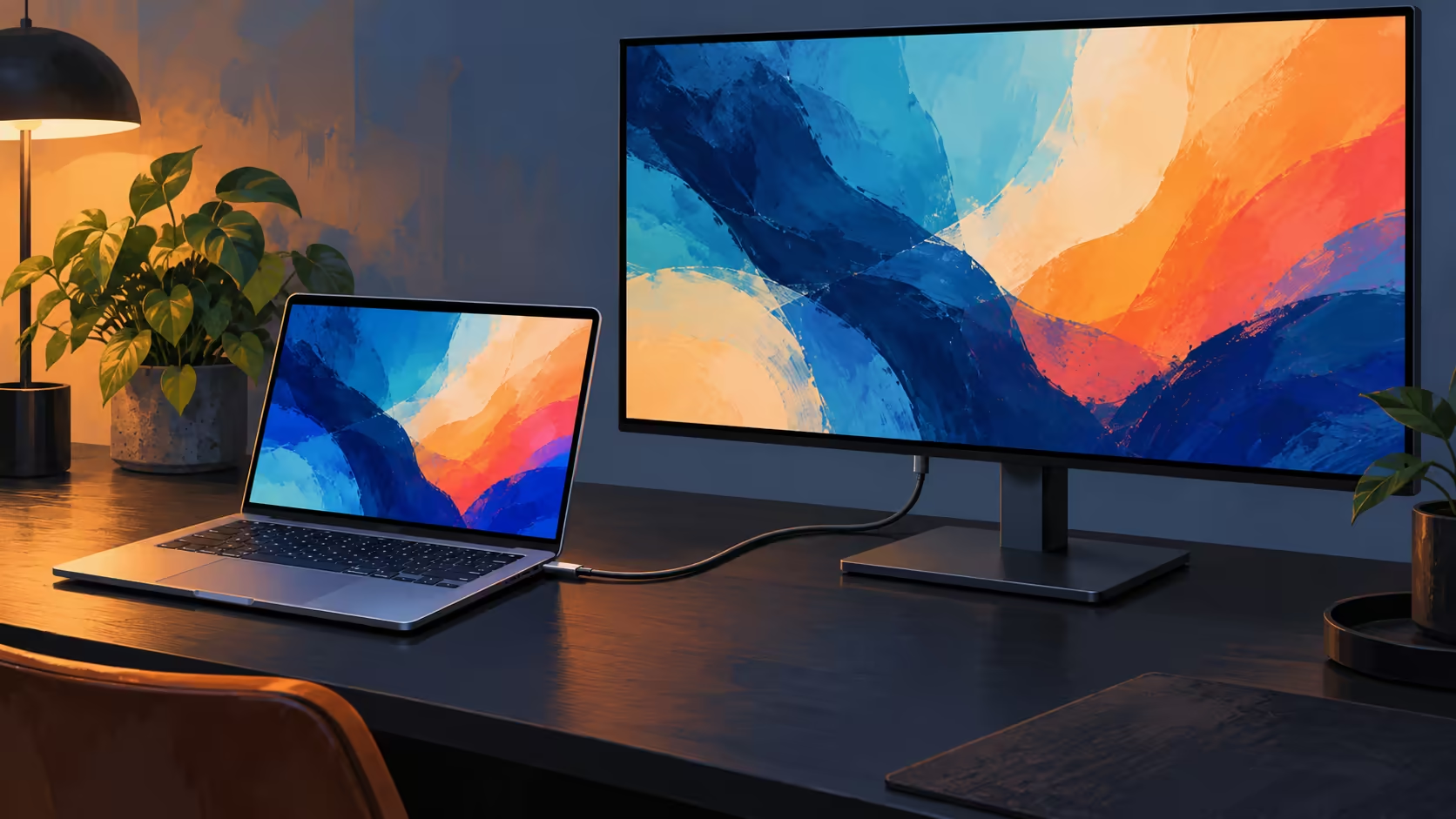
A single cable between a laptop and a monitor can carry more than a picture. For a South African desk setup, USB-C monitor charging is a useful way to reduce cable clutter, provided the screen supplies power and video over the same connection.
A compatible USB-C monitor can show video and supply power to a PROLED MacBook Pro through one USB-C cable. As at 29 October 2026, Evetech listed the ViewSonic TD1655 portable monitor at R5,299; ViewSonic specifies USB-C video and up to 60W two-way power for that model.
USB-C names the connector shape, not a single guaranteed set of features. To use one lead for a display and power, the monitor, laptop and cable must support the necessary video and charging functions. Apple lists DisplayPort and charging support on the Thunderbolt 5 ports on its PROLED XDR MacBook Pro.
Apple says a Mac notebook can receive power from a compatible USB Power Delivery display. ViewSonic describes two directions for the TD1655: the laptop can power the screen, or an externally powered screen can supply the laptop. For the latter, the display needs a suitable external USB-C power source.
ViewSonic lists two USB-C ports with DisplayPort Alt Mode and up to 60W two-way power. The 60W figure is a maximum; the power available to the laptop depends on the connected supply. The maker's data sheet says external power is required when the monitor supplies the laptop.
The computer's power needs change with the work it is doing. A monitor's maximum output is a useful starting point when planning a desk, but it does not by itself prove how quickly the laptop will charge in every situation. Apple lists different included power adapters for different PROLED configurations.
For the 16-inch PROLED model, Apple specifies fast charging up to 50 percent in 30 minutes with its 140W power adapter and the USB-C to MagSafe 3 cable, or with a compatible 140W USB-C cable. Apple recommends a minimum 94W source to charge the 16-inch model; the monitor's up-to-60W rating is below that recommendation and does not meet the 140W fast-charge condition. If fast charging matters, use the appropriate power setup rather than assuming the monitor delivers it.
Apple recommends at least 70W to charge the 14-inch model and specifies 96W or higher for fast charging. The monitor's up-to-60W rating is below both Apple's 70W recommendation and its 96W fast-charge threshold. That comparison does not prove that the laptop cannot charge at a lower wattage.
The TD1655 is a 15.6-inch Full HD portable display. A screen's resolution and refresh rate depend on the display, the Mac's output capabilities and the connection used. Apple advises checking the cable and any adapter when an external display cannot use its expected resolution or refresh rate.
For desk planning, first identify the monitor's USB-C input, then use a cable that supports video and the required power. A cable that fits the socket may have different capabilities from another cable with the same connector. If a hub or adapter sits between the devices, it adds another specification to check.
Apple's PROLED specifications also give different screen limits depending on whether the chip is M5 Pro or M5 Max. One display through a USB-C cable is a different question from attaching several screens through a dock. Read the configuration's supported display combinations before buying extra hardware for a larger desk.
The R5,299 figure is for the ViewSonic monitor listing, a separate price from the new PROLED MacBook Pro. As at 29 October 2026, the existing M5 Pro 1TB configuration of the 14-inch MacBook Pro was R50,999. Those two prices describe different products; confirm the present listings when you make the purchase.
Browse the monitor selection to compare screen size and inputs. The MacBook range shows the current laptop configurations to consider alongside it. If you choose another monitor, verify that model's own power-delivery rating and video support instead of carrying over the ViewSonic specifications.
Yes. Apple says a compatible USB-C display can supply power to a Mac notebook, while the PROLED model's Thunderbolt 5 ports support DisplayPort output.
ViewSonic specifies up to 60W of two-way USB-C power and requires external power when the monitor supplies the laptop.
No. Apple specifies a 140W adapter and the appropriate cable for the 16-inch PROLED model's stated fast-charge capability.
A USB-C connector alone does not establish the cable's video or power capabilities. Check the cable, monitor and Mac specifications together.
No. That is the dated Evetech catalogue price for the ViewSonic TD1655 monitor, not the newly announced laptop.
Ready to build a clearer desk setup? Compare the monitor inputs and MacBook configurations at Evetech before choosing your connection.
Yes. Apple says a compatible USB-C display can supply power to a Mac notebook, while the PROLED model's Thunderbolt 5 ports support DisplayPort output.
ViewSonic specifies up to 60W of two-way USB-C power and requires external power when the monitor supplies the laptop.
No. Apple specifies a 140W adapter and the appropriate cable for the 16-inch PROLED model's stated fast-charge capability.
A USB-C connector alone does not establish the cable's video or power capabilities. Check the cable, monitor and Mac specifications together.
No. That is the dated Evetech catalogue price for the ViewSonic TD1655 monitor, not the newly announced laptop.
Check the charger, dock and laptop power requirements before using USB-C pass-through. Evetech listed the Port Designs 901913 dock at R1,399 on 29 October 2026.
Read more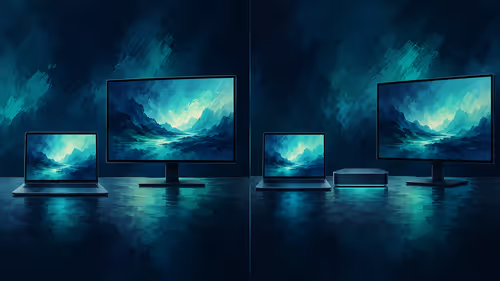
A direct connection can suit one screen; a dock adds ports but has its own video limits. The Port Designs 901913 dock was R1,399 at Evetech on 29 October 2026.
Read more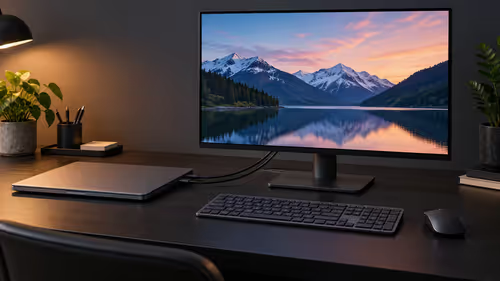
A Mac laptop can use an external screen with its lid closed when connected to power, an external keyboard and mouse. Evetech listed a Lenovo monitor at R2,099 on 29 October 2026.
Read more
Buy now or upgrade later: PC cases decisions should be shortlisted around the job it must do. South African buyers should compare CPU, GPU, RAM, and screen quality, warranty path, and upgrade room before treating any pick as best.
Read more
First-time PC gaming can suit an all-in-one PC in SA when the buyer wants a simple, space-saving starting point. A tower with RX 7600 or RTX 5060 is still the stronger option where upgrade flexibility and broader gaming growth are priorities.
Read more
For a home security setup, 16GB RAM may be enough only if the system duties stay within the existing PC capability described.
Read more
Edge default search engine controls searches typed in the address bar. Choose a supported search provider in browser settings, then test the address bar separately from a website search box or a new-tab page before assuming the change failed.

gaming headset short-list for Edenvale in - what's in needs a balanced, cautious look before buying. Compare fit, budget, workload, warranty support, and upgrade room so the choice makes sense for South African buyers.

A 2700RPM pump spins its impeller 2700 times a minute to push coolant round the loop. Faster flow moves heat from the CPU block to the radiator, though a quicker pump can be a little louder. The Antec Omni Matrix 360 at R999 pairs it with an ARGB head.

Plug the three pre-connected 120mm fans into one PWM fan header, since they run from a single cable. If the lighting has its own lead, send it to the addressable header, usually labelled ARGB. Evetech's Omni Matrix 360 at R999 follows that same plan.

Targus DOCK402 combines a mobile dock with a built-in GaN charger. Its useful buying checks are host power negotiation, USB-C video support and the single-display limit, rather than assuming every USB-C laptop gets the maximum charging and resolution.
Edge default search engine controls searches typed in the address bar. Choose a supported search provider in browser settings, then test the address bar separately from a website search box or a new-tab page before assuming the change failed.

Edge block pop-ups can stop unwanted windows while permitting a trusted site that needs one. Check the exact site exception and distinguish pop-up windows from adverts inside a page and website notifications before turning off protection broadly.

Edge website notifications are controlled per site. Block the unwanted origin in browser permissions instead of muting every Windows alert, then check whether the interruption was a site notification rather than a pop-up or a message inside a page.

Best student laptop for Midrand-based remote should be shortlisted around the job it must do. South African buyers should compare CPU, GPU, RAM, and screen quality, warranty path, and upgrade room before treating any pick as best.
Where Bedfordview gamers buy a ATX PC case should be shortlisted around the job it must do. South African buyers should compare airflow, clearance, noise, and upgrade room, warranty path, and upgrade room before treating any pick as best.
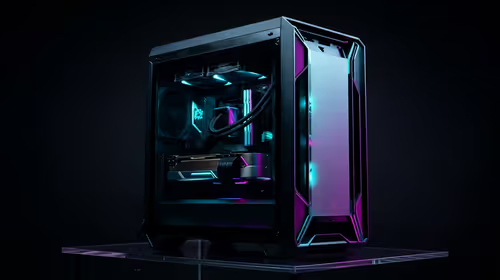
Should you upgrade or replace your gaming PC should be shortlisted around the job it must do. South African buyers should compare fit, performance, compatibility, and upgrade room, warranty path, and upgrade room before treating any pick as best.
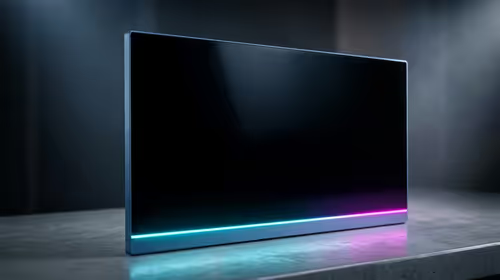
Hdr vs text clarity in OLED monitors: what needs a workload-first comparison. For SA buyers, judge real performance, platform fit, warranty path, power needs, and upgrade timing before choosing either side.