


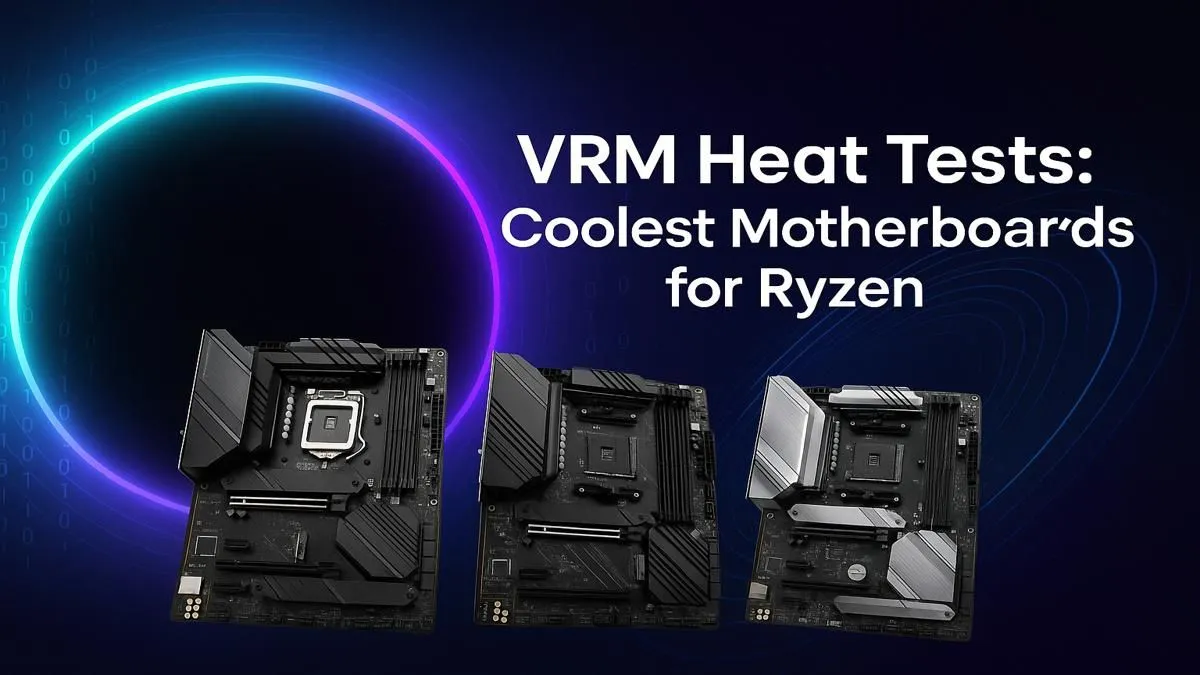
So, you’ve bagged a powerful AMD Ryzen CPU for your new build. Nice one! But before you chase those high frame rates, there’s a silent performance killer lurking on your motherboard: the VRM. In South Africa’s warmer climate, weak VRMs can overheat, throttle your expensive processor, and turn your gaming beast into a stuttering mess. We put some of the most popular chipsets to the test in our Build Lab to find the best motherboards for Ryzen VRM performance.
Understanding Motherboard VRMs: Your CPU's Powerhouse
Before we dive into the heat-gun results, what exactly is a VRM? A Voltage Regulator Module (VRM) is a collection of tiny components on your motherboard responsible for one critical job: taking the 12V power from your PSU and converting it into the precise, stable, low voltage your Ryzen CPU needs to operate.
Think of it as a sophisticated power filter. When you're pushing your PC with a heavy game or a 4K video render, your CPU demands a lot of clean power... fast. The VRM works hard to deliver it, and that hard work generates heat. A motherboard with a robust VRM and a chunky heatsink can handle that heat, while a budget board might buckle under pressure, causing performance drops. This is especially true for power-hungry Ryzen 7 and Ryzen 9 chips.
Our VRM Thermal Testing Protocol 🔧
To find the best motherboards for Ryzen VRM stability, we couldn't just rely on marketing specs. We set up a realistic test bench in the Evetech lab, using a Ryzen 9 7950X to put maximum load on the power delivery system.
Here’s a quick look at our method:
- The Test: We ran a 30-minute Cinebench R23 multi-core stress test to simulate a heavy, sustained workload.
- The Measurement: Using a FLIR thermal imaging camera, we measured the peak temperature on the surface of the VRM heatsinks.
- The Environment: We tested in an open-air bench to ensure results were comparable across different boards, without case airflow as a variable.
Our goal wasn't to find a single winner, but to see how different tiers of motherboards handle extreme thermal load. This helps you decide where to invest your hard-earned Rands for the best performance. For enthusiasts planning a top-tier build, the features and robust power delivery on enthusiast-grade X870 motherboards often provide the most thermal headroom.
Airflow is Your Ally 🌬️
Your case's airflow dramatically impacts VRM temperatures. Ensure you have at least one front intake fan positioned to blow air across the motherboard's VRM heatsink area (usually located to the top and left of the CPU socket). Even gentle airflow can drop VRM temps by 5-10°C, preventing throttling and extending the life of your components.
Heat Test Results: Which Boards Kept Their Cool?
After hours of testing, a clear pattern emerged. While most modern motherboards can run a high-end Ryzen CPU, how well they sustain its boost clocks under load is a different story.
The Mid-Range Champions: B-Series Boards
The B-series has always been the sweet spot for value and performance. We found that many modern reliable B550 motherboards still offer fantastic VRM cooling, easily handling CPUs up to the Ryzen 7 level without breaking a sweat.
Looking forward, the upcoming AM5 platform continues this trend. The designs we've seen for the next-gen B850 motherboards show a strong focus on improved power delivery and cooling, making them a promising choice for future-proof mainstream builds. For most gamers, a well-built B-series board offers the best balance of price and thermal performance.
The Enthusiast Tier: X-Series Dominance
As expected, the high-end X-series motherboards barely flinched. With their oversized heatsinks, higher phase counts, and premium components, they kept VRM temperatures well within a safe operating range, even under our most punishing tests.
If you’re pairing a Ryzen 9 CPU with a high-end GPU and plan on overclocking, investing in a quality X-series board is non-negotiable. The superior VRM ensures your CPU can maintain its maximum boost clocks for longer, giving you smoother, more consistent performance in demanding applications. This is where you'll find the absolute best motherboards for Ryzen VRM cooling.
The Final Verdict: Matching Your Board to Your Build ✨
Choosing the right motherboard isn't just about features; it's about building a balanced and stable system. A hot-running VRM is a bottleneck waiting to happen.
- For Ryzen 5 & 7 Gamers: A quality B-series motherboard with a decent heatsink is your perfect match.
- For Ryzen 9 Power Users & Overclockers: Don't skimp. An X-series board is a crucial investment to unlock the full potential of your chip.
Ultimately, the best motherboard is one that lets your Ryzen CPU perform at its peak without thermal throttling. By paying attention to the VRM, you're ensuring your PC runs cool, fast, and stable for years to come. Take a look at our full range of AMD motherboards to compare specs and find the perfect foundation for your build.
Ready to Build a Cooler, Faster Ryzen PC? Choosing the right motherboard is the foundation of a stable, high-performance rig. Don't let VRM throttling hold your CPU back. Explore our complete range of AMD motherboards and find the perfect board to unleash your Ryzen's true power.











