Thermal headroom for dual graphics cards
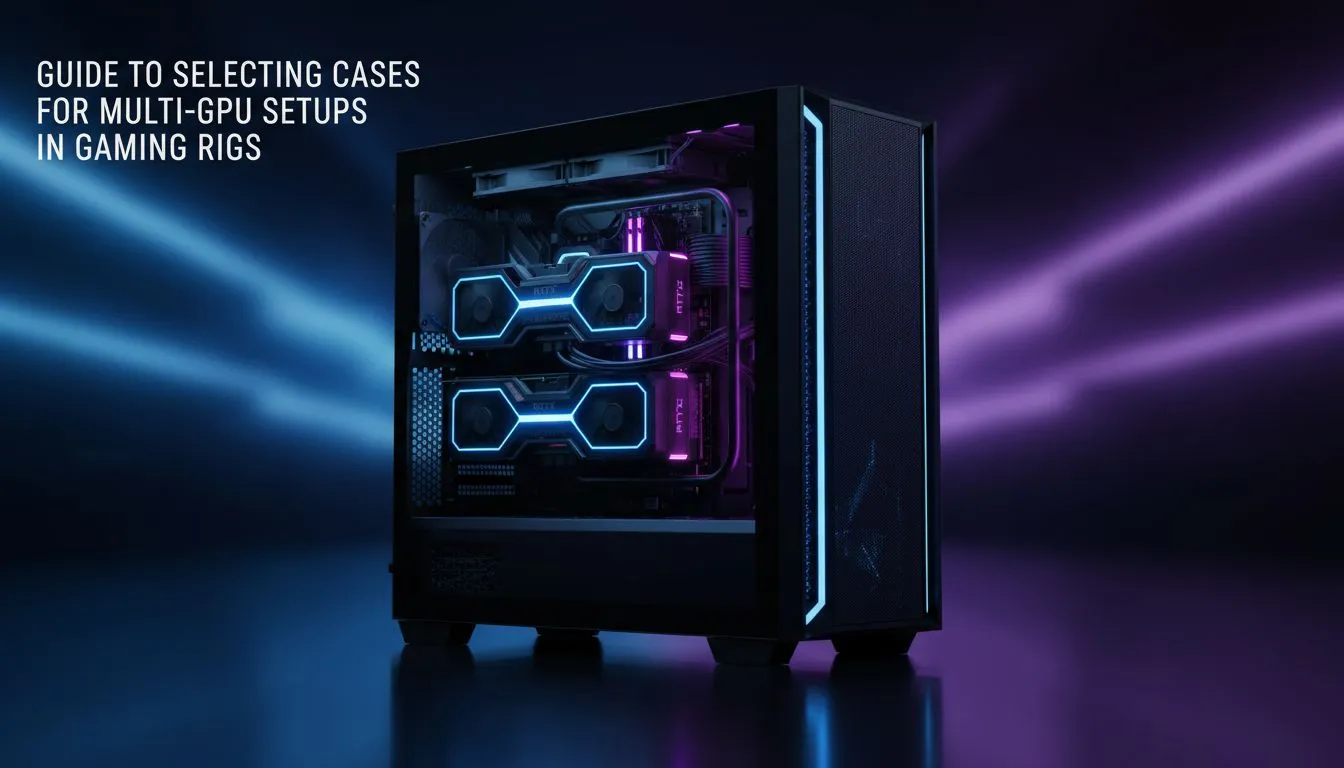
Running multiple GPUs creates a massive amount of heat. In South Africa, where summer temperatures can spike, your airflow must be perfect. The best PC case for multi-GPU setups needs more than just physical space. It needs dedicated intake paths for both cards. You should look for a chassis with high-airflow mesh panels and plenty of fan mounting points to keep things stable.
Choosing the right form factor
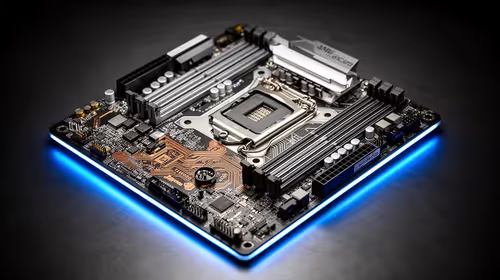
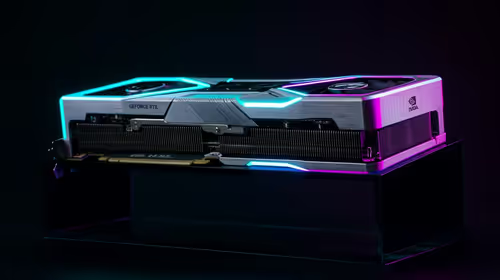
Size matters when you are populating multiple PCIe slots. You need to ensure your motherboard and case can physically accommodate the width of modern cards. Our extensive range of computer cases includes Full Tower options that provide the extra vertical clearance required for thick 3-slot coolers. Without this space, the top card will choke... leading to thermal throttling and lower performance.
Premium build quality and modularity
For those who value silence and sophisticated design, Fractal Design PC cases are a top-tier choice. They often feature modular interiors that allow you to remove drive cages. This opens up a direct path for cold air to reach your GPUs 🔧. When every degree counts, these small design choices make a big difference in long-term reliability.
Balancing performance and budget
You do not always have to spend a fortune to get great results. The Gamdias gaming cases offer aggressive styling and pre-installed fans to get you started ⚡. If you are watching your budget after buying two GPUs, you can find affordable Gamdias cases under R1500 that still provide the mesh front panels necessary for decent cooling.
GPU Spacing Pro Tip 🚀
When installing two cards, try to leave at least one empty PCIe slot between them if your motherboard allows it. This small gap lets the top card's fans pull in much more air. If they are pressed against each other, the top card will run significantly hotter than the bottom one.
Final considerations for your build
Don't forget about cable management. Two GPUs mean double the power cables... which can quickly block airflow if not handled correctly. Look for a case with a deep cable routing channel and plenty of tie-down points. This ensures your build looks clean and performs optimally ✨.
Ready to Build Your Powerhouse?
Finding the best PC case for multi-GPU setups is the first step toward a world-class workstation. Explore our massive range of computer cases and find the perfect chassis to house your high-performance hardware today.