Quick Answer
Building a capable streaming setup in South Africa for under R8,000 is achievable in 2026 by focusing on the essentials: a decent microphone, a reliable webcam or camera, and a PC that can handle encoding without dropping frames. You do not need to spend more to stream consistently at 1080p60 to Twitch, YouTube, or Facebook Gaming.
The Core Components of a Budget SA Streaming Setup
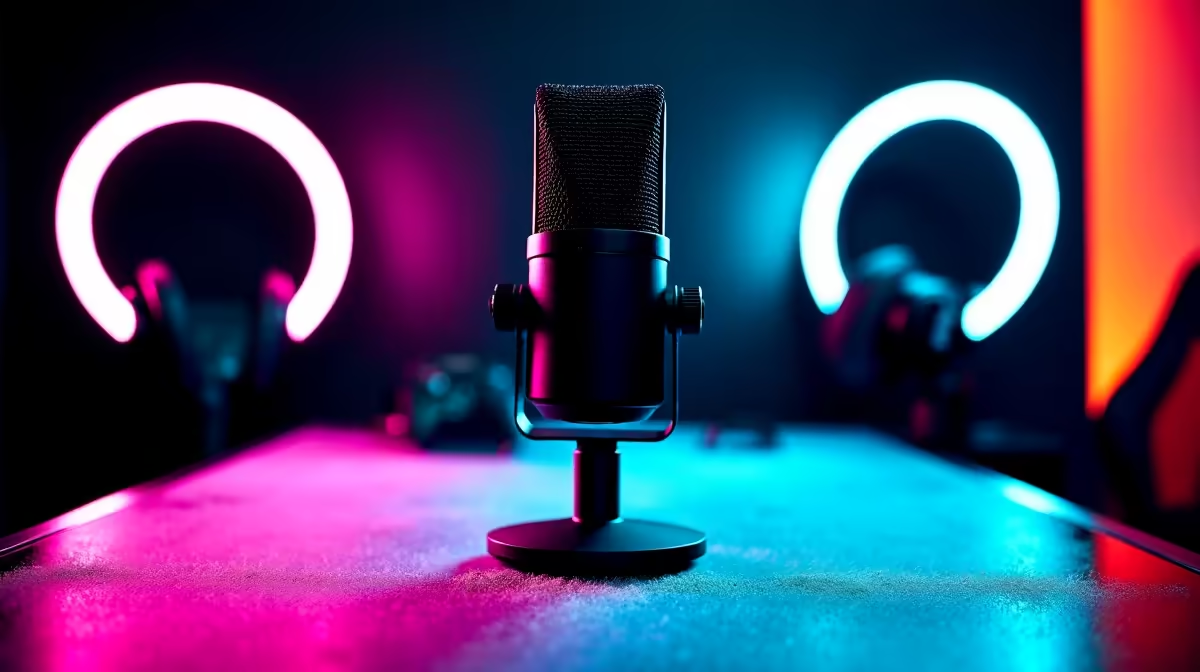
A streaming setup under R8,000 needs to make smart trade-offs. The order of priority for new streamers should be audio first, then video, then lighting. Viewers tolerate average video far more willingly than poor audio. A USB condenser microphone in the R600 to R900 range, such as a cardioid condenser with a solid stand, eliminates the biggest barrier to a professional-sounding stream without studio treatment. For video, a 1080p webcam in the R800 to R1,200 range handles all streaming platform requirements. If you already own a mirrorless or DSLR camera with a clean HDMI out, pairing it with a USB capture card in the R400 to R700 range gives a significant quality upgrade within budget. South African streamers on a tight budget should prioritise the camera path only if they already own the camera. Software-side, OBS Studio is free and handles 1080p60 encoding with hardware acceleration on any modern GPU. Streamlabs OBS adds a more beginner-friendly interface and is also free at the base tier. ## PC Requirements for Streaming Without Dropping Frames
A streaming PC under R8,000 as the primary machine needs at minimum a 6-core CPU and 16GB RAM to handle game encoding simultaneously without stuttering. Modern CPUs with hardware encoders, whether AMD's AV1 encoder or NVIDIA's NVENC, offload encoding from the CPU entirely, which means even a mid-range 6-core can stream 1080p60 without frame drops. For South African streamers using a single PC setup, the GPU encoder path is critical. Any current RTX 40-series or RX 7000-series GPU has hardware encoding that produces broadcast-quality output with zero CPU overhead. If your existing PC has a dedicated GPU, you are already halfway there regardless of budget. Storage for local VOD recording matters too. A 500GB SSD fills quickly when recording uncompressed or near-lossless streams locally. Including a budget 1TB HDD or a secondary SSD for recording is smart planning. ## Audio and Lighting: Where the Upgrade Impact Is Highest
Audio quality separates casual streams from watchable content faster than any other factor. A USB cardioid microphone placed 15 to 20cm from your mouth in cardioid polar pattern mode with basic background noise suppression in OBS will sound far more professional than the built-in laptop mic or a gaming headset at the same price. Lighting does not require expensive ring lights. A single softbox or even a well-placed desk lamp with a daylight colour temperature bulb at around 5500K eliminates the unflattering shadows that webcams struggle with in dark rooms. South African streaming setups often contend with variable natural light during day sessions, so a consistent artificial key light removes that variable entirely. A dropped stream mid-broadcast due to a power outage is frustrating for viewers and hurts your channel metrics. A UPS rated for at least 1,000VA keeps a budget streaming PC, monitor, router, and mic live through a stage-2 prolonged outage periods long enough to alert your chat and close down properly. Ideally it buys 30 to 60 minutes of runtime on a lean setup. ## Putting Together a Sample R8,000 Setup
A practical allocation across a full streaming setup under R8,000 in South Africa looks roughly like this: USB condenser microphone and stand at R700 to R900, a 1080p webcam at R900 to R1,200, key light at R300 to R500, mic arm and pop filter at R200 to R350, and a stream deck or phone-based scene controller via Touch Portal at R0 to R600. That leaves the remaining budget for a UPS or to top up your PC component budget. If you are building the PC from scratch at the same time, the budget needs to be separated. An R8,000 streaming and peripheral budget assumes you already own the PC. If not, the PC alone at entry gaming or content creation level starts from around R8,000 to R10,000 in South Africa, which means the full production setup needs a combined budget of R15,000 or more. ## Frequently Asked Questions
Do I need a dedicated streaming PC or can I use one PC for gaming and streaming?
A single modern PC handles both tasks with hardware encoding enabled. Use NVENC or AMD AV1 encoding in OBS to offload encoding from the CPU, and your gaming performance will barely be affected even while streaming at 1080p60. Which streaming platform is most popular for South African creators?
YouTube remains the dominant long-form and live streaming platform in South Africa due to its content discovery advantages. Twitch has a smaller but dedicated local gaming community. Facebook Gaming has reach among casual streamers targeting a wider SA audience. Is a mixer necessary for streaming audio?
Not at the entry level. USB microphones plug directly into your PC and are controlled in OBS. An audio interface only becomes necessary when you want to use XLR microphones, which offer better quality but cost more and require additional hardware. Which everyday reliability factors matter most?
If a UPS is required, size it for a controlled shutdown against the measured load of the complete setup. Planning streams outside predicted an unexpected outage windows using the EskomSePush app and keeping a UPS on the setup as backup is the standard approach for serious South African content creators.