


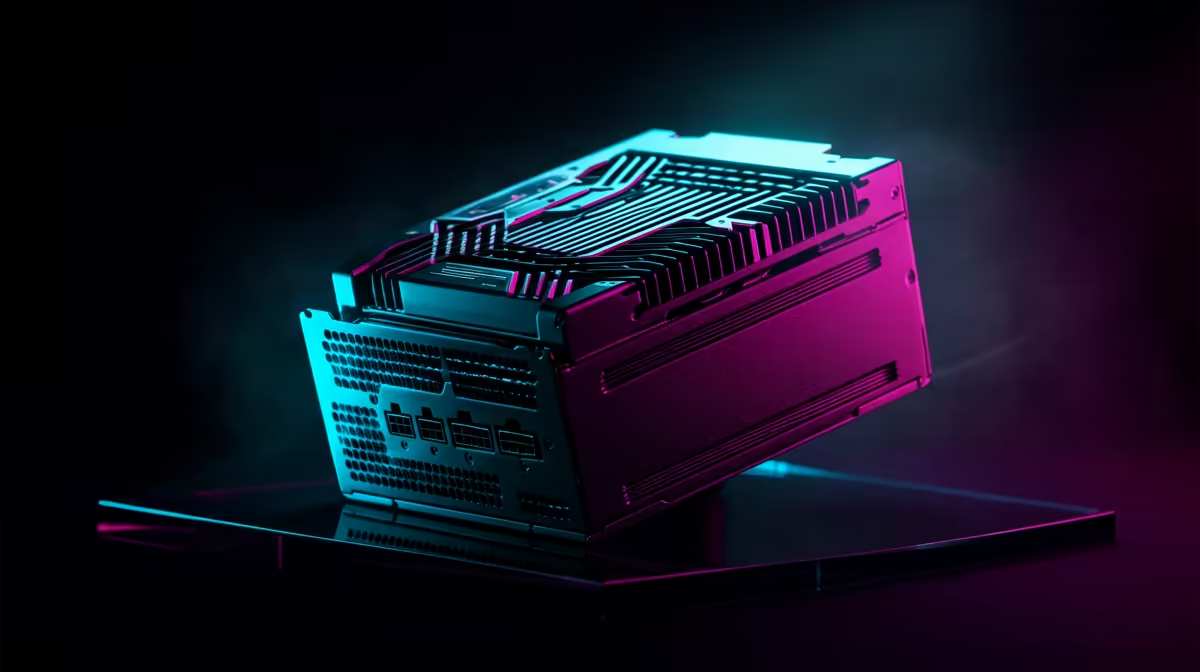
Blackwell GPU Power Supply and Airflow Guide for SA Gamers: Start With Real Cooling and Correct Wattage
South African gamers know the struggle… loadshedding, hot rooms, and dust that creeps in no matter what. If you’re planning a Blackwell GPU upgrade, don’t just look at FPS. Look at power stability and airflow. ⚡
A wrong power supply unit (PSU) can cause crashes. Bad case airflow can throttle boost clocks. The good news? With a few checks and sensible fan placement, you can protect your rig and keep performance consistent, even on long sessions.
Blackwell GPU Power Supply and Airflow Guide for SA Gamers: PSU Sizing That Won’t Guess
When people say “my PC turns off under load”, it’s often not the GPU. It’s power delivery, usually PSU headroom or transient spikes. For a safer build, you want a PSU with:
- Enough wattage for the GPU and the rest of your system
- Proper 80 PLUS efficiency (not mandatory for performance, but helpful for thermals and waste heat)
- Correct cabling/connector support for your GPU
Quick PSU checklist (practical, South African friendly) 🔧
- Know your full system draw
Include CPU, fans, pumps, drives, and RGB. If you’re unsure, use a reputable calculator as a starting point, then add headroom. - Add headroom for transient spikes
GPUs can pull short bursts above typical averages. Headroom reduces instability risk. - Match connectors to the GPU
If your GPU needs specific power connectors, don’t “make it work” with mismatched adapters. - Prefer quality over the biggest number
A higher-watt unit isn’t helpful if it’s not stable under gaming load.
Where to shop GPUs (and plan your power properly) 🚀
If you’re shopping for an upgrade alongside your PSU plan, you’ll find plenty of options here:
- Explore MSI graphics cards here: MSI options
- If you’re leaning Radeon: Radeon Graphics Cards
Blackwell GPU Power Supply and Airflow Guide for SA Gamers: Build Airflow Like You Mean It
Airflow is not just “more fans”. It’s direction. Hot air needs a clear path out, and cool air must flow in without resistance. In SA homes, where dust and heat can stack up, this matters even more.
The airflow goal (simple and effective) ✨
- Front/bottom intake → rear/top exhaust
- Keep intake filtered (and clean it often)
- Don’t block GPU vents with tight cable bundles
- Maintain a reasonable balance between intake and exhaust fans
Fan layout that usually works
A common, stable setup for gaming cases:
- 2–3 intake fans at the front or bottom (filtered)
- 1–2 exhaust fans at the rear and top
- GPU fans do the rest, but you give them cooler air first
If your case supports it, top exhaust is great because warm air rises naturally. Just remember… if you mount too many exhaust fans and starve intake, your system struggles to breathe.
Productivity Pro Tip ⚡
On your next build, spend 10 minutes organising cables with Velcro straps and re-check your airflow direction. Route PSU and GPU cables along the case edges, so they don’t sit directly in front of the GPU intake or block the path to top exhaust. You’ll often get better temperatures without adding any extra fans.
Dust and loadshedding reality check
Loadshedding doesn’t just interrupt your game time. When power returns, fans can spin up, and dust-laden airflow systems may struggle. A monthly dust check helps. If you’re in a dusty area, consider every two to three weeks.
Blackwell GPU Power Supply and Airflow Guide for SA Gamers: Where People Go Wrong (And How to Fix It)
Let’s save you from the most common “why is this happening?” moments.
1) Overlooking case pressure
If exhaust is stronger than intake, you create negative pressure. That can pull dust in through unfiltered gaps. You may also see higher GPU temps because airflow becomes turbulent.
Fix: Balance intake and exhaust. If you have more exhaust fans, ensure intakes are adequate and properly filtered.
2) Ignoring GPU power headroom
A PSU that’s “technically enough” can still cause random shutdowns during spikes.
Fix: Add headroom and use a reputable PSU. If you’re switching brands or stepping up to a higher-tier Blackwell card, revisit your PSU plan.
3) Treating temps as a one-time reading
Temps change with weather, room heat, fan curves, and dust build-up.
Fix: Check temps in the same game for 10 to 15 minutes, then compare after cleaning.
Find the right GPU family first (then tune power and airflow)
If you want to browse the full selection, start here:
- All NVIDIA/ATI graphics cards
- Prefer GeForce? GeForce Graphics Cards
Blackwell GPU Power Supply and Airflow Guide for SA Gamers: Final Setup Steps Before You Launch
Before you install and hit “play”, do a final sanity sweep:
- Confirm PSU connections are fully seated.
- Check fan direction (use the arrows on the fan frame).
- Secure intake filters and remove any loose cables from the GPU zone.
- Run a short stress test (or a heavy benchmark) for stability.
- Re-check temps after 10 minutes. If they climb too fast, airflow is the first suspect.
A stable PSU and clean airflow lets your GPU boost confidently. That’s what keeps your frames consistent… not just impressive in the first minute.
Ready to Find Your Perfect Match? Whether you’re building from scratch or upgrading your rig for smoother South African gaming, the right GPU, PSU, and airflow setup all starts with the correct parts. Browse our massive range of gaming components and get the best value for your build.











