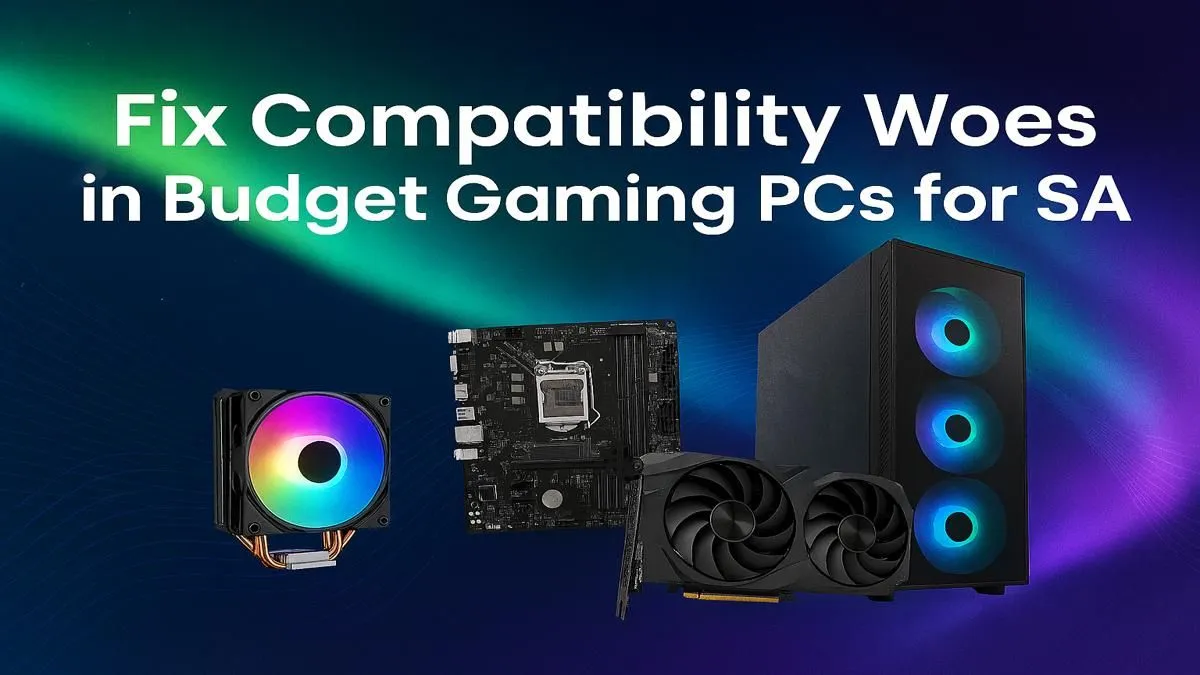
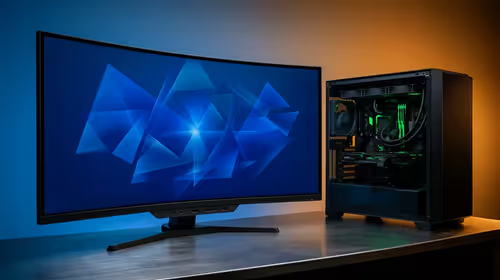
So, you’re ready to build a new gaming rig. Awesome! The excitement is real, but so is the fear… what if the parts don’t play nice? Getting your budget gaming PC compatibility right is the difference between a glorious boot-up and a silent, expensive paperweight. Don't stress, we've got your back. This guide will walk you through the essential checkpoints for a flawless build, right here in South Africa. Let's get building! 🔧
Understanding the Core Compatibility Triangle
At the heart of any PC build is the trio: the CPU, the motherboard, and the RAM. Getting this combination right is non-negotiable, as they simply won't work together otherwise. Think of the motherboard as the central nervous system connecting everything.
CPU and Motherboard Socket
Your first major decision is choosing between an Intel or AMD processor. Each CPU family uses a specific "socket" type (like LGA 1700 for modern Intel or AM5 for modern AMD). Your motherboard must have the exact same socket to fit the CPU. A mismatch here is a hard stop. There's no workaround. It's the most critical step in ensuring your gaming PC compatibility.
Motherboard and RAM Generation
Next up is RAM. For years, DDR4 was the standard, but now DDR5 is becoming more common. A motherboard is built for one or the other—never both. Check the motherboard's specifications to see if it requires DDR4 or DDR5 memory modules. Buying the wrong type is a classic rookie mistake, but one you'll now easily avoid. If you'd rather see completed systems, you can browse our range of expertly matched budget gaming PCs to see these principles in action.
Matching Your GPU and PSU for Peak Performance
Your Graphics Card (GPU) is the beast that will be rendering those beautiful game worlds, and it's hungry for power. This is where the Power Supply Unit (PSU) comes in. Skimping here can lead to system instability and crashes, especially under load.
A quality PSU with enough wattage is crucial. Every GPU has a recommended minimum PSU wattage listed in its specs—always aim to meet or exceed it. This ensures your card gets stable, clean power. While most modern GPUs use a PCIe x16 slot, which is standard on gaming motherboards, you also need to check for physical clearance. Will that massive new graphics card actually fit in your chosen case? It's a simple but vital part of your budget gaming PC compatibility check. For a great starting point, check out these powerful gaming PCs under R20k, all featuring balanced GPU and PSU pairings.
Compatibility Check Pro Tip ⚡
Use an online tool like PCPartPicker to get a preliminary compatibility check and wattage estimate for your build. Then, cross-reference those parts on the Evetech product pages to confirm detailed specs like dimensions and specific socket types. It’s a great two-step process for peace of mind.
Finalising Your Build: Storage, Cooling, and Case Fit
You're on the home stretch! ✨ The final pieces of the puzzle involve making sure everything physically fits and connects correctly.
Your motherboard will have specific slots for storage drives. The fastest drives are M.2 NVMe SSDs, which slot directly onto the board. Older, but still great, 2.5-inch SATA SSDs connect via a cable. Check how many of each slot your motherboard has to match your storage plans.
Finally, the case itself. We mentioned GPU length, but you also need to ensure your motherboard's form factor (ATX, Micro-ATX, etc.) matches what the case supports. It’s all about making sure your carefully chosen components have a home where they can breathe and perform. If this all sounds like a bit much, you can always check out our latest pre-built PC deals and skip the hassle entirely. From affordable starters to high-performance PCs over R20k, you can find inspiration and some of the best gaming PC deals in SA.
Ready to Build Your Dream Rig?
The journey of checking budget gaming PC compatibility can be complex, but the reward is a machine built just for you. Whether you're ready to pick your parts or want a guaranteed-to-work powerhouse, we've got you covered. Use our Custom PC Builder to start now!