




Fix stuttering on a Steam Deck in South Africa
Stuttering on a steam deck usually needs a settings, driver, thermal, or power check first. Work through safe SA troubleshooting steps before replacing parts or assuming a full upgrade.
Read moreCommon SA content-creator drone problems often come from buying the drone before checking the footage workflow. Fix the risk early by verifying drone SKUs and planning SSD, NAS, portable SSD and creator rig capacity for 4K editing.
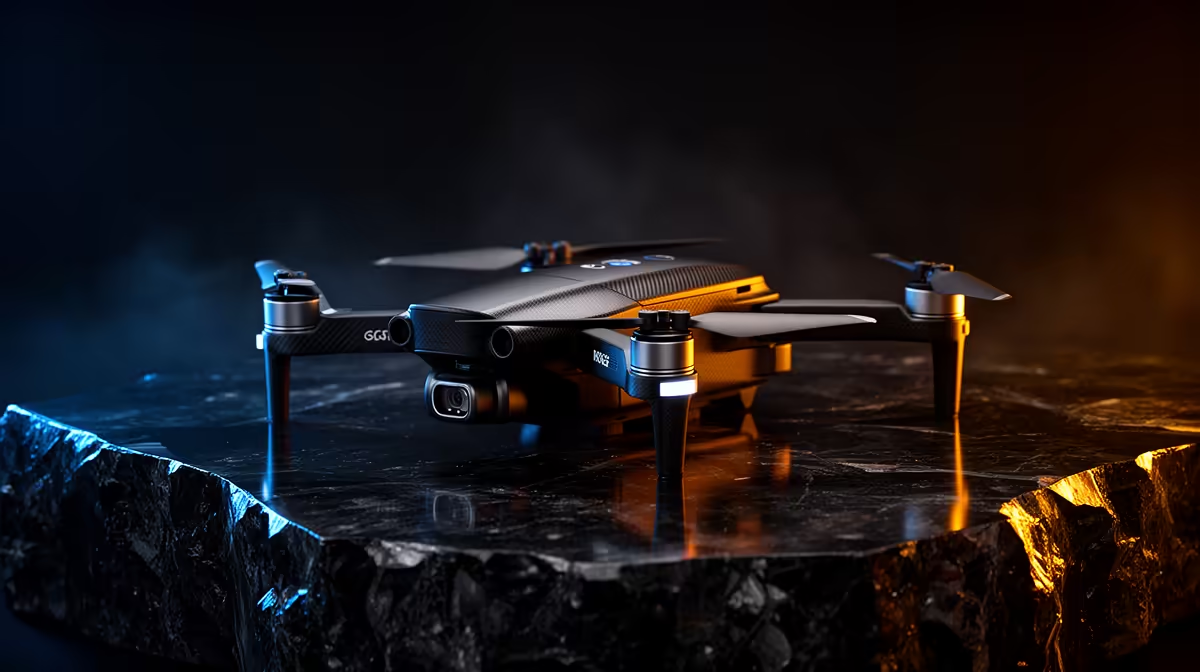
Common content-creator drone problems include unstable footage, short flights, drifting, connection loss and corrupted files. Start with safe, legal operation and manufacturer guidance. Do not fly merely to reproduce a fault when weather, location or airspace makes the test unsafe.
Inspect propellers, battery condition, storage card, firmware and controller connection. Calibrate only when the manual requires it and use a clear approved area for a short hover test. If video stutters, test a known-compatible card and copy footage before formatting. Stop immediately after impact, swelling or unusual motor noise.
Wind can resemble control failure, while poor satellite visibility can affect positioning. Keep a flight log with battery, weather, firmware and exact symptom. This helps support distinguish hardware trouble from operating conditions.
Creators should also maintain a pre-flight checklist covering airspace, permissions, weather, battery state and return-to-home settings. Do not troubleshoot over people, roads or property without authorisation. When support requests logs, preserve the original files rather than editing or renaming them before submission.
Maintain spare propellers and batteries only when they are approved for the exact model, stored correctly and inspected before every flight.
No content-creator drone SKU or verified price appears in the supplied product facts. Compare legal requirements, spares, supported storage, warranty and repair availability.
Diagnosing creator-drone issues? > Browse Evetech options only after checking safe operating requirements.
Yes, because many drone problems show up later as storage, transfer or editing strain on the creator PC.
SA buyers should confirm the drone SKU and the footage storage route before treating the purchase as complete.
The fix starts with capacity planning, especially when 4K files need portable SSD, NAS or creator rig space.
Cheap add-ons help only if the real issue is light use; heavier editing needs a sturdier workflow.
Find where the job stalls first, then spend on storage movement or edit capacity instead of guessing.
When the main device cannot keep up, extra drone accessories will not fix slow footage handling.
Stuttering on a steam deck usually needs a settings, driver, thermal, or power check first. Work through safe SA troubleshooting steps before replacing parts or assuming a full upgrade.
Read more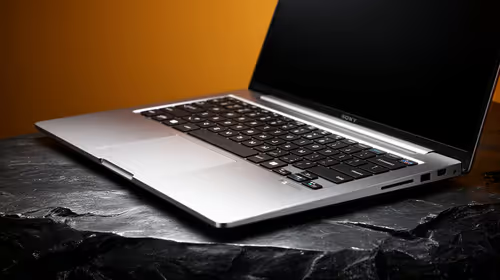
Quantity surveying students should prioritise a sharp ultrawide that keeps plans, schedules and cost sheets readable during long South African study sessions. Screen width helps comparison work, but PDF annotations, laptop output and native resolution matter just as much.
Read more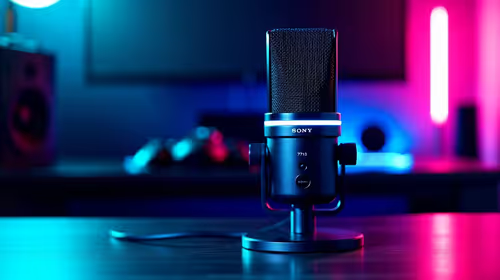
Watching rugby and sport does not usually need a podcast recording setup unless you also record commentary, reaction clips or a sports podcast. For this USB microphone record, the existing price facts are creator GPUs from RTX 5070 Ti 16GB R12,700 to RTX PRO 4000 24GB R16,700, plus RTX PRO 6000 96GB R151,700 for high-end workstation work.
Read more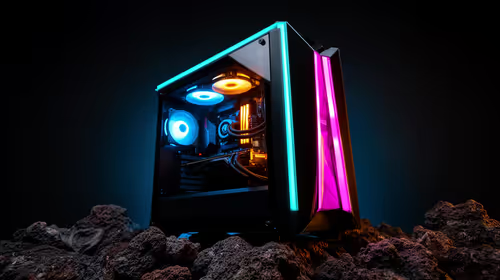
A mid-range gaming PC is the sensible first build when South African buyers want gaming headroom without chasing the top tier. The given parts span RX 7600 around R4,650, RTX 5060 around R4,800, RTX 5070 around R13,100, Ryzen 5 5500 at R1,100 and Ryzen 7 7800X3D at R6,400.
Read more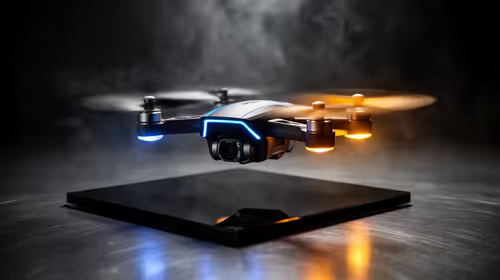
Around R10,000, the home security angle should stay focused on whether a camera drone is the right tool for checking a property, not on replacing fixed security gear. Verify available drone SKUs in SA and think through where any captured footage will be stored.
Read more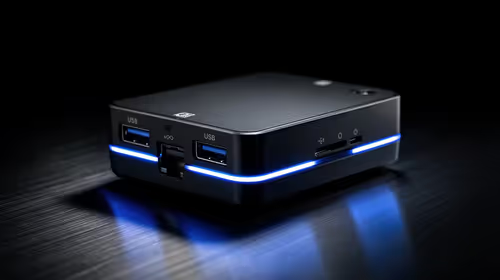
A home security setup can be handled by a business mini PC in SA when the installation needs a compact always-on computer for a small space. Minisforum NAB6 Lite is R4,150, while UM750L and AI-X1-255 sit around R4,600, so the choice should reflect how central that box is to the security setup.
Read more
Word typing overwrites text when overtype mode replaces characters at the insertion point. Turn off overtype and its Insert-key control in Word options, then test on a spare line before editing the document again.

Audio-Technica ATH-AWX7000 is a closed-back wired headphone model with wooden housings. Its premium materials and supplied analogue cables make source compatibility, comfort and your actual listening needs more important than a launch-price conversion.

Lexar SILVER GO microSD is a UHS-I card family with a reader-dependent maximum transfer rate. Check the exact capacity, host compatibility and card reader before paying for a speed figure that your handheld or camera may not reach.

Windows AutoPlay settings control prompts and default actions when supported media or devices connect. Choose Ask me every time or Take no action where appropriate, then test with a trusted drive without formatting it.
Windows AutoPlay settings control prompts and default actions when supported media or devices connect. Choose Ask me every time or Take no action where appropriate, then test with a trusted drive without formatting it.

Mac mini M6 vs gaming PC for local AI: the 24GB Mac mini M6 at R25,599 gives about 18GB of AI memory, while an RX 9060 XT 16GB PC at R25,999 gives 16GB. Both reach the 14B tier; the PC games better and upgrades.

The cheapest PC for local AI in South Africa is a Ryzen 5 5600 and Intel Arc B580 12GB system at R17,499, which reaches 14B models. An RX 9060 8GB PC costs R16,599 and the cheapest RTX 5060 PC R19,499.

The best PC for local AI in South Africa depends on graphics memory: an Arc B580 12GB PC at R17,499 is the best value, a 16GB RX 9060 XT PC costs R25,999, and a 16GB Mac mini M6 at R17,699 reaches the same 14B tier.
Word typing overwrites text when overtype mode replaces characters at the insertion point. Turn off overtype and its Insert-key control in Word options, then test on a spare line before editing the document again.

Windows touchpad cursor speed changes how far the pointer moves when you glide a finger. Adjust it in the touchpad controls, then test small targets separately from scrolling and palm-rejection sensitivity.

The keyboard shortcut for redo is Ctrl+Y in Windows and common Office editing tasks. Check whether Redo is available and whether the application treats the command as redo or repeat before using it on important work.

How to type degrees on keyboard depends on the keys and application available. In Word, use Insert Symbol or Alt+0176 with a numeric keypad, keeping the real degree symbol separate from a letter O or a superscript zero.