


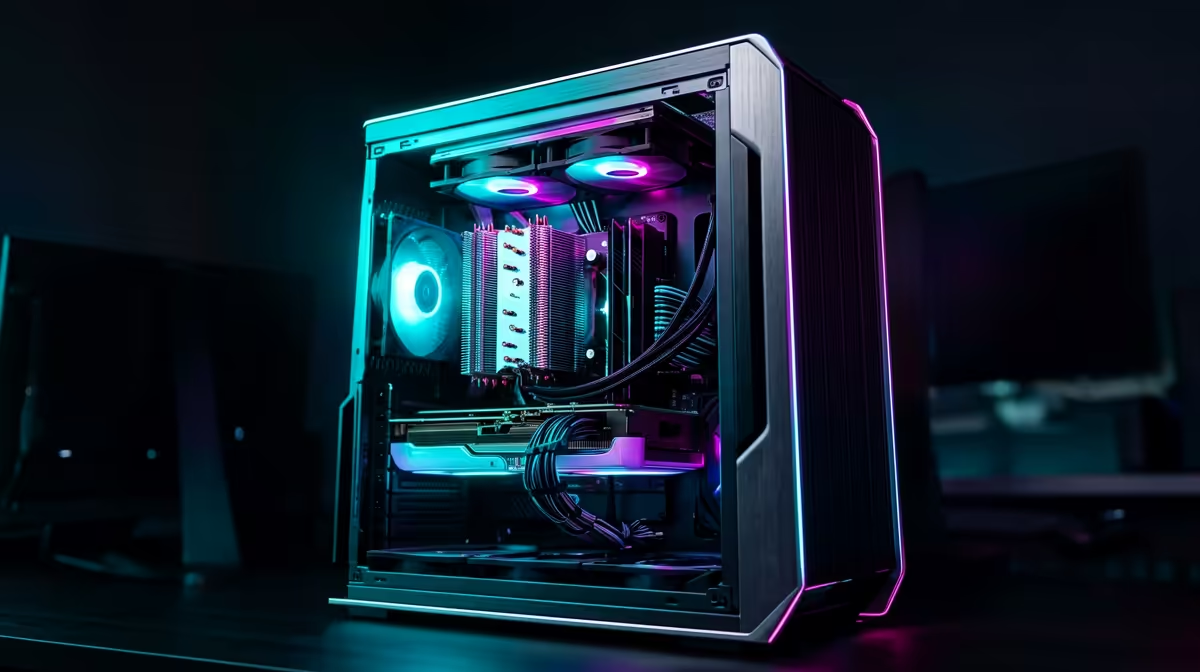
Build Lab: 1440p RTX 5070 Gaming PC on a South African Budget (Without the Guesswork) 🚀
So you want smooth 1440p gaming… but you still need to keep the budget under control for SA prices. Fair. The trick is picking components that actually move the needle: strong GPU performance, a sensible CPU, fast storage, and enough quality power to keep everything stable.
In this Build Lab, I’ll show you a practical way to plan a Build a 1440p RTX 5070 Gaming PC on a South African Budget setup. You’ll get a clean parts strategy, upgrade paths, and a few “don’t waste money” notes that help when prices jump.
Pick the Right GPU: 1440p is All About Frame-Time ⚡
When building for 1440p, your graphics card does the heavy lifting. That’s why the first step is choosing a GPU model you can reliably get locally, with the right cooling and warranty support.
Start by browsing Evetech’s GPU listings so you can compare brands and variants while keeping an eye on availability:
- If you’re set on NVIDIA options from a specific brand, check MSI here: NVIDIA / ATI Graphics Cards (MSI at Evetech)
- Want to consider AMD Radeon alternatives too, especially if the price is better that week? Radeon Graphics Cards at Evetech
- If you’d rather compare broader GeForce options and match what fits your budget, use this category page: GeForce Graphics Cards at Evetech
- Or just scan everything to spot deals and stock: NVIDIA / ATI Graphics Cards at Evetech
Why this matters (quick reality check)
1440p pushes more pixels than 1080p. Even strong CPUs can’t “make up” for a weak GPU. Your best budget win is getting the GPU right the first time.
Don’t overspend on “just in case”
If your goal is 1440p gaming now, prioritise GPU spend over flashy peripherals. You can always upgrade monitor or peripherals later. Games need frames today.
Productivity Pro Tip 🔧
On Windows, set a custom performance plan and cap background tasks when you benchmark. It keeps your game testing consistent, so you can judge upgrades properly instead of chasing fake differences in frame rate.
CPU + Motherboard: Smooth 1440p Requires Balance (Not Max Specs) 🔥
For a Build a 1440p RTX 5070 Gaming PC on a South African Budget, aim for CPU headroom that won’t bottleneck your GPU at typical 1440p settings.
Here’s a solid budgeting rule:
- Spend enough on the CPU to avoid stutters and slow frametimes.
- Then put the saved money into RAM speed, storage, and a PSU that won’t cut corners.
Budget motherboard choices that still make sense
Focus on:
- Enough PCIe lanes and the right slot layout for your GPU and storage.
- Reliable VRM cooling (especially if you plan to keep the system for years).
- Clear BIOS support for your chosen CPU.
If you later upgrade within your CPU generation, a better board can save you hassle.
RAM and Storage: Make Loading Fast and Gameplay Stutter-Free ✨
Stutter is often blamed on the GPU, but it’s commonly a RAM or storage bottleneck.
RAM guidance for 1440p gaming
Most gamers will feel the difference when they have enough memory for modern titles and background apps. For a budget build, don’t skimp so hard that Windows starts swapping.
Storage: SSD is not optional
A fast NVMe SSD helps with:
- Game load times
- Map transitions
- Texture streaming behaviour (especially in open-world games)
You don’t need the most expensive drive on the shelf. You do need a reliable NVMe SSD that fits your motherboard’s slots and your planned capacity.
Power Supply and Case: Stability Wins Long-Term ⚡
Power and thermals are “boring”… until you’re troubleshooting crashes after midnight.
PSU: Oversize just enough
A quality PSU helps protect the whole system. When budgeting in South Africa, it’s often cheaper to buy a good PSU once than to replace after a failure.
Case airflow: keep it simple
Good airflow beats complicated cooling plans:
- Front intake with at least one decent front fan
- Rear exhaust
- Clean cable management so the GPU doesn’t fight for airflow
Upgrade Path: How to Keep This Build Relevant 🚀
If you build smart today, upgrading later becomes painless:
- Start with a GPU-focused foundation for 1440p.
- Add storage if your library grows.
- Upgrade RAM only if you truly need it (and only after you’ve checked your current usage).
This is the kind of approach that works for SA gamers who might upgrade in steps when payday hits.
Ready to Find Your Perfect Match?
Ready to Find Your Perfect Match? The Mac vs Windows debate is complex, but for maximum power, choice, and value in South Africa, Windows is hard to beat. Explore our massive range of laptop specials and find the perfect machine to conquer your world.











