Dreaming of a custom rig that crushes the latest titles at max settings? You're not alone. The thought of building your own gaming PC can feel like a massive challenge, reserved for tech wizards. But here’s the secret: it’s easier and more affordable than you think. This complete step-by-step guide is designed for beginners in South Africa, showing you how to build a gaming PC that gives you more power for your rand.
The Big Question: Why Build Your Own PC?
Before we dive into the nuts and bolts, let's talk about the "why". Sure, you can find some of the best gaming PC deals ready-made, but building your own offers unique advantages:
- Total Customisation: You choose every single component. From the exact processor to the colour of your case fans, the final machine is 100% yours.
- Better Value: By sourcing parts yourself, you often get more performance for your money, avoiding labour costs and brand markups.
- Future-Proofing: You'll know your system inside and out, making future upgrades a breeze. Want a new graphics card in two years? No problem.
- The Experience: There’s an incredible sense of accomplishment when you press the power button for the first time and it boots up. You built that! 🚀
Your PC Building Blocks: The Core Components
A gaming PC is a team of specialised parts working together. Here’s a simple breakdown of the main players you’ll need for your beginner PC build.
### The Processor (CPU): The Brain
The Central Processing Unit (CPU) is the brain of your computer, handling instructions and calculations. For gaming, a good CPU ensures smooth frame rates and prevents bottlenecks. The main choice is between Intel (Core i5, i7) and AMD (Ryzen 5, 7). A modern 6-core processor is a fantastic starting point for any gaming build.
### The Graphics Card (GPU): The Visual Powerhouse
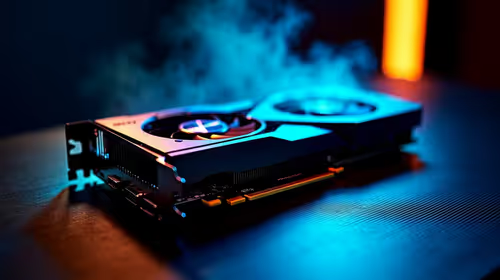
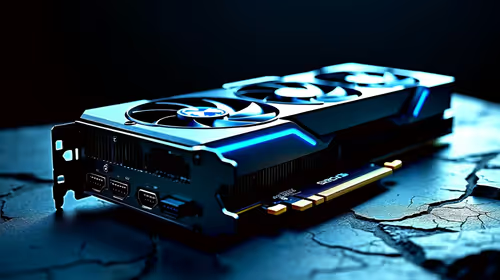
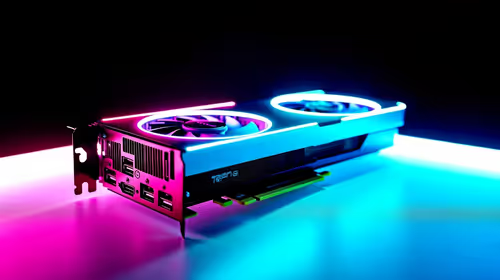
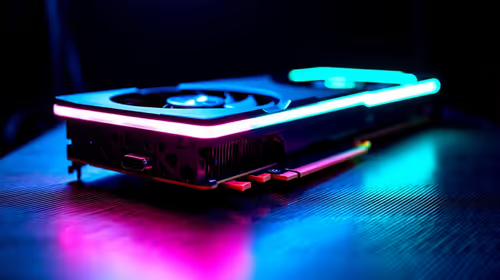
This is the single most important component for gaming performance. The Graphics Processing Unit (GPU) renders the images you see on screen. Better GPU = higher resolutions and frame rates. NVIDIA's GeForce RTX series and AMD's Radeon RX series are the top contenders here. Your choice will largely depend on your budget and the games you play.
### The Motherboard: The Nervous System
The motherboard is the circuit board that connects everything. The key here is compatibility. Your motherboard's "socket" must match your CPU (e.g., an AMD AM5 CPU needs an AM5 motherboard), and it must have enough slots for your RAM and storage.
### Memory (RAM): The Short-Term Workspace
Random Access Memory (RAM) is your PC's short-term memory. For modern gaming, 16GB is the sweet spot, allowing you to run games smoothly while having other apps like Discord open in the background.
### Storage (SSD): The Filing Cabinet
This is where your games, operating system, and files are stored. A Solid State Drive (SSD), specifically an NVMe M.2 SSD, is essential. They are lightning-fast, meaning your PC boots in seconds and game loading screens are drastically reduced. ⚡
### Power Supply Unit (PSU): The Heart
The PSU supplies power to all your components. Don't cheap out on this part! A poor-quality PSU can be unreliable and even damage your other components. Look for a unit with an "80 Plus Bronze" rating or higher from a reputable brand, ensuring it has enough wattage for your parts.
### The Case: The Skeleton
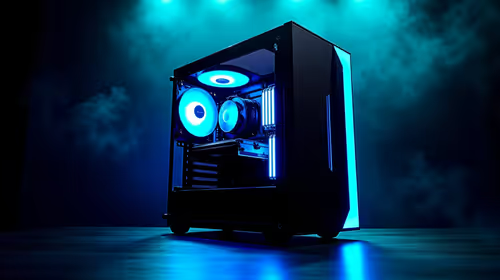
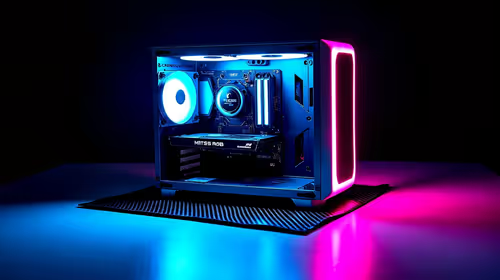
Your PC case houses and protects all your precious components. While aesthetics are important, prioritise good airflow to keep your parts cool and running optimally.
A Simple Step-by-Step Assembly Guide
Actually putting the pieces together is the most exciting part. While we recommend watching a detailed video tutorial for your specific parts, the general process for building a gaming PC is straightforward.
- Preparation: Work in a clean, well-lit area. Ground yourself to prevent static discharge from damaging components.
- Motherboard Prep: Install the CPU, clip in the RAM sticks, and mount the NVMe SSD directly onto the motherboard. This is easier to do before it's inside the case.
- Case Installation: Mount the motherboard inside the PC case, securing it with the provided screws.
- Component Installation: Slot in the graphics card and install the power supply.
- Cable Management: This is the final puzzle. Connect the power cables to the motherboard, CPU, and GPU. Connect the case fans and front panel buttons. Tidy cables improve airflow and look great. ✨
First-Time Builder Tip 🔧
Don't be afraid to consult your motherboard manual! It's your best friend during the build process. It contains detailed diagrams showing exactly where to plug in every tiny cable, from the main power connectors to the front panel USB ports and power switch. Reading the manual can save you hours of troubleshooting.
Planning Your Budget in Rands (ZAR)
Okay, let's talk money. A key part of our guide to building a gaming PC for beginners is setting a realistic budget. In South Africa, you can build a great machine across several price points.
- Entry-Level (R10,000 - R15,000): Perfect for 1080p gaming in popular titles like Fortnite, Valorant, and Apex Legends. You'll find many fantastic budget gaming PCs in this range that offer a great starting point.
- Mid-Range (R15,000 - R20,000): This is the sweet spot for most gamers. These machines can handle almost any modern game at 1080p or even 1440p with high settings. There are plenty of powerful builds under R20,000 that deliver incredible value.
- High-End (R20,000+): If you want to push for 4K gaming, high refresh rates, and ray tracing, this is your territory. These high-performance rigs over R20,000 are built with top-of-the-line components for the ultimate experience.
Is Building Not for You? The Pre-Built Advantage
We get it. After reading this step-by-step guide, you might decide that building a gaming PC isn't for you. Maybe you're short on time or just want the peace of mind that comes with a professional touch.
That’s perfectly fine! Opting for a pre-built PC has its own set of benefits, including expert assembly, cable management, stress-testing, and a full system warranty. If you want to skip the build process and jump straight into gaming, exploring some expertly assembled pre-built PC deals is a brilliant alternative.
Ready to Build Your Legend?
The journey to building your own gaming PC is one of the most rewarding experiences for any tech enthusiast. Armed with this guide, you're ready to start picking parts. Explore South Africa's widest range of PC components and start creating the machine you've always dreamed of.