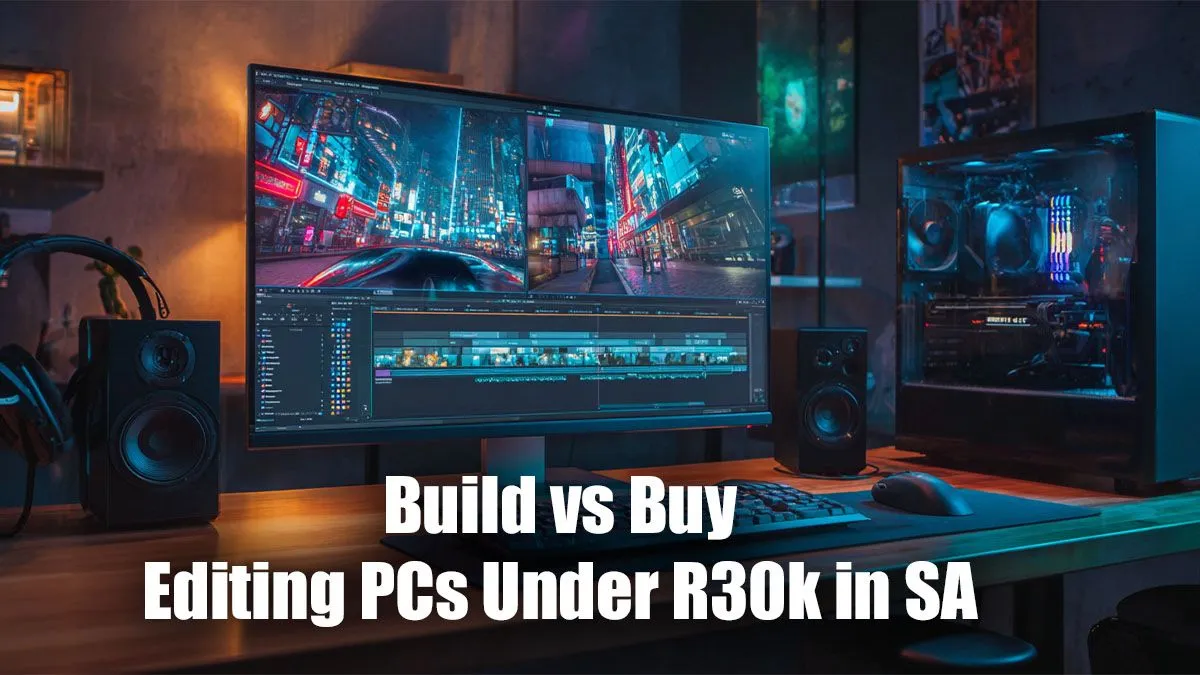
So, you're a content creator in South Africa with a vision... and a budget. You’ve got R30,000 ready to invest in a machine that can handle 4K timelines, complex renders, and demanding design software without breaking a sweat. The big question is: do you build it yourself or buy a pre-configured beast? This guide will help you decide on the best editing PC under R30k for your specific needs, right here in SA.
The Case for Building Your Own Editing PC 🔧
There's a certain magic to building your own PC. You get to hand-pick every single component, from the motherboard to the case fans. This path offers ultimate customisation, allowing you to prioritise what matters most for your workflow—maybe more RAM for After Effects or a beefier CPU for faster video encoding. You learn the ins and outs of your machine, which can be incredibly rewarding.
However, the DIY route has its challenges. Component hunting can be time-consuming, and ensuring everything is compatible requires careful research. While you can sometimes save a few rand by sourcing parts from various gaming PC deals, you also take on the risk. If a part is dead on arrival or fails down the line, you're the one dealing with individual warranties.
The Power of Buying a Pre-Built Editing PC ✨
Let’s be honest: your time is valuable. For many creators, the biggest advantage of buying a pre-built PC is convenience. It arrives at your door, ready to go, with all the tricky assembly and cable management handled by experts. You get a single, comprehensive warranty covering the entire system, offering priceless peace of mind.
Buying a pre-built machine from a trusted retailer like Evetech ensures that all the components are balanced and tested to work together flawlessly. This is a huge benefit when you're looking for an editing PC under R30k in South Africa, as our technicians optimise builds for the best performance-per-rand. You can jump straight into creating content, not troubleshooting drivers. To see what's possible, you can browse a wide range of pre-built PC deals that are ready to ship.
Key Components for the Best Editing PC Under R30k
Whether you build or buy, understanding the core components is crucial. For editing, the hierarchy of importance is a bit different from a pure gaming rig.
CPU, RAM, and Storage: The Holy Trinity
- CPU (Processor): This is your engine. For video editing and rendering, more cores and threads are king. An Intel Core i5/i7 or AMD Ryzen 5/7 with at least 6-8 cores is the sweet spot in this budget.
- RAM (Memory): Editing software loves RAM. 16GB is the absolute minimum, but 32GB is highly recommended for smooth 4K editing and multitasking.
- Storage (SSD): A fast NVMe SSD is non-negotiable. It dramatically cuts down on loading times for your OS, applications, and project files. A 1TB NVMe SSD is a great starting point.
Many creators start with surprisingly modest hardware. Even some of the specs found in budget gaming PCs provide a solid foundation for 1080p video editing and graphic design work.
Storage Strategy Pro Tip 🚀
For a truly efficient editing workflow, use a two-drive setup. Install your operating system and software on a primary NVMe SSD for speed. Then, use a second, larger SSD or even a traditional Hard Drive (HDD) for storing your raw footage, completed projects, and archives. This separates active work from storage, keeping things fast and organised.
Our Verdict: Where to Spend Your R30,000
So, build vs buy for the best editing PC under R30k?
For the vast majority of South African creators in 2024, buying a pre-built PC offers the superior blend of value, performance, and security. The time you save and the comprehensive warranty you receive allow you to focus on what you do best: creating.
With a R30,000 budget, you are in a fantastic position. You can easily find a powerful machine in the PCs above R20k category that will crush 4K editing tasks for years to come. If your workflow is mainly 1080p or you need to save some cash for a new monitor or camera, exploring the excellent options in the PCs under R20k range is also a brilliant move. The choice is yours, but the path to seamless creating has never been clearer.
Ready to Create Without Compromise?
The build vs. buy debate is a classic, but for guaranteed performance, a solid warranty, and immediate creative power, a professionally assembled PC is tough to beat. Explore our massive range of custom and pre-built PCs and find the perfect machine to bring your vision to life.