


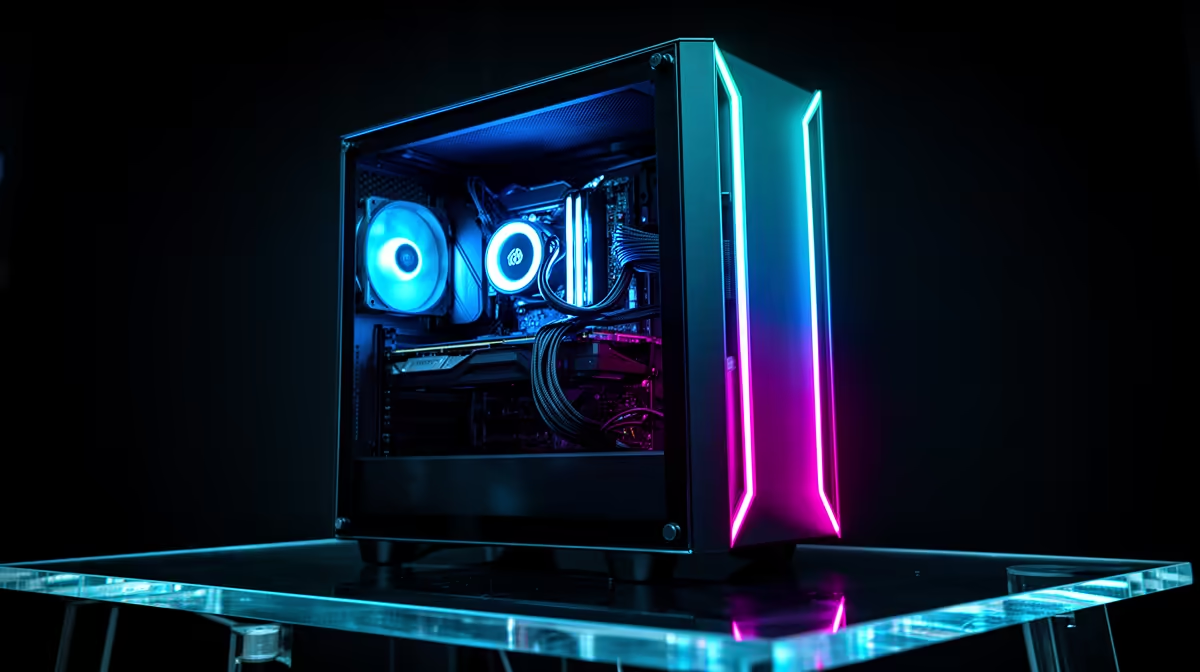
With R25,000 the challenge is discipline, not power. Borderlands 2 rewards a clean, responsive setup, and the extra R5,000 over an entry build should buy longevity, faster storage and a card that handles 1440p, not just one nostalgia title.
Quick Answer
A R25,000 SA Borderlands 2 build runs a Ryzen 5 7600 or Core i5 with an RTX 4060 Ti or RX 7700 XT, 16GB-32GB DDR5 and a 1TB NVMe SSD. Expect 160fps+ in Borderlands 2 at 1440p and a comfortable 60-90fps in modern AAA games, so route the budget into a 1440p monitor and quiet cooling.
Use The R25,000 For Longevity
Borderlands 2 will never stress this hardware, so build for the games you have not bought yet. An RTX 4060 Ti or RX 7700 XT (12GB) gives you a real 1440p card, while 32GB of RAM keeps launchers, voice chat and a browser open without slowdown. A 1TB NVMe SSD is the floor for Windows plus a modern game library. Spend on a case with proper front intake so the machine stays under 70C and quiet during long farming runs.
Plan The Online Side Early
A faster tower cannot fix a bad connection path. If the PC sits several rooms from the router, decide on wired Ethernet, a mesh node or a clean Wi-Fi line before delivery day. In busy SA households the practical fix is usually pausing other devices' downloads during co-op rather than buying new parts.
FAQ
Is R25,000 overkill for Borderlands 2?
For the game alone, yes, but the build is really a 1440p all-rounder. Borderlands 2 simply runs maxed at 160fps+ while the same card handles 2025 shooters at high settings.
Do I need 32GB of RAM at this budget?
Only if you multitask heavily, stream, or keep many apps open. 16GB DDR5 is fine for pure gaming; 32GB adds future-proofing for around R600-R900 more.
Which monitor suits this build?
A 1440p 144Hz panel is the sweet spot. Borderlands 2 and most older games will exceed that refresh, and modern titles still feel smooth on the RTX 4060 Ti class GPU.
Shortlist a R25,000 build with an RTX 4060 Ti or RX 7700 XT and a 1440p 144Hz monitor, then confirm the SSD is a 1TB NVMe before you check out.











