


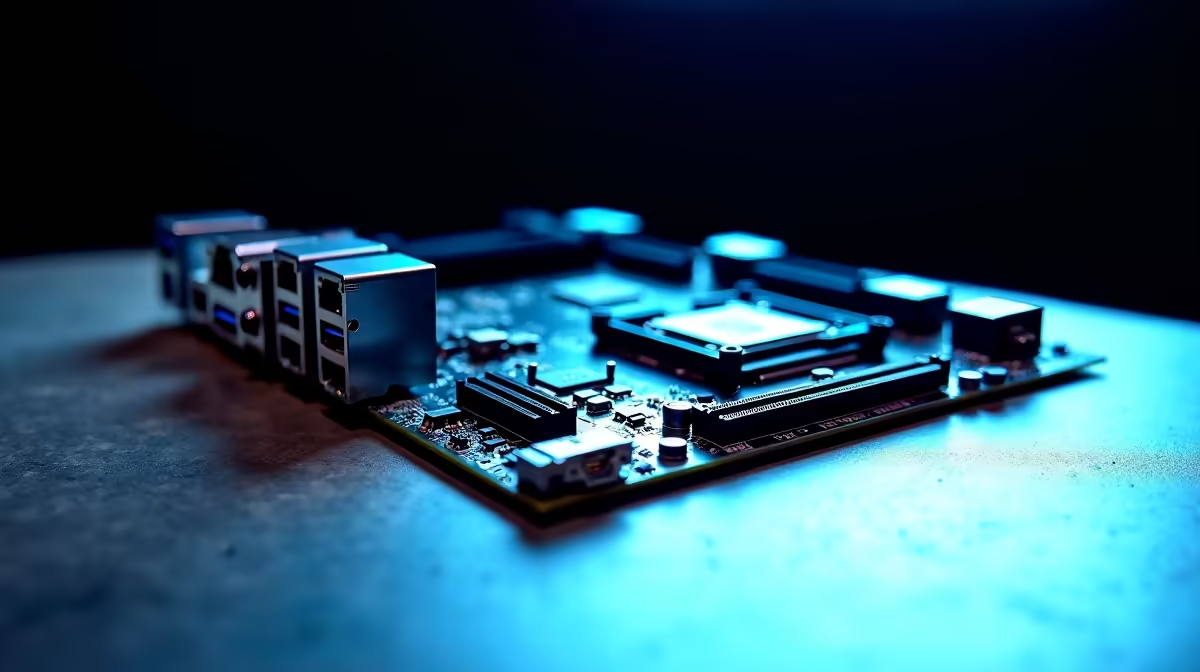
Building a professional workstation PC in South Africa is a serious financial commitment. When every ZAR counts, you cannot afford to overspend on flashy RGB lighting. You need rock-solid stability instead. Loadshedding might interrupt your workflow, but a poorly chosen motherboard never should. But with so many specifications thrown around... which motherboard features are actually worth paying for? Let us break down what professionals really need.
Power Delivery and VRMs ⚡
If you are rendering 4K video or compiling massive codebases, your CPU will draw heavy power. Cheap boards throttle under sustained loads. You need robust Voltage Regulator Modules. When browsing our extensive range of motherboards, look for units with heavy metal heatsinks over the VRMs.
This ensures your processor maintains peak performance. You avoid overheating during those brutal overnight render sessions. Good power phases mean stable power... a must-have for any serious professional. A stable power delivery system also prolongs the lifespan of your expensive components.
Choosing Your Platform... Intel vs AMD
Your daily workflow dictates your processor... which in turn dictates your motherboard socket. Intel fans building a workstation often benefit from Thunderbolt 4 support. This is crucial for blazing-fast external storage drives. You can easily find these premium features on top-tier ASUS Intel motherboards.
On the other hand, AMD Ryzen processors excel in multi-core heavy tasks. If a high-end Ryzen setup is your ultimate goal, robust ASUS AMD motherboards offer incredible PCIe lane distribution. This allows you to optimise your rendering times and run multiple graphics cards without choking your system bandwidth.
Connectivity and Expansion 🚀
Professionals need ports. Lots of them. Look for boards offering three or more M.2 NVMe slots for ultra-fast scratch disks. 10 Gigabit Ethernet is another premium feature worth paying for if you work off a local server. Wi-Fi 6E is also great for keeping your workspace cable-free.
Storage Pro Tip 🔧
Always check your manual to see if populating all M.2 slots disables any SATA ports. High-end workstation boards usually have dedicated lanes for everything. This saves you from frustrating bandwidth bottlenecks when transferring massive project files.
Memory Capacity and Speed ✨
Workstations absolutely devour RAM. While 32GB is the modern baseline, 64GB or even 128GB is ideal for 3D animation and heavy multitasking. Content creators working in DaVinci Resolve or Premiere Pro will immediately notice the difference.
Ensure your board supports four DIMM slots and high DDR5 frequencies. Pairing your premium board with reliable high-speed memory kits ensures your CPU is never starved for data.
Time is Money... Custom vs Pre-built
Sometimes you just need to plug in and start billing hours. If sourcing individual parts sounds daunting, you can often find workstation-grade power hidden within our pre-built gaming PC deals. These systems are rigorously stress-tested. They are ready to tackle heavy professional workloads right out of the box... saving you precious hours of build time.
Ready to Build Your Dream Workstation? Finding the perfect balance of power and reliability is crucial for South African professionals. Explore our massive range of PC components and build a machine that works as hard as you do.











