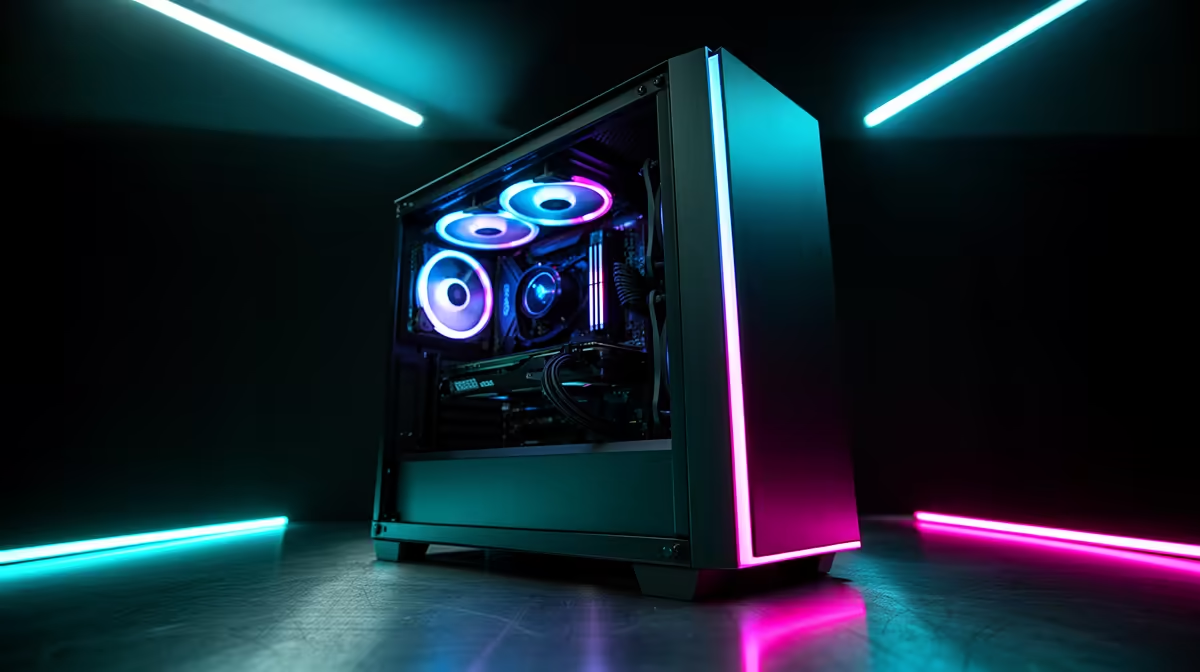
So, you’re ready to ditch the console limitations and ascend to the PC Master Race? Lekker. Building a gaming PC in South Africa is one of the most rewarding projects a tech enthusiast can tackle. It’s about more than just parts; it’s about crafting a machine perfectly tailored to your games, your style, and your budget. Forget one-size-fits-all solutions. This is your rig, your rules, and your ticket to unparalleled performance and customisation. 🚀
Why Build Your Own Gaming PC in SA?
In a world of pre-built systems, why go through the effort of building your own? The answer is simple: control. When you undertake a custom gaming PC build, you choose every single component. This means you’re not paying for a feature you don’t need, and you can allocate your budget where it matters most to you—whether that’s a beastly graphics card for ray-tracing glory or an NVMe SSD for zero loading screens.
More importantly, it’s a future-proof investment. When a new component comes out, you can simply upgrade that part instead of buying a whole new machine. This hands-on approach is the ultimate guide to understanding your tech on a deeper level.
Your Core Components: The Heart of the Build
Getting started with building a gaming PC in South Africa can feel daunting, but it all boils down to a few key components working in harmony. Let's break down the essentials.
The Brains: CPU and Motherboard
Your Central Processing Unit (CPU) and motherboard are the foundation of your build. The CPU is the engine, handling calculations and instructions, while the motherboard is the central nervous system connecting everything. For pure gaming, a modern Intel Core i5 or AMD Ryzen 5 offers a fantastic price-to-performance ratio, capable of handling everything from esports titles to demanding AAA adventures.
The Powerhouse: Graphics Card (GPU)
This is the component that makes your games look breathtaking. The Graphics Processing Unit (GPU) renders the visuals, and it's where a significant chunk of your budget will likely go. A powerful GPU is the difference between choppy framerates and buttery-smooth 144Hz gameplay. It's essential for pushing pixels in visually stunning titles, and a good one will have you exploring Night City in its full ray-traced glory on a custom PC optimised for Cyberpunk 2077.
The Memory: RAM and Storage
Random Access Memory (RAM) is your PC's short-term memory, crucial for multitasking and keeping games running smoothly. 16GB is the sweet spot for modern gaming, though flight sim enthusiasts might want to push for 32GB for an ultra-realistic experience in one of our Microsoft Flight Simulator gaming PCs.
For storage, a Solid State Drive (SSD) is non-negotiable for your operating system and favourite games. An NVMe SSD offers the fastest speeds, virtually eliminating loading screens in vast open worlds like those found in our GTA V ready PCs.
Assembling Your Rig: A Step-by-Step Overview
Now for the fun part! 🔧 Assembling your PC is like an adult LEGO set. The process is methodical:
- Prep Your Space: Work on a clean, non-conductive surface.
- Motherboard Prep: Install the CPU, clip in the RAM sticks, and mount the M.2 SSD (if you have one).
- Case Mounting: Carefully screw the motherboard into the PC case.
- GPU Installation: Slot the graphics card into the top PCIe slot until it clicks. This is the key to getting high frames in competitive shooters, from dropping into the Verdansk on a Warzone 2.0 gaming PC to securing a Victory Royale with a specialised Fortnite gaming PC.
- Power & Cables: Install the Power Supply Unit (PSU) and connect the main power cables to the motherboard and GPU.
This is a simplified overview, but it covers the core journey. The feeling of seeing your creation post to BIOS for the first time is unbeatable. It's a feeling shared by players who need reliable performance, whether they're climbing the ranks with an Overwatch 2 PC or chasing that chicken dinner on a rig built for PUBG.
First-Timer Tip ⚡
When you're ready to connect your cables, do the PSU-to-component connections first before mounting the PSU in the case (if it's modular). This gives you much more room to work and makes cable management easier. Tidy cables don't just look good; they improve airflow and keep your components cooler!
Don't Forget the Finishing Touches ✨
A successful gaming PC build isn't just about the core three components. Your choice of a power supply is critical for system stability—don't cheap out here, especially with an unexpected outage. A quality case not only houses your components but also dictates airflow and cooling.
Finally, your peripherals—monitor, keyboard, and mouse—are your connection to the game world. A high-refresh-rate monitor, in particular, will unlock the true potential of your powerful new build. Once it's all set up, you'll be ready to install your favourite games, whether it's a creative masterpiece on a Minecraft-ready PC or the latest AAA blockbuster.
Ready to Build Your Dream Rig?
Building a gaming PC in South Africa is an incredible journey. But if you want guaranteed performance without the pressure, our expert technicians are here to help. Design your own custom PC with our easy-to-use builder or explore our wide range of pre-built gaming desktops today!