


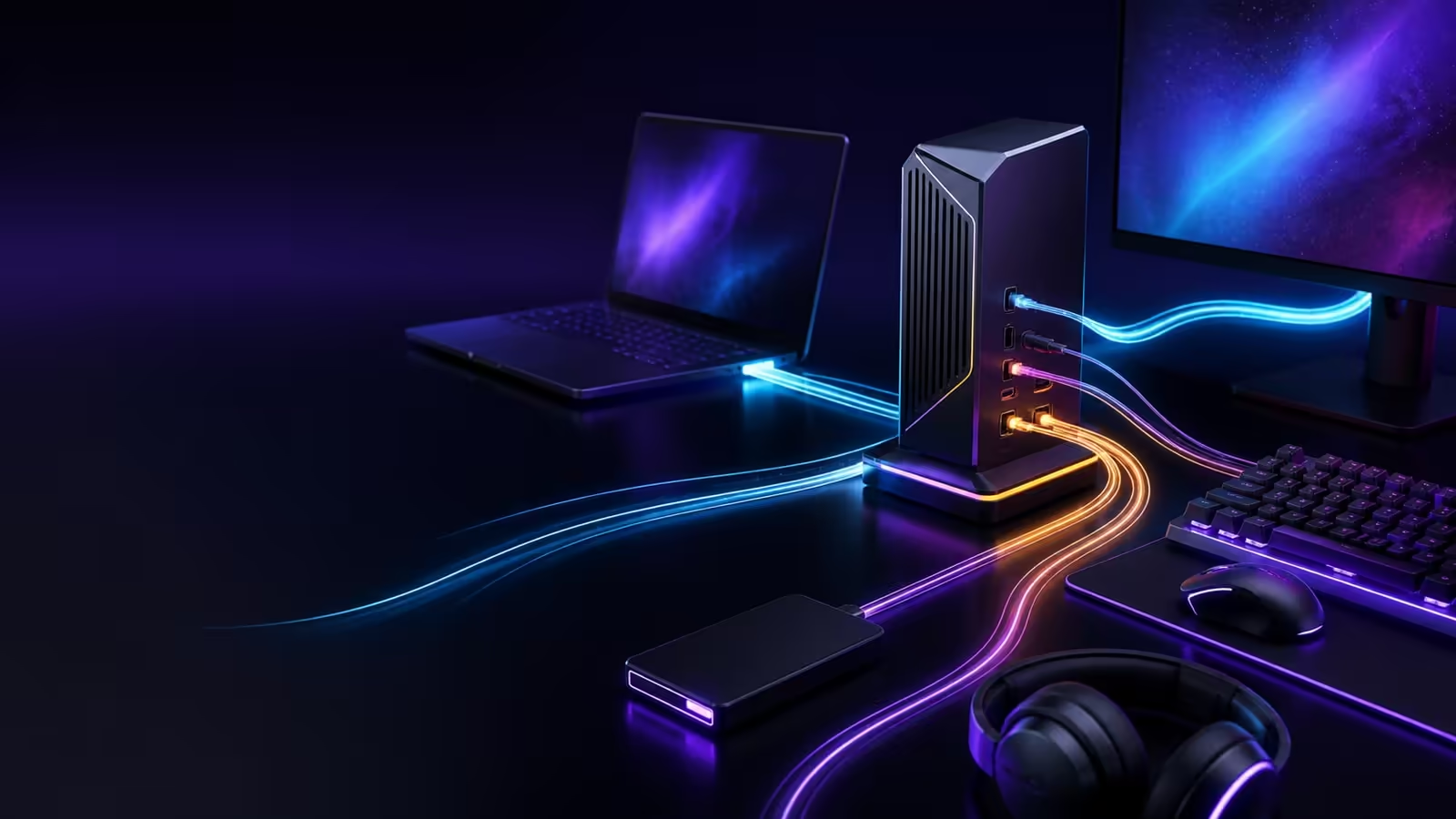
The ROG Flux Charger Dock tries to replace a charger, display adapter and desk hub with one 260W unit. Its headline figures are strong: up to 140W for a laptop, HDMI 2.1 output and fast USB-C data. The buying decision is still about compatibility. A laptop that accepts only 100W, a basic cable or the wrong display path can erase much of the dock's advantage.
Quick Answer
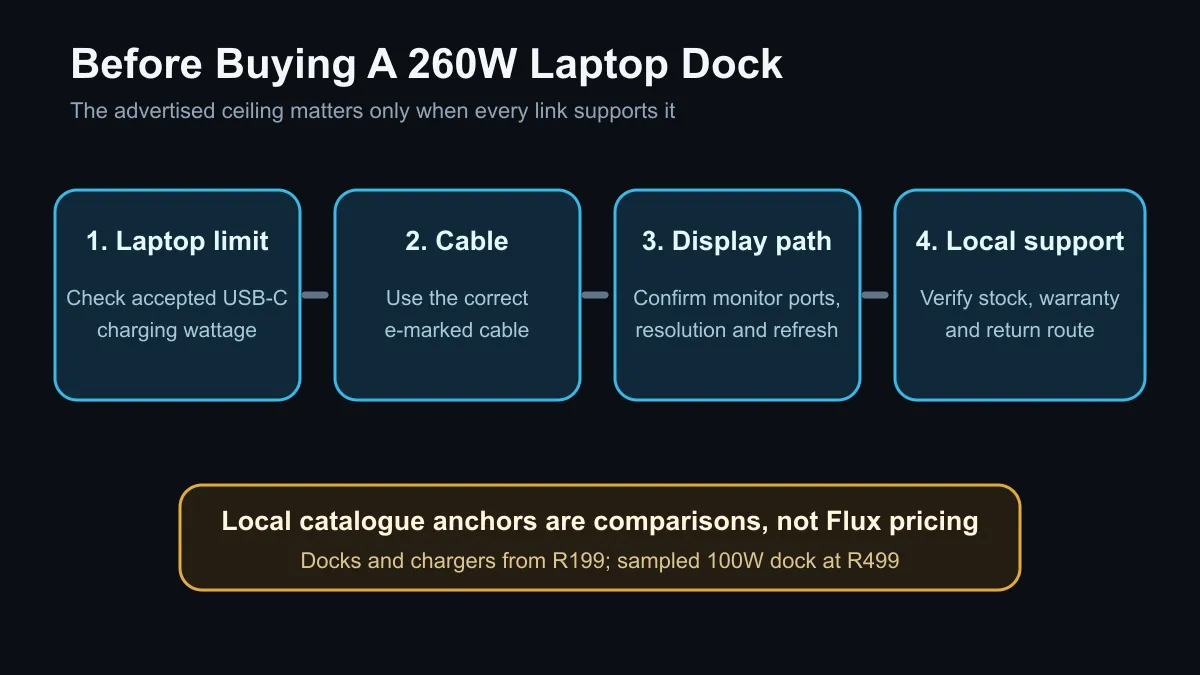
The dock can be useful for one-cable gaming-laptop desks, but no SA price is confirmed. Current local docks and chargers start at R199, with a 100W USB-C dock captured at R499, so wait for a local price and warranty before paying a premium for 260W total output.
🔋 What 260W means in practice
The 260W figure is the dock's total continuous output, not 260W delivered to one laptop. The rear USB-C connection can provide up to 140W to the main device. Two front USB-C ports support up to 100W charging and 10Gbps data, while the USB Type-A ports provide lower power and slower data.
The five modes change how that power is divided. Priority Mode reserves 140W for the main device. Dual Laptop Mode provides 100W to two devices. Silent Mode reduces fan noise, Smart Mode shifts allocation as devices change, and Fan Turbo runs cooling at maximum.
Before comparing the launch with the current docking station range, check the laptop's USB-C charging limit. A model from the current gaming laptop deals may still need its barrel connector for full GPU performance while using the dock for data and display.
🖥️ Display support needs the full chain
The HDMI 2.1 port is listed for up to 4K at 144Hz or 8K at 30Hz, with variable refresh rate. That does not guarantee every laptop will deliver those modes. The laptop port, its graphics routing, the USB-C implementation, the HDMI cable and the monitor must all support the chosen combination.
This matters on gaming laptops with hybrid graphics. Some USB-C ports route through integrated graphics, while another port or the built-in HDMI output may connect more directly to the discrete GPU. Read the exact notebook manual and verify the monitor input before assuming one cable will preserve maximum refresh rate.
Use the current gaming monitor range to match resolution and refresh needs first. A dock cannot create a display mode that either endpoint does not support.
🔌 Cables and ports decide the result
High-power USB-C depends on a correctly rated cable with electronic marking. A cable that works for phone charging may fall back to a lower power level or slower data. The same applies to display bandwidth: charge capability alone says nothing about video support.
The front display can show charging rates and transfer speeds, and the physical knob changes modes without extra software. That is useful for troubleshooting because buyers can see whether a device is receiving the expected share instead of guessing.
The charger category also shows why the local price matters. A specialised all-in-one dock competes against cheaper separate parts. Paying more makes sense only when the one-cable workflow, display mode and power sharing all solve real desk problems.
🧾 The SA buying checklist
Wait for a local listing that states the included wall cable, plug, warranty and supported regions. Confirm that 140W charging works with the exact laptop, because some vendors use proprietary high-power modes outside standard USB Power Delivery.
Then list the devices that will be attached at the same time. Add their expected power, decide which mode fits, and check whether the built-in fan noise is acceptable for quiet work. Finally, compare the total cost with the laptop's supplied charger plus a simpler dock.
Frequently Asked Questions
Will the dock replace every gaming-laptop charger?
No. Some laptops need a proprietary adapter for full CPU and GPU performance even when USB-C charging is available.
Can two laptops charge at once?
Yes. Dual Laptop Mode is listed to provide up to 100W to each of two connected devices.
Does the dock support 4K 144Hz?
The HDMI 2.1 output is rated for it, but the laptop, cable and monitor must also support the full path.
Is the screen required for operation?
No. It is a control and information surface. The physical knob can change modes without installing PC software.
Should I buy it before SA pricing appears?
No. Wait for the local price, warranty and exact regional package, then compare it with separate charger and dock options.
Ready to simplify a laptop desk? Match the laptop port, cable, monitor and charging limit first, then compare a combined dock with current local alternatives.











