


Quick Answer
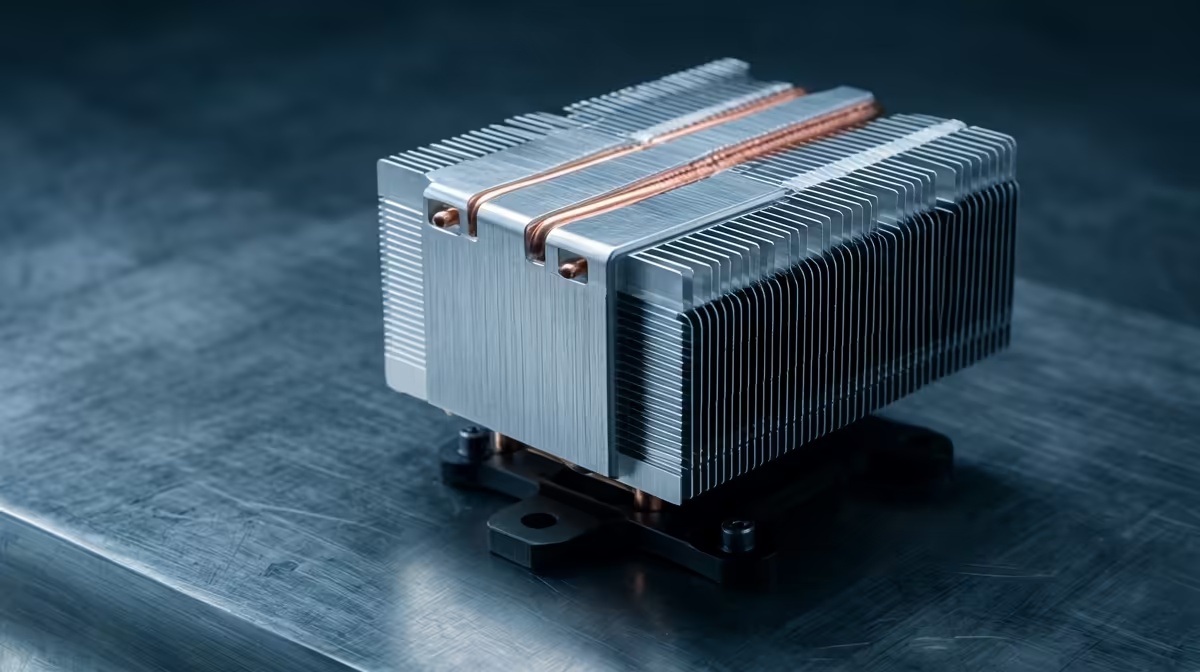
For home podcasting, buy a quiet CPU cooler now if your stock fan is audible in recordings; fan noise bleeds straight into the mic. A quality tower around R450 to R900 at Evetech runs a Ryzen 5 or Core i5 quietly under recording load. Upgrade later only if you move to a hotter editing-grade CPU.
Why fan noise is the real enemy
A sensitive condenser mic picks up a ramping stock cooler from across the desk, adding a hum to every episode that you then have to clean up in post. A low-noise tower cooler holds the CPU temperature steady at a lower, quieter fan speed during a long record, so the room stays quiet enough to capture clean audio without a noise gate fighting fan whine.
Buy now versus upgrade later
Buy now if your stock cooler spins up audibly during recording or your CPU touches 85C while running a DAW, browser and capture at once. Upgrade later if your current cooler is already quiet and your CPU stays cool, but you plan to move to a Ryzen 7 7700 or Core i7 for heavier multitrack editing, where a 200W-rated dual-tower earns its place.
Quiet-build checks for a podcast PC
Pair the cooler with a fan curve that prioritises silence under light load, and position the PC away from the mic where possible. Confirm cooler height clears the case (most mid-towers allow 160mm to 170mm) and that it ships your socket bracket (AM5 or LGA1700). A quiet cooler plus sensible placement removes most fan noise from a home recording.
FAQ
Should podcasters upgrade their CPU cooler now?
Buy now if the stock fan is audible in recordings or the CPU hits 85C under load, since fan noise bleeds into the mic. A quiet tower around R450 to R900 solves it.
Will a cooler upgrade reduce mic noise?
Indirectly, yes. A low-noise tower holds the CPU at a lower, steadier fan speed during recording, so a sensitive mic captures less fan whine and needs less post cleanup.
When can the cooler upgrade wait?
If your cooler is already quiet and the CPU runs cool, wait until you move to a hotter editing-grade Ryzen 7 or Core i7, when a 200W-rated dual-tower becomes worthwhile.
Set a quiet fan curve and place the PC away from the mic, then add a low-noise tower cooler if the stock fan still bleeds into recordings.










